


Description
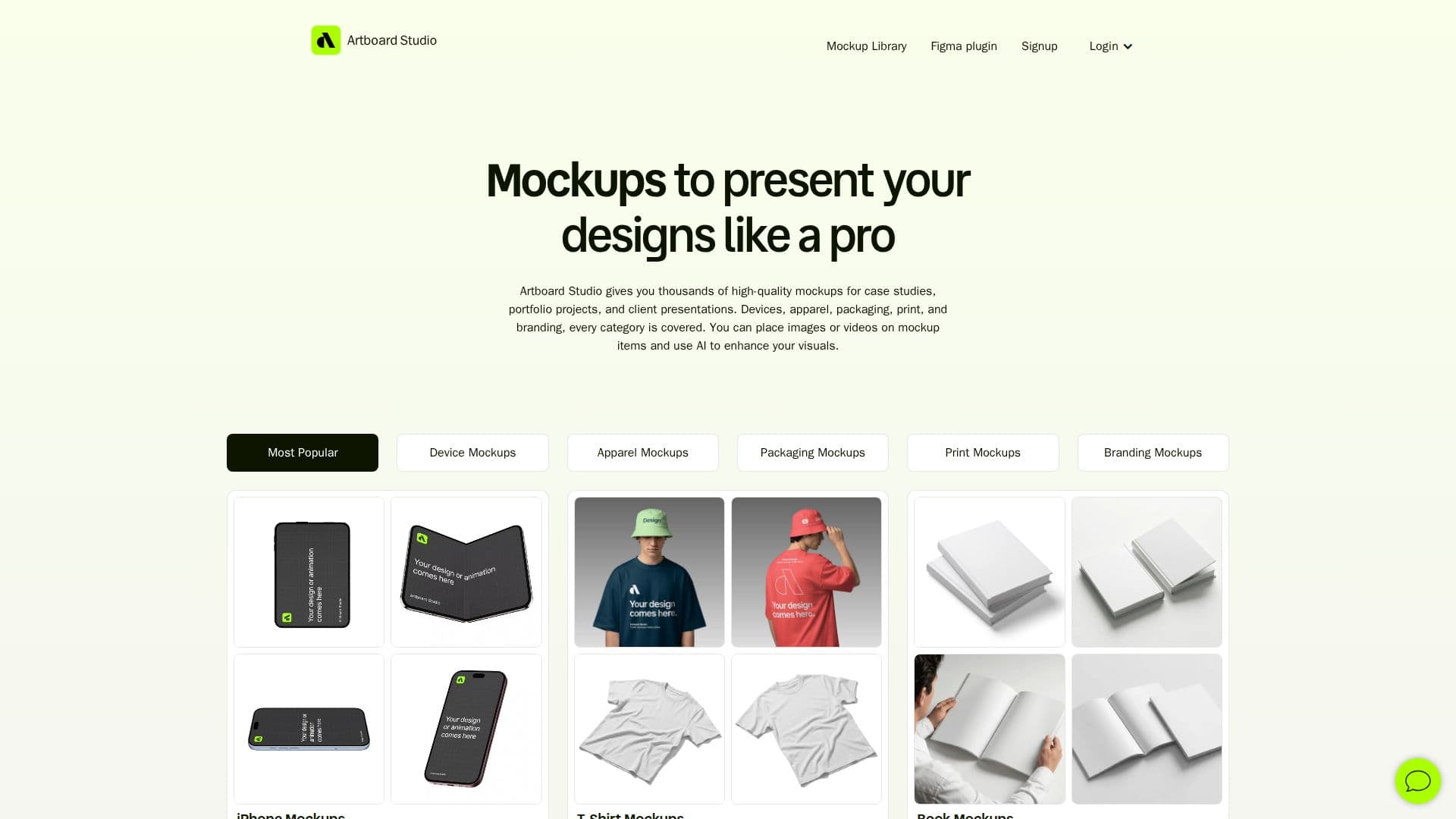
Artboard Studio is a comprehensive online mockup generator and editor designed specifically for designers. It provides access to over 5,000 mockups across diverse categories such as devices, apparel, packaging, print, and branding. This tool allows users to apply their images or videos to realistic mockup surfaces directly in their browser, eliminating the need for Photoshop or any software installation. Artboard Studio also offers an AI mockup generator that transforms text prompts into ready-to-use mockups, streamlining the design process by removing the need for manual setup or stock hunting.
The platform supports video mockups, enabling users to place videos onto mockup surfaces and export them in high-quality formats like MP4 and WEBM, suitable for platforms like Dribbble and Behance. Images can be exported in PNG, JPEG, or WEBP formats. Artboard Studio integrates seamlessly with popular design tools through its Figma and Adobe Express plugins, allowing users to access the full library of mockups without leaving their preferred design environment.
Artboard Studio offers a freemium pricing model, with a free tier available for users to start with. Paid plans include the Lite Plan at $9/month and the Pro Plan at $19/month, both billed annually, with the Pro Plan offering unlimited image and video exports. Additionally, a one-time Lifetime Mockup plan is available for $129, providing access without recurring payments.
This tool is ideal for designers looking to enhance their case studies, portfolios, and client presentations with high-quality visuals. Its browser-based functionality and AI capabilities make it accessible and efficient, catering to both novice and experienced designers.
Artboard Studio's Core Features
Online mockup generator
5,000+ mockups available
AI mockup generation
Video mockup support
High-resolution export options
Figma plugin integration
Adobe Express plugin integration
Browser-based, no installation required
How to use Artboard Studio?
Configure: Choose mockup category and style
Use: Apply images or videos to mockup surfaces
Export: Save high-resolution images or videos
Optimise: Use AI generator for quick mockup creation
Artboard Studio's Use Cases
- Portfolio Enhancement
- Client Presentations
- Case Studies
- Branding Projects
- Apparel Design