
Description
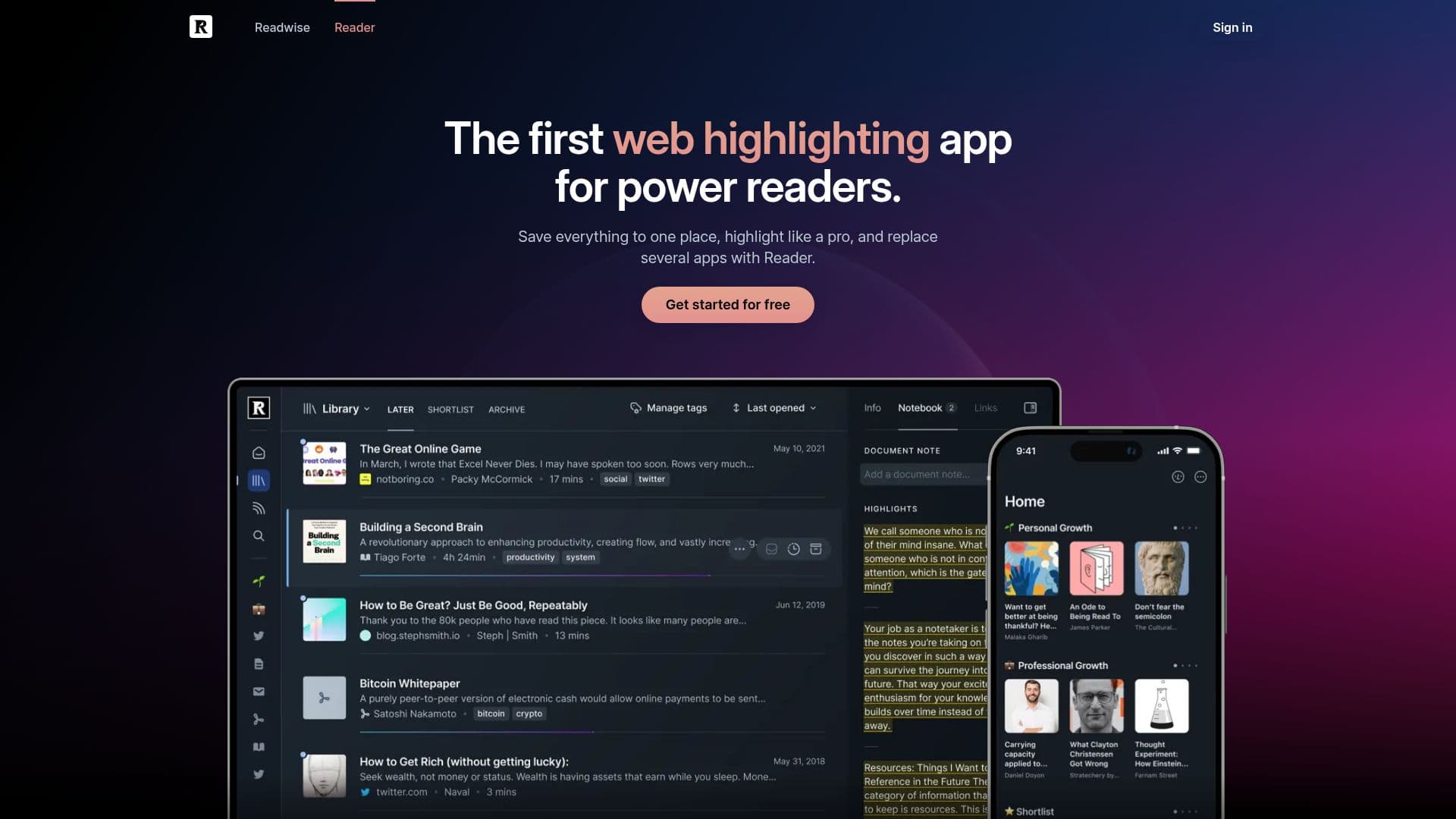
Readwise Reader is a versatile read-it-later application tailored for avid readers who want to manage content overload efficiently. It allows users to save articles, PDFs, EPUBs, email newsletters, RSS feeds, YouTube videos, and X threads in one centralized location. The app provides a distraction-free reading experience with robust highlighting capabilities, enabling users to annotate and revisit their best highlights. With cross-platform support, Readwise Reader is accessible on iOS and Android mobile apps, web apps, browser extensions for Chrome, Firefox, and Safari, and desktop apps for Mac and Windows. It also offers a dedicated viewing mode for e-ink devices like BOOX and Daylight Computer.
Readwise Reader integrates seamlessly with the original Readwise app, ensuring that every highlight made in Reader is instantly available in Readwise. This integration allows users to sync their highlights with note-taking apps like Obsidian and Notion, enhancing their reading workflow. The app supports text-to-speech functionality, converting articles, PDFs, and ebooks into audio with natural AI voices, adjustable speed, and support for multiple languages.
Users can import their libraries from Instapaper, Pocket, or other apps, and export their data anytime in various formats, ensuring complete control over their reading material. Readwise Reader is actively updated, with improvements released nearly every week. The app is available as part of a Readwise subscription, with pricing options of $9.99/month billed annually or $12.99/month billed monthly, and offers a 50% discount for eligible groups.
Readwise Reader also connects with AI assistants like ChatGPT and Claude, allowing users to leverage their library for AI-driven insights and document organization. The app is bootstrapped and profitable, focusing on creating software that readers love without venture capital influence.
Readwise Reader's Core Features
Centralized content management
Cross-platform support
Text-to-speech conversion
Highlighting and annotation
Integration with Readwise
AI assistant connectivity
Library import/export
Continuous updates
How to use Readwise Reader?
Configure: Set up your reading preferences
Use: Save articles and documents to Reader
Highlight: Annotate and revisit key content
Optimize: Sync highlights with note-taking apps
Readwise Reader's Use Cases
- Content Management
- Highlighting
- AI Integration
- Cross-Platform Reading
- Text-to-Speech