
Description
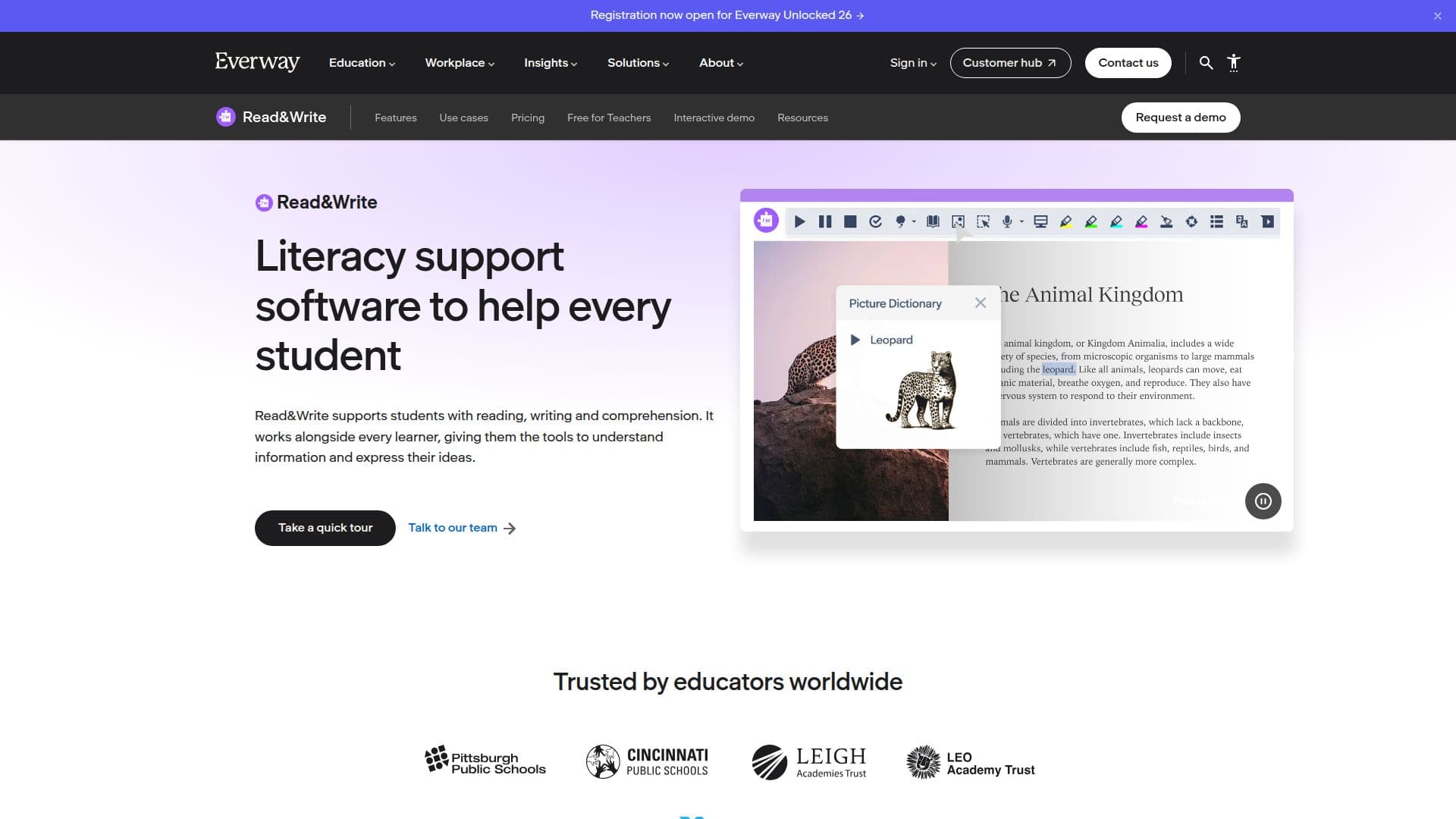
Read&Write by Texthelp is a comprehensive literacy support software that aids students of all abilities in reading, writing, studying, and researching more independently. It is designed to support learners with dyslexia, English language learners, and students who benefit from additional reading and writing support. The software includes a variety of features such as text-to-speech with dual-color highlighting, speech-to-text dictation, word prediction, and study skills tools. These tools are particularly beneficial for students with dyslexia, struggling readers and writers, English language learners, and students with visual impairments.
Read More
Read&Write is available on multiple platforms, including Windows, Mac, Google Chrome, Microsoft Edge, iPad, iPhone, and Android, making it accessible for use on laptops, tablets, phones, and Chromebooks. The software integrates seamlessly with popular learning management systems like Google Classroom, Microsoft Office, Canvas, Schoology, and Brightspace, allowing students to use its tools directly within their existing digital learning environments.
The software is free for K-12 students and educators, making it an affordable option for schools and districts looking to provide literacy support tools without budget constraints. Teachers can access the Read&Write toolbar for free, with premium features available for district-wide implementation. Administrators can also roll out Read&Write across devices, streamlining the integration of assistive technology tools into schools.
Read&Write supports multiple languages for text-to-speech, translation, and other features, making it valuable for English language learners and multilingual classrooms. It can be securely locked down for testing, ensuring that students can only access approved features. The software evolves constantly, receiving updates every 4-6 weeks, which include bug fixes, performance enhancements, and new features designed to support reading tools for students and AI tools for education.
- CategoryAI Accessibility Tools
- Pricing ModelFreemium
- DeploymentCloud
- PlatformsWindows, Mac, Chrome, Edge, iOS, Android
Read&Write by Texthelp's Core Features
Text-to-speech with dual-color highlighting
Speech-to-text dictation
Word prediction
Picture dictionary
Vocabulary builder
Screenshot reader
PDF and digital content reading support
Multi-language support
Translation support
Dyslexia-friendly fonts
Screen masking
Text simplification with AI
Integration with Google Classroom and other LMS
Free for K-12 students and educators
Available on Windows, Mac, Chrome, Edge, iOS, and Android
How to use Read&Write by Texthelp?
Install: Download and install Read&Write on your device
Configure: Set up preferences and integrate with LMS
Use: Access tools like text-to-speech and word prediction
Optimize: Regularly update for new features and improvements
Read&Write by Texthelp's Use Cases
- Dyslexia support
- Multilingual learning
- Testing accommodations
- Independent study
- Visual impairments