
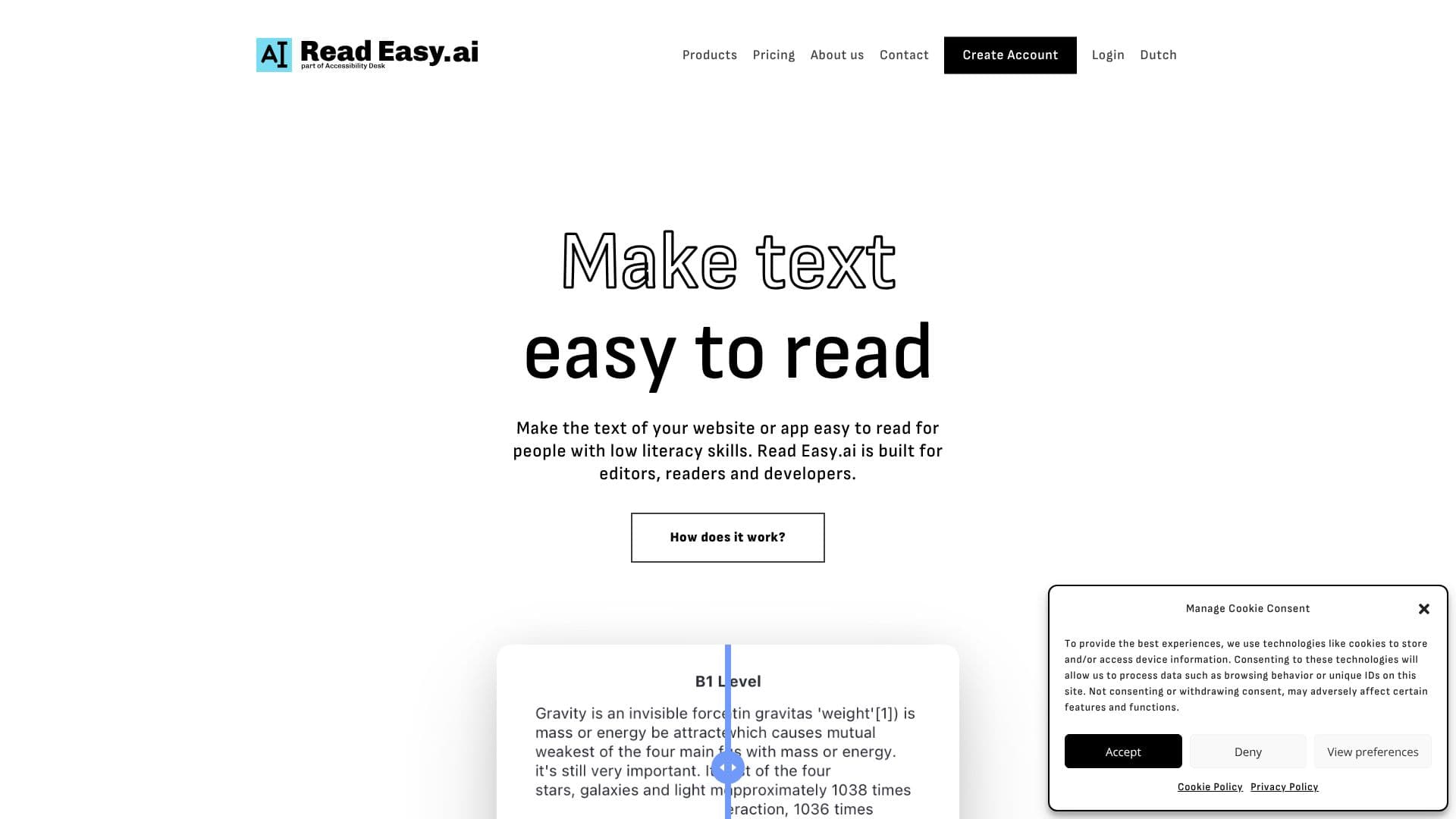
Description
Read Easy.ai is a powerful AI-driven solution designed to make text accessible and easy to read for individuals with low literacy skills. Its core mission is to bridge the communication gap, ensuring that a wider audience can comprehend and engage with digital content. The platform is built to serve editors, readers, and developers alike, offering tailored tools for each group.
Read More
For editors, Read Easy.ai provides Microsoft Office Add-ins for Word and Outlook. These add-ins integrate seamlessly into the writing workflow, offering real-time feedback and suggestions to improve text clarity and inclusivity. Editors can identify complex words or sentences and receive guidance on how to simplify them, ensuring their content is understandable for diverse audiences.
Readers benefit from the Read Easy.ai Chrome Extension, which instantly simplifies the readability of any website text with a single click. This tool is particularly valuable for people with low literacy skills, making the internet a more accessible place. It supports multiple languages, allowing users to navigate and understand online content effortlessly.
Developers can leverage the Read Easy API to integrate the platform's advanced readability features into their own applications. This API enables the implementation of readability analysis, multilingual support, and dyslexia-focused optimization, ensuring that any text within an application is comprehensible and accessible to a broad user base. The API is compatible with popular development frameworks like React, React Native, Swift, Vue.js, and WordPress.
The need for such a tool is significant, with statistics indicating that a substantial portion of the adult population struggles with literacy. Read Easy.ai addresses this by offering a practical and effective solution that promotes inclusivity and better communication in the digital age. The platform supports a range of languages, including English, Spanish, German, Dutch, and Portuguese, further expanding its global reach and impact.
- CategoryAI Accessibility Tools
- Pricing ModelFreemium
- DeploymentCloud
- PlatformsWeb, Microsoft Office, Chrome
Read Easy.ai's Core Features
Enhances text readability for low literacy users
Microsoft Word Add-in for editors
Microsoft Outlook Add-in for editors
Chrome Extension for readers
Developer API for application integration
Supports multiple languages
Provides real-time feedback on text complexity
Offers suggestions for simplifying text
Multilingual support for global accessibility
Dyslexia-focused text optimization
Seamless integration with writing workflows
Improves comprehension of online content
Designed for editors, readers, and developers
How to use Read Easy.ai?
Install: Download and install the relevant tool (e.g., Chrome Extension, Word Add-in).
Integrate: For developers, integrate the Read Easy API into your application.
Analyze: Use the tools to analyze text for readability and complexity.
Optimize: Receive suggestions and make edits to simplify text.
Publish: Ensure your content is accessible and easy to understand.
Read Easy.ai's Use Cases
- Website Readability
- App Accessibility
- Editor's Assistant
- Content Simplification
- Multilingual Content
- Educational Tools
- Inclusive Communication