Description
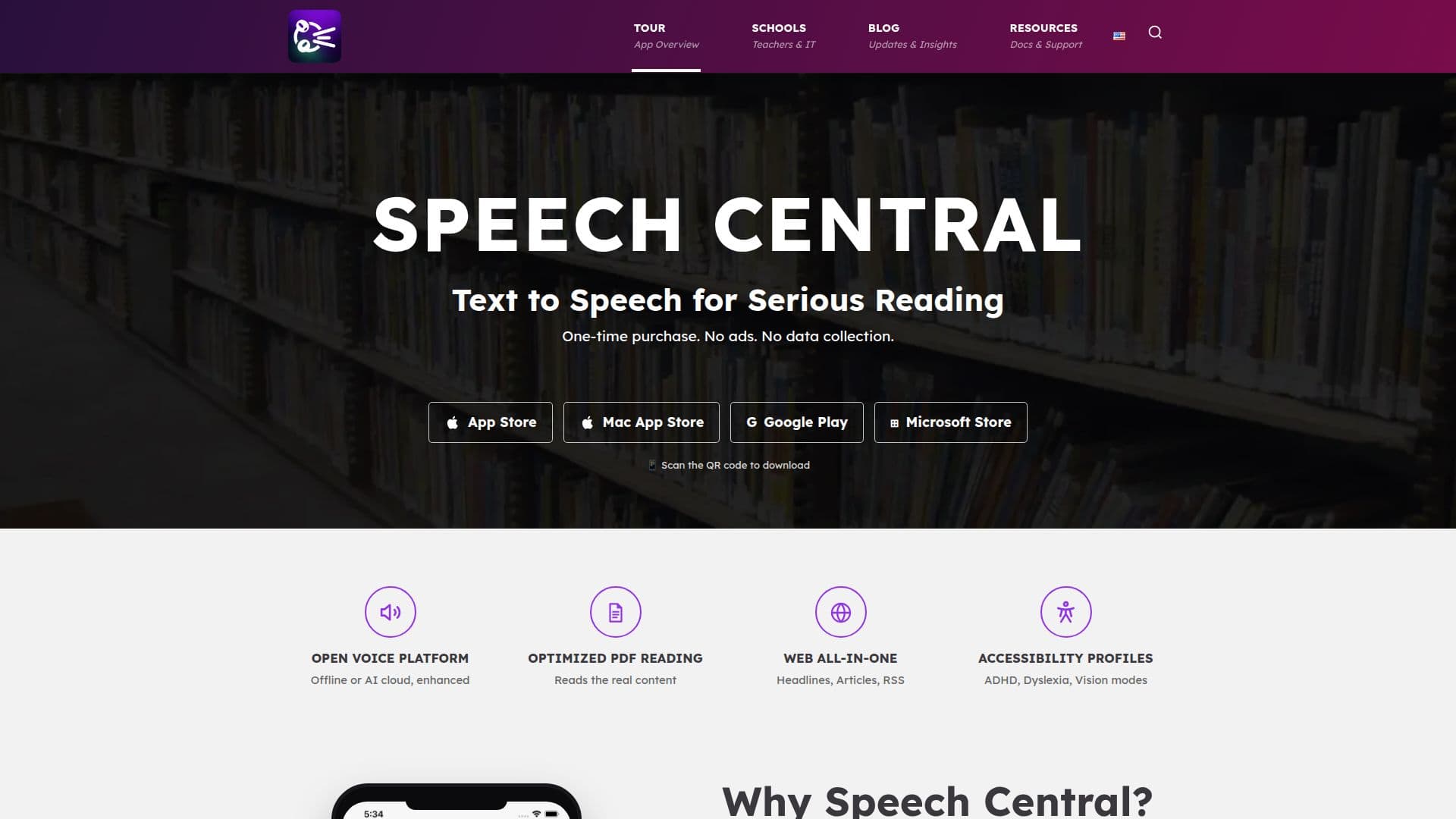
Speech Central is a comprehensive text-to-speech application designed to enhance reading experiences across various formats, including books, PDFs, and web pages. It offers a fast and private text-to-speech conversion, making it ideal for accessibility and learning purposes. The app operates on a one-time purchase model, eliminating the need for subscriptions and ensuring no data collection.
One of Speech Central's standout features is its ability to read real content from PDFs, optimizing the reading experience by detecting headers, footers, and footnotes. It supports multiple platforms, including iPhone, iPad, Android, Mac, and Windows, making it accessible to a wide range of users. The app is free for blind users utilizing VoiceOver or TalkBack and is also free when deployed in managed school environments.
Speech Central offers over 80 settings and customization options, allowing users to personalize their reading experience extensively. It supports high-quality AI voices from various providers, including Microsoft Azure, Google, and OpenAI, enhancing the naturalness of speech. The app also includes features like speed reading optimization, pitch and volume settings, and automatic language detection.
For web reading, Speech Central excels by turning regular website headlines into feeds and supporting RSS feeds. It can import articles from browsers and services like Pocket and Instapaper, ensuring seamless integration with users' reading habits. The app also provides advanced accessibility profiles for ADHD, dyslexia, and vision modes.
Overall, Speech Central is a powerful tool for anyone looking to improve their reading efficiency and accessibility. Its extensive feature set and commitment to privacy make it a leader in the text-to-speech app market.
Speech Central: Text to Speech Reader's Core Features
One-time purchase model
No data collection
Optimized PDF reading
Supports multiple platforms
Free for blind users
Over 80 customization options
High-quality AI voices
RSS feeds support
How to use Speech Central: Text to Speech Reader?
Configure: Set up voice and reading preferences
Use: Start reading books, PDFs, and web pages
Optimise: Adjust settings for speed and pitch
Integrate: Sync with Pocket and Instapaper
Speech Central: Text to Speech Reader's Use Cases
- Accessibility reading
- PDF reading
- Web article consumption
- Language learning
- Speed reading