Description
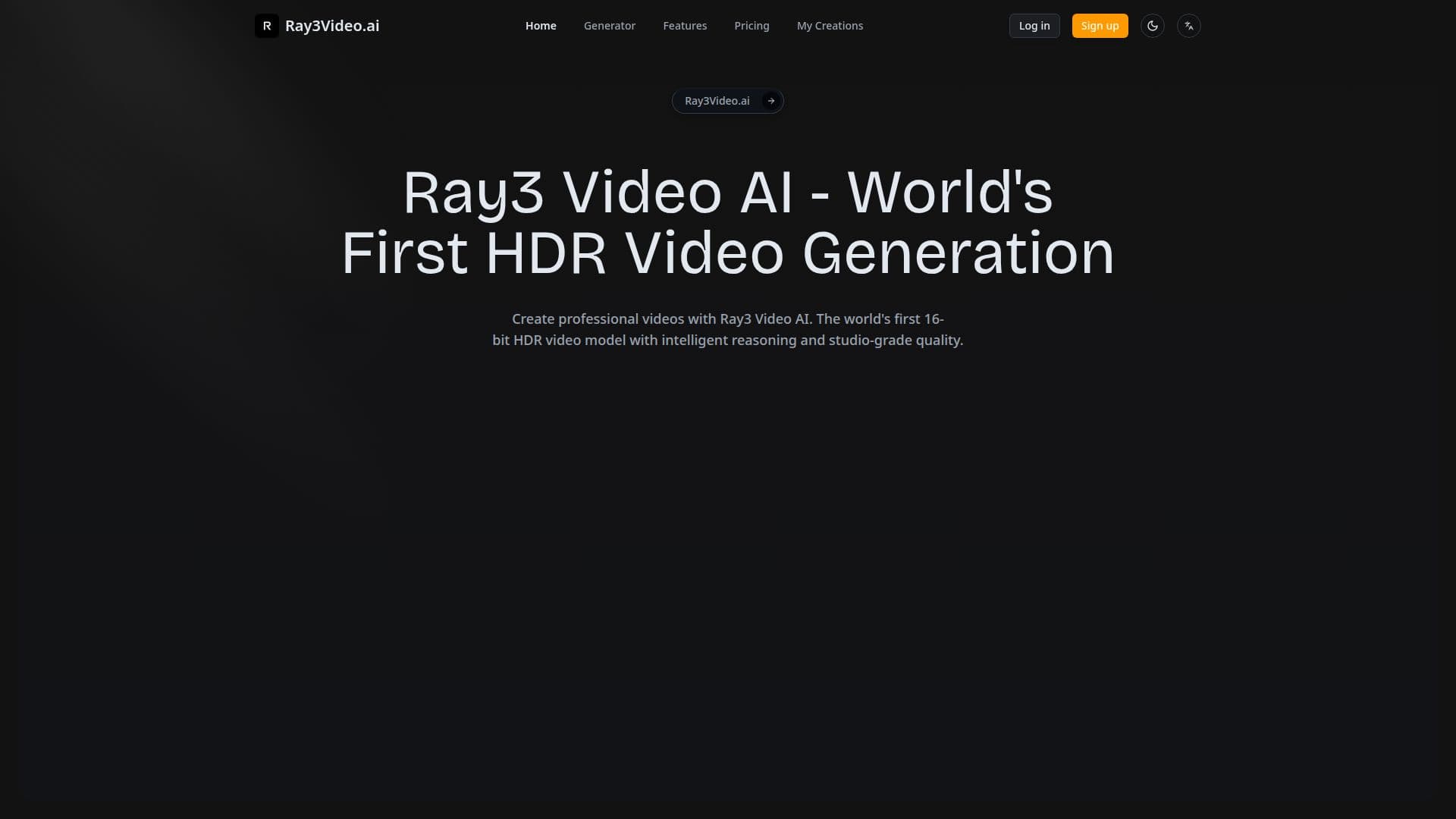
Ray3 Video AI is a professional AI video generation platform built around 16-bit HDR generation and intelligent visual reasoning. It turns text descriptions, image uploads, or visual annotations into studio-quality video, using a reasoning engine that interprets creative intent, evaluates its own outputs, and iterates to deliver strong results with fewer attempts.
Read More
A visual annotation system lets creators draw directly on images to specify motion, character interactions, and scene layouts without complex prompt engineering, while a state-of-the-art physics engine simulates lighting, gravity, and material properties for realistic motion and environmental consistency. The platform maintains character consistency across scenes and offers keyframe generation, loop creation, and extension controls.
Ray3 Video AI provides two generation modes: Draft Mode for 5x faster, cost-efficient concept exploration, and full HDR quality for production, delivering 4K HDR content with professional ACESsg color space support. Outputs can be exported as 16-bit EXR sequences for color grading, 4K HDR video for direct use, or standard web formats, integrating with existing post-production pipelines.
Aimed at directors, cinematographers, studios, and content creators, it supports professional workflows through EXR export, enterprise API access, and color-grading compatibility. Ray3 Video AI offers a free trial plus Professional, Studio, and Enterprise plans, with credit-based access to HDR generation and Draft Mode.
- CategoryAI Video Generators
- Pricing ModelFreemium
- DeploymentCloud
- PlatformsWeb
Ray3 Video AI's Core Features
16-bit HDR video generation with ACESsg color space support
Intelligent visual reasoning that interprets creative intent
Visual annotation to specify motion and scene layout by drawing on images
State-of-the-art physics simulation for realistic motion
Draft Mode for 5x faster, cost-efficient iteration
Character consistency and keyframe, loop, and extension controls
16-bit EXR sequence export plus 4K HDR and web formats
Enterprise API access and post-production pipeline integration
How to use Ray3 Video AI?
Input your vision: Enter a text description, upload images, or add visual annotations.
Choose a mode: Pick Draft Mode for fast iteration or full HDR quality for final output.
Apply controls: Draw on images to specify motion, interactions, and scene layout.
Generate: Let the engine apply visual reasoning and physics simulation.
Export: Download as 16-bit EXR, 4K HDR video, or a standard web format.
Ray3 Video AI's Use Cases
- Cinematic sequences
- HDR commercial and broadcast content
- Rapid concept exploration
- Character-driven narratives
- Studio post-production