
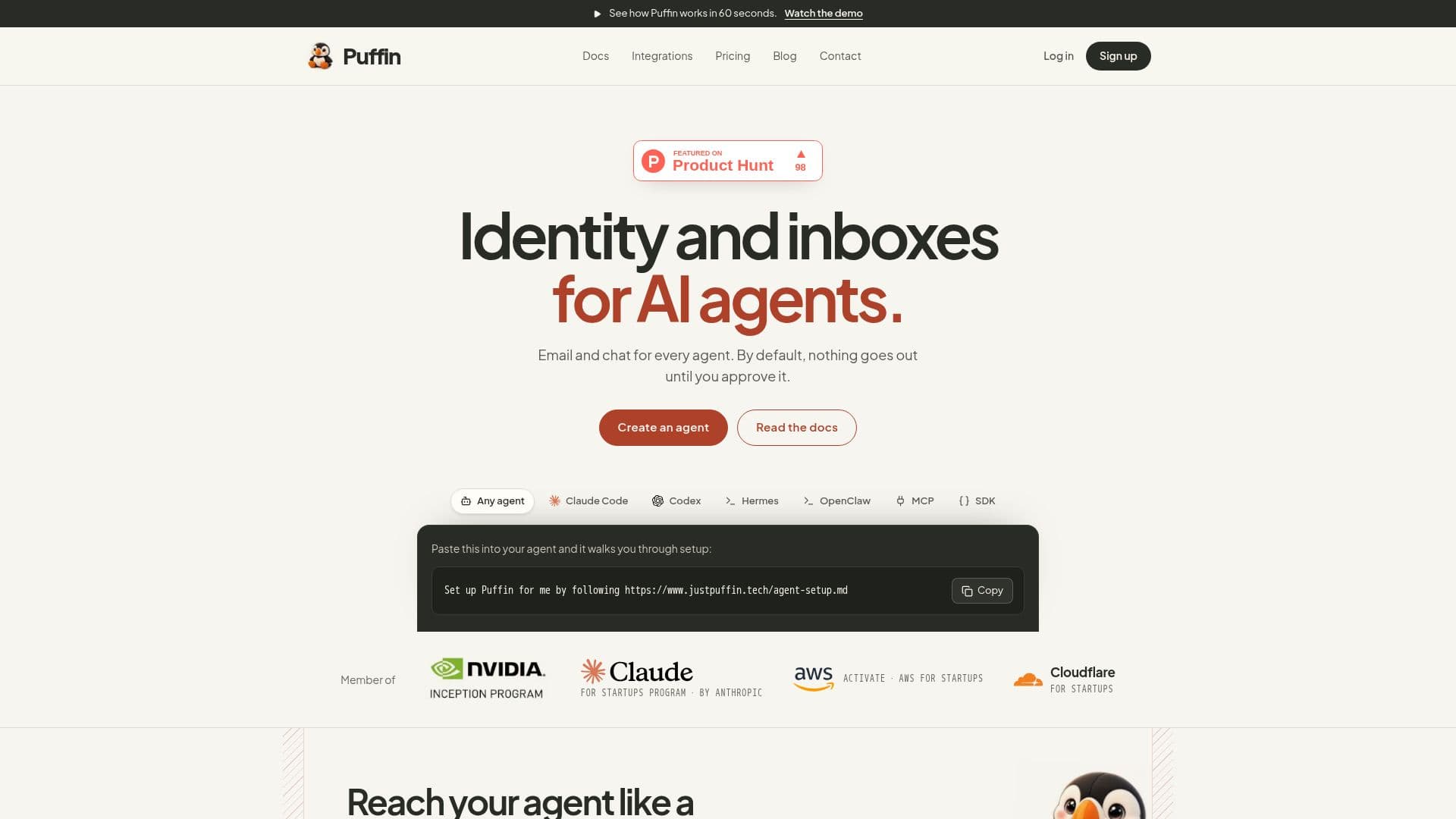
Description
Puffin offers a comprehensive solution for giving AI agents their own identities and communication channels. Each AI agent can be assigned its own email address, capable of sending and receiving messages. Beyond email, Puffin integrates agents directly into popular chat platforms such as Discord and Telegram, allowing them to participate in conversations as if they were human teammates. The platform ensures that all agent communications are managed and approved, with a default setting requiring human review before any message is sent out.
Read More
This system is designed to provide agents with a consistent identity across various communication channels. It remembers interactions with individuals, not just specific threads, and can quote sources from its memory. Users have control over incoming communications, with options to allow, review, or block senders. Setting up an agent identity is quick and can be done from the dashboard, directly by an agent, or through custom code.
Puffin supports both built-in AI replies, powered by Claude, which can utilize uploaded documents and show sources, or allows users to connect their own agents via Python or JavaScript SDKs, CLI, or MCP. This flexibility caters to users who need a ready-to-use AI or those with existing agent infrastructure. The platform also offers features like attachment storage, audit logs for agent sends, and the ability to manage multiple workspaces and agents.
For developers, Puffin provides SDKs for Python and TypeScript, a CLI for managing mail, contacts, and the vault from the terminal, and a hosted MCP for using agents with tools like Claude or ChatGPT. It also supports agent skills and plugins for various coding tools. The system emphasizes data safety, with suspicious emails held for review, attachments scanned for viruses, and encrypted vaults. Users can export or delete their workspace data at any time.
Puffin's pricing structure includes Starter, Pro, and Team plans, with a free 3-day trial for new accounts. Each plan offers varying limits on agents, workspaces, AI replies, email volume, chat connections, attachment storage, and developer tools, catering to individual users, businesses, and larger teams. Custom plans are available for extensive needs.
- CategoryAI Agent Builders
- Pricing ModelFreemium
- DeploymentCloud
- PlatformsWeb
Puffin's Core Features
Dedicated email address for each AI agent
Integration with Discord and Telegram for agent participation
Default human approval for all outgoing agent messages
Built-in AI replies powered by Claude with source citation
Option to connect custom AI agents via SDKs or CLI
Centralized contact management with memory across channels
Sender management: allow, review, or block incoming messages
Support for multiple workspaces and team collaboration
Attachment storage and audit logs for agent communications
Developer tools including Python and TypeScript SDKs, CLI, and hosted MCP
Secure data handling with virus scanning and encrypted vault
Scalable plans: Starter, Pro, Team, and Custom options
3-day free trial for new accounts
Mail import functionality for .eml, .mbox, and .zip files
Agent self-signup for Pro and Team plans
How to use Puffin?
Create Agent: Give your agent a name in the dashboard to instantly get its own inbox.
Configure AI Replies: In agent settings, enable AI replies for email drafts or text tasks and confirm AI provider (Claude or OpenRouter).
Connect Channels: Integrate your agent with email, Gmail, Slack, Discord, and Telegram for communication.
Set Approval Workflow: By default, all outgoing messages wait for admin approval; adjust settings for specific chats if full automation is desired.
Manage Senders: Decide who can reach your agent by allowing, reviewing, or blocking senders.
Connect Custom Agent (Optional): Use Python or JavaScript SDKs, CLI, or MCP to integrate your own agent runtime.
Invite Teammates: Create a team workspace and invite members with specific roles via a one-use link.
Monitor & Review: Check recent AI runs and approve pending messages in the Approvals section.
Puffin's Use Cases
- Automated Customer Support
- Internal Team Communication
- Personal Assistant for Professionals
- Sales Outreach & Engagement
- Project Management & Coordination
- Content Moderation & Filtering
- Developer Tool Integration
- Knowledge Management
- Event Scheduling & Booking