
Description
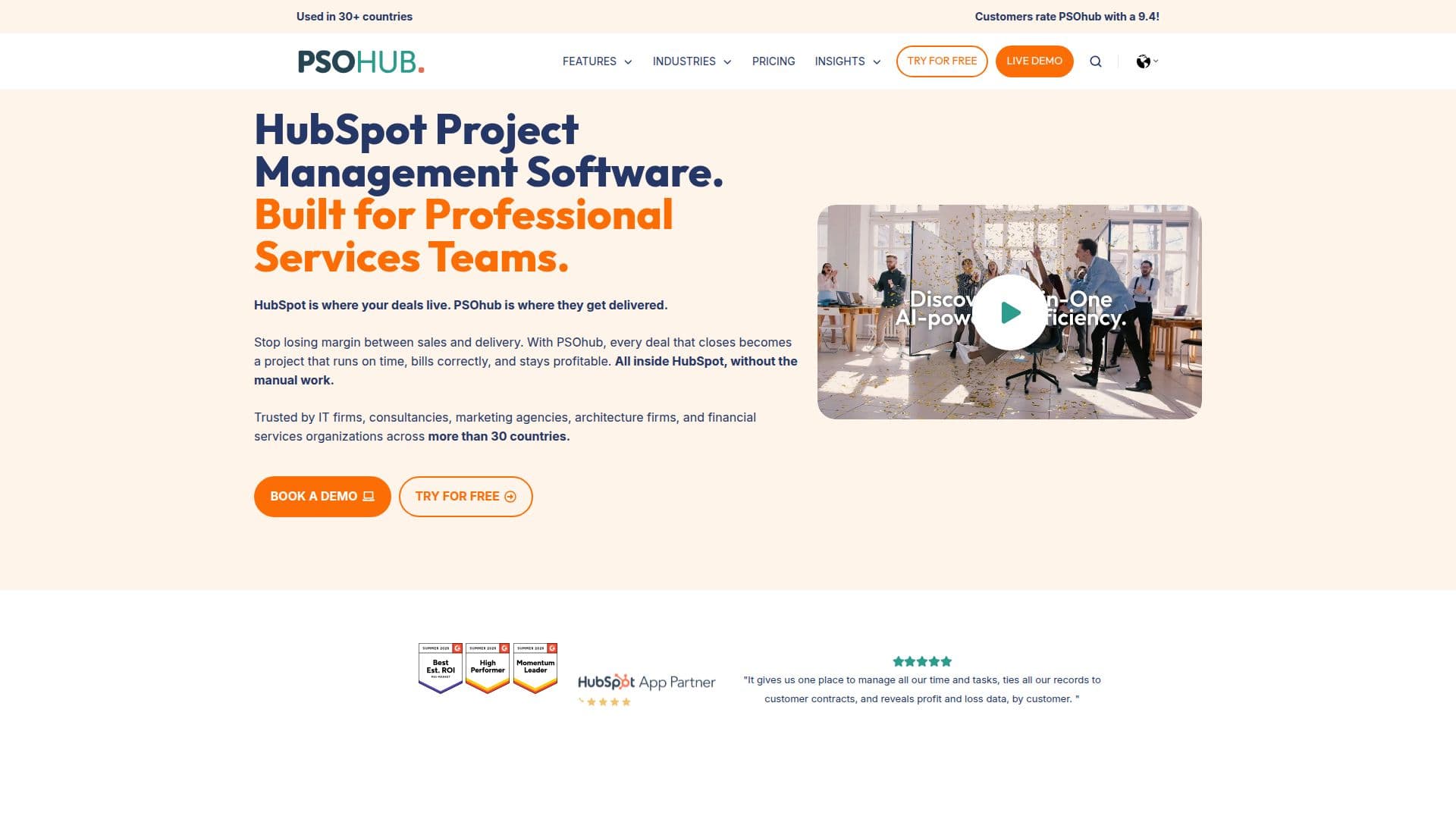
PSOhub is a comprehensive project management solution designed specifically for HubSpot users. It integrates seamlessly with HubSpot to enhance its capabilities by adding essential features such as time tracking, resource planning, budget monitoring, and invoicing. This makes it an ideal tool for professional services teams that need to manage multiple client projects simultaneously.
Read More
Unlike generic project management tools that connect via third-party services like Zapier, PSOhub offers a native two-way sync with HubSpot. This means that when a deal is marked as Closed Won in HubSpot, PSOhub automatically creates a project with the correct client data, budget, and team members. Hours logged in PSOhub sync back to HubSpot contacts and deals, providing a shared view of every client engagement for sales and delivery teams.
PSOhub is available on the HubSpot App Marketplace and is highly rated by users in over 30 countries. It works with all HubSpot CRM plans, including the free CRM tier, although more advanced features perform best with HubSpot Starter or above. The tool is particularly beneficial for IT firms, consultancies, marketing agencies, and financial services teams that use HubSpot as their CRM.
In terms of security, PSOhub is powered by Mendix, AWS, and OpenAI, ensuring enterprise-grade protection. It adheres to international standards for privacy and cybersecurity, including GDPR, ISO 27001, and HIPAA, among others. The platform also offers continuous auditing and monitoring to maintain data integrity and security.
PSOhub's pricing plans are designed to suit various organizational needs, with options ranging from Essentials to Enterprise. Each plan offers different levels of access to features such as task management, project planning, client portals, and AI-driven analytics. A free 30-day trial is available, allowing users to experience the benefits before committing to a subscription.
- CategoryAI Project Management
- Pricing ModelFreemium
- DeploymentCloud
- PlatformsWeb
PSOhub's Core Features
Time tracking
Resource planning
Budget monitoring
Invoicing
Native HubSpot integration
Project lifecycle management
Client portal
AI-driven analytics
Task management
Project planning
Financial reporting
Contract management
Milestone billing
CRM integration
Data encryption
How to use PSOhub?
Configure: Set up integration with HubSpot
Use: Manage projects and track time
Optimise: Use AI analytics for insights
Review: Monitor budgets and resources
PSOhub's Use Cases
- Time Tracking
- Resource Planning
- Budget Monitoring
- Invoicing Automation
- Client Engagement
- Project Lifecycle Management
- Financial Reporting
- Contract Management
- AI Analytics
- Task Management