Description
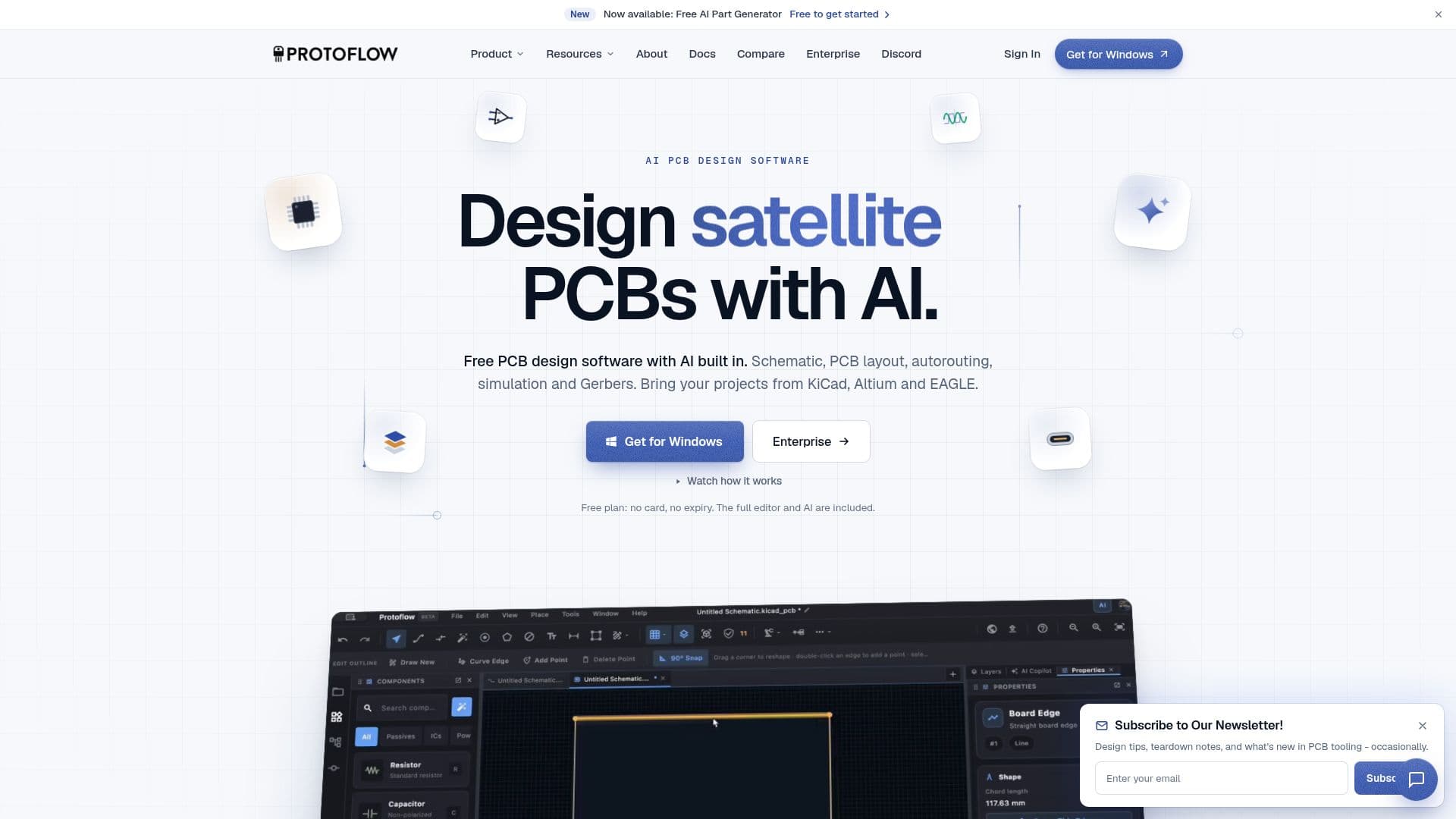
ProtoFlow is a comprehensive AI-native PCB design software available for Mac, Windows, and Linux. It is designed to streamline the entire PCB design process, from initial schematic drafting to the generation of manufacturing files. The software integrates AI at every step, allowing users to describe their circuit in plain language, after which ProtoFlow drafts the schematic using real parts. Users can then proceed to layout, autoroute, simulate, and export Gerber files.
Read More
One of the standout features of ProtoFlow is its ability to import and export projects from popular tools like KiCad, Altium, and EAGLE, ensuring that users are never locked into a single platform. The software also supports SPICE simulation with ngspice, offering operating point, transient, AC, and DC sweep simulations.
ProtoFlow is particularly beneficial for electronics engineers looking to expedite their design process. It offers a full schematic editor with ERC, a PCB layout editor with stackups, tracks, vias, and a 3D view, and a PCB auto-router with presets and layer filters. Additionally, it provides real-time collaboration with live cursors and full Git version control integration.
The software is free to use, with no expiration or credit card required. Users can upgrade for increased AI access and higher usage limits. ProtoFlow is designed to be an offline-first desktop application, ensuring IP protection and local file storage.
ProtoFlow's AI capabilities include automatic symbol and footprint import from distributors like LCSC, DigiKey, and Mouser, as well as AI datasheet parsing for automatic pinout extraction. The software also features a VS Code-style interface with split panels and themes, making it user-friendly and adaptable to different workflows.
- CategoryDesign & Creative
- Pricing ModelFreemium
- DeploymentDesktop
- PlatformsMac, Windows, Linux
ProtoFlow's Core Features
AI schematic drafts with real parts
PCB layout with auto-router
SPICE simulation with ngspice
Gerber and JLCPCB outputs
Import and export for KiCad, Altium, and EAGLE
Real-time collaboration with live cursors
Full Git version control integration
Offline-first desktop application
How to use ProtoFlow?
Download and install ProtoFlow
Create a new schematic project
Draft the schematic using AI
Lay out and route the PCB
Run SPICE simulations
Export manufacturing files
ProtoFlow's Use Cases
- PCB Design
- SPICE Simulation
- Real-time Collaboration
- Component Import
- Manufacturing File Export