
Description
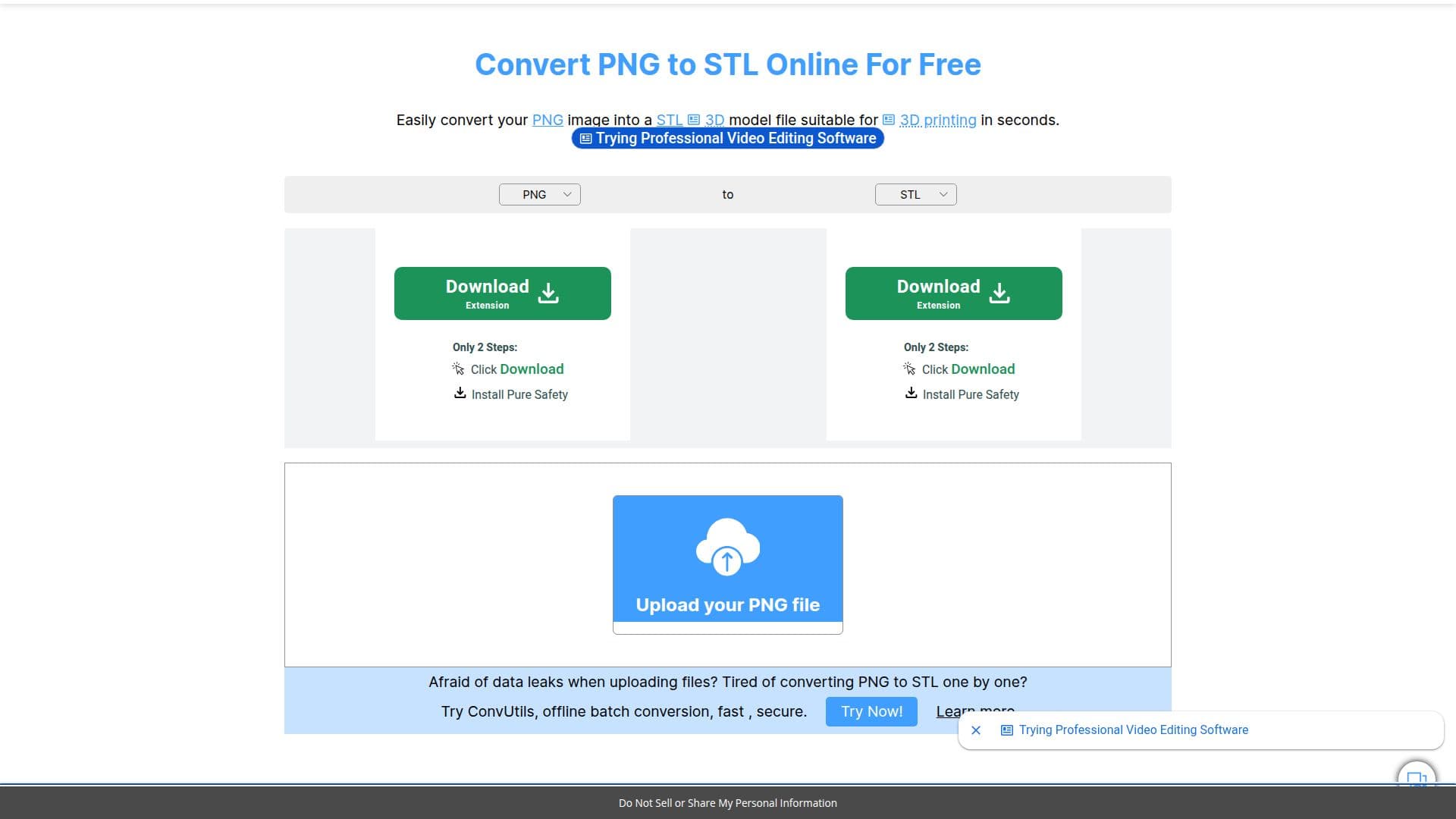
The PNG to STL Converter from 3DPEA is a free online tool that transforms PNG images into 3D STL model files suitable for 3D printing or importing into other 3D editing software. Users upload a PNG, choose conversion options, and download the resulting STL file, with no login or signup required.
Read More
The tool offers several conversion modes: Standard produces a smooth, heightmap-style model based on image brightness, Standard Color adds color detail, and Extrude and Extrude Color create distinct layered shapes from the image. A conversion handbook explains each setting, including width, height, depth, and segment resolution, border options, base thickness, color merging, transparency handling, aspect-ratio locking, output inversion, smoothing, and Z-axis mirroring.
3DPEA also supports many other model output formats, including 3MF, AMF, OBJ, FBX, 3DM, GLB, glTF, PLY, DRC, and ZIP, and provides additional PNG conversion tools for other formats. It works across Linux, Android, iOS, and macOS since it runs online.
3DPEA describes itself as an independent online community for 3D designers and creators, built by a small team of indie developers. Alongside converters, it hosts free 3D models, a 3D editor and viewer, a GCode simulator, and a DICOM viewer to streamline 3D printing, CNC, and laser-cutting workflows.
- Category3D Model Generators
- Pricing ModelFree
- DeploymentCloud
- PlatformsWeb
PNG to STL Converter (3DPEA)'s Core Features
Free online PNG to STL conversion with no login or signup
Standard heightmap and Standard Color modes based on brightness
Extrude and Extrude Color modes for distinct layered shapes
Adjustable dimensions, resolution segments, and base thickness
Border, smoothing, aspect-ratio lock, invert, and Z-axis mirror options
Transparency handling and similar-color merging for cleaner models
Export to many formats including 3MF, OBJ, FBX, GLB, glTF, and PLY
Works across Linux, Android, iOS, and macOS in the browser
How to use PNG to STL Converter (3DPEA)?
Upload your PNG file: Select the PNG image you want to convert.
Select your options: Choose a conversion mode and adjust dimensions, resolution, and other settings.
Convert: Let the tool generate the 3D STL model from your image.
Download your STL file: Save the finished STL for 3D printing or editing.
PNG to STL Converter (3DPEA)'s Use Cases
- 3D printing prep
- Relief and heightmap models
- Layered extrusions
- Importing into 3D software