
Description
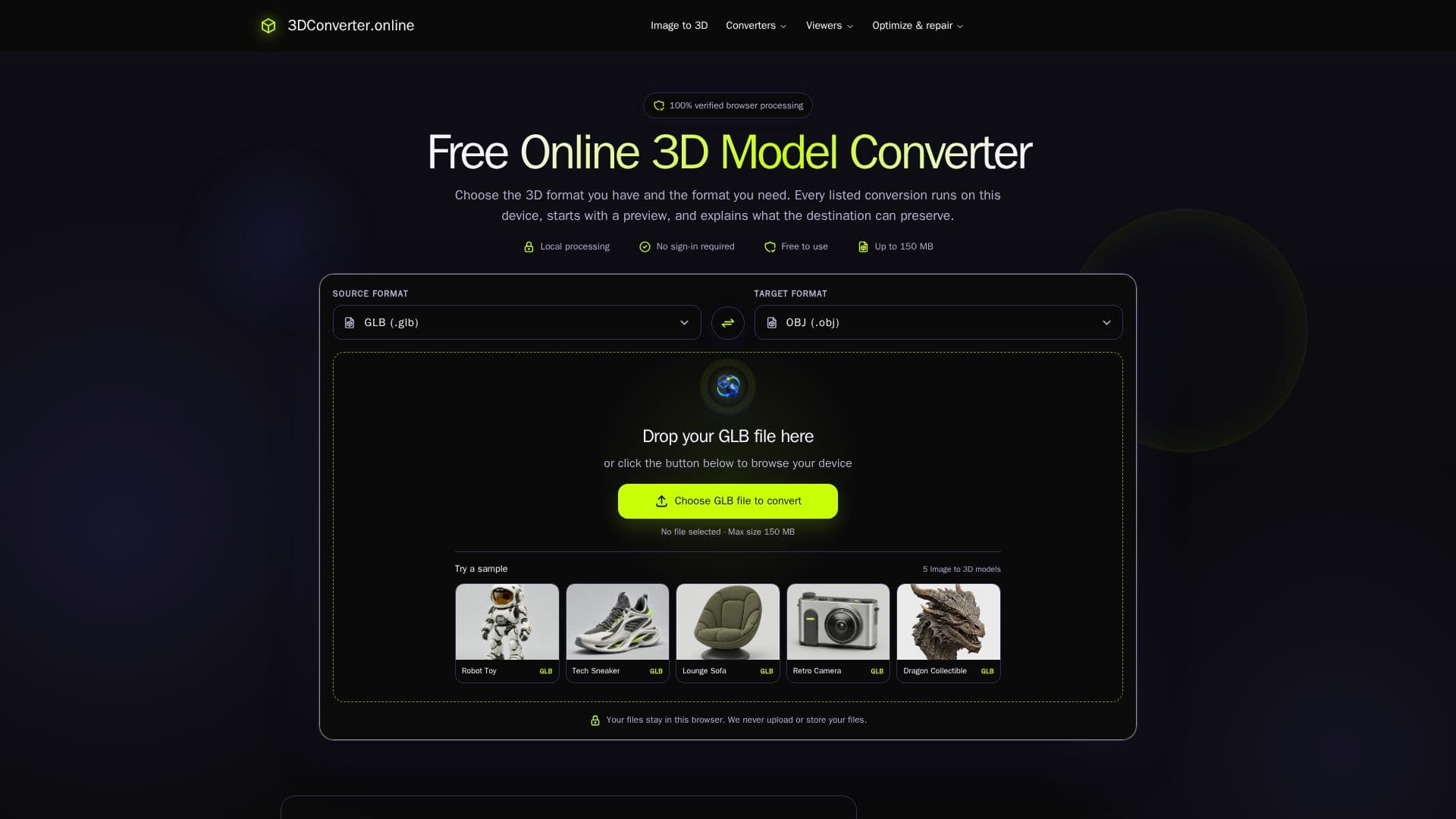
The Free Online 3D Converter allows users to convert 3D model files directly in their browser without the need for an account or any uploads. This tool is designed to keep your files private, as all processing occurs locally within the browser. Users can work with various 3D formats, including STL, OBJ, FBX, GLB, and 3MF, with clear limitations on what each format can preserve during conversion.
Read More
When using the converter, users can expect a straightforward process. Simply select the 3D format you have and the format you need, and the tool will provide a preview of the model before conversion. This ensures that users can confirm the visible parts and quality of the model before finalizing the conversion. The tool is particularly useful for those involved in 3D printing, static mesh editing, or web delivery of 3D models, as it allows for quick and efficient format translation.
The Free Online 3D Converter is built with a focus on user privacy and efficiency. It does not require any personal information, such as email addresses or subscriptions, making it accessible for anyone needing to convert 3D files. Additionally, the tool does not claim to support every possible feature of 3D formats, instead focusing on a limited set of real browser-side mesh conversions. This approach ensures that users can trust the conversion results without worrying about hidden limitations or unexpected outcomes.
For those looking to exchange static meshes for editing or to prepare models for e-commerce platforms, this converter provides practical solutions. Users can easily send prototypes to slicers for 3D printing or prepare interactive product previews for online showcases. The tool's design emphasizes clarity and usability, making it a valuable resource for both professionals and hobbyists in the 3D modeling community.
- CategoryOther AI Tools
- Pricing ModelFree
- DeploymentWeb
- PlatformsBrowser
3D Converter's Core Features
No account required
Local processing
Supports STL, OBJ, FBX, GLB, 3MF
Preview before conversion
No file uploads
Free to use
Format-specific preservation notes
Browser-based operation
How to use 3D Converter?
Select your 3D model file format.
Choose the desired output format for conversion.
Preview the model to confirm visible parts and quality.
Click the convert button to process the file.
Download the converted 3D model.
Validate the result in the target application.
Check for any necessary adjustments post-conversion.
Close the browser tab to ensure privacy.
3D Converter's Use Cases
- 3D Printing
- Static Mesh Editing
- E-commerce Previews
- Prototyping
- Model Conversion