Description
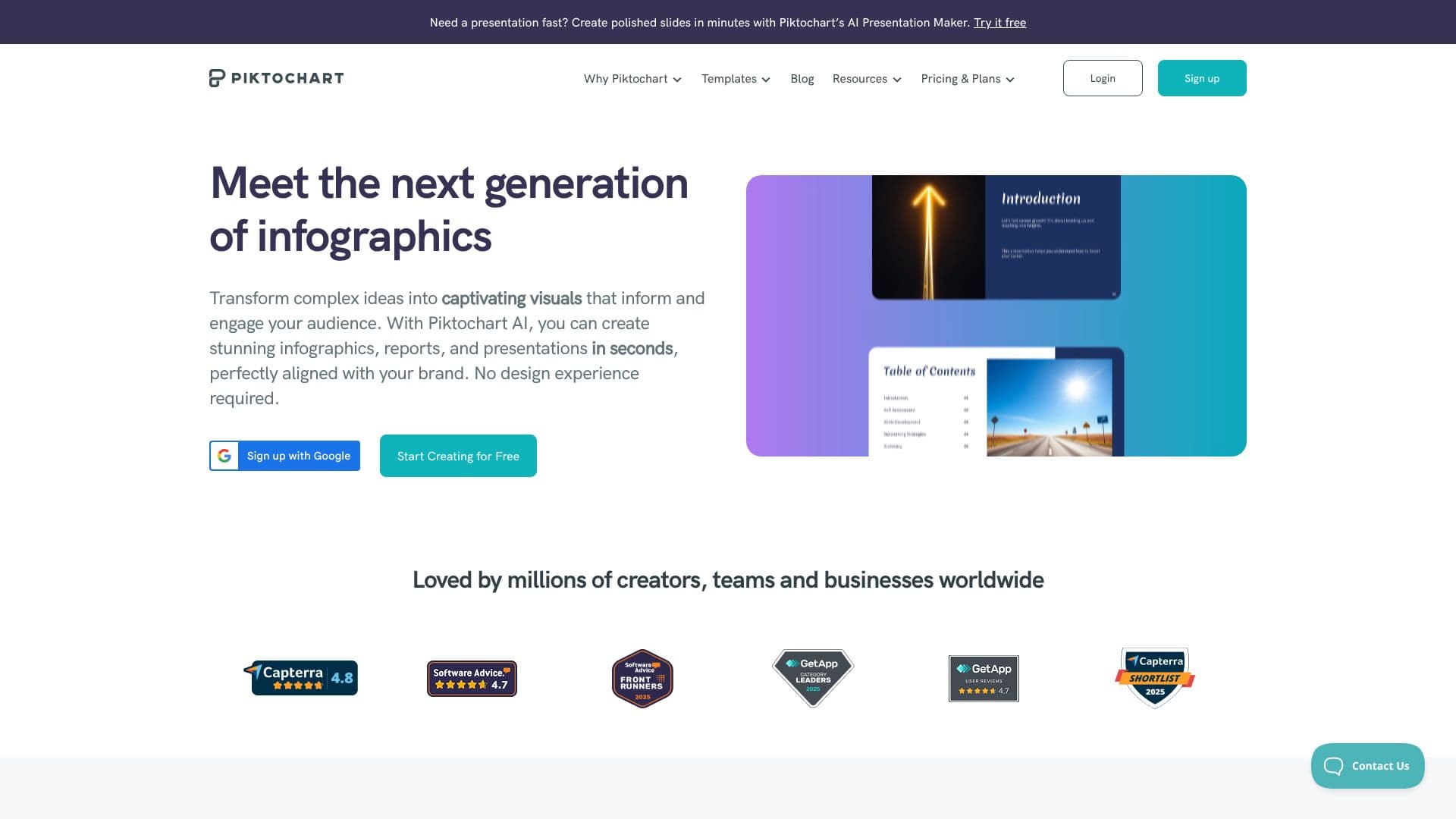
Piktochart is a comprehensive visual creation suite designed to empower individuals and teams to produce professional-quality graphics, presentations, reports, and videos with ease. Leveraging AI, the platform streamlines the design process, allowing users to transform raw data and simple ideas into compelling visual content in mere seconds. With over 34 million users worldwide and 220 million visuals created, Piktochart has established itself as a trusted tool for creators, teams, and businesses seeking to enhance their communication and marketing efforts.
Read More
The platform's AI capabilities extend to generating stunning infographics, reports, and presentations, eliminating the need for extensive design experience. Users can create polished slides in minutes, making it ideal for fast-paced environments. Piktochart's AI Studio acts as an all-in-one visual creation assistant, integrating various AI tools such as image generators, modifiers, upscalers, background removers, and restorer tools. This allows for the creation of on-brand visuals, charts, diagrams, and flowcharts, simplifying complex information into easily understandable formats.
Beyond static visuals, Piktochart also offers AI-powered video creation. Users can describe their desired scene, tone, and characters, and the AI, utilizing models like Sora 2 or Veo 3.1, can generate professional video content that mimics camera-shot quality. This feature supports the creation of videos in multiple aspect ratios, suitable for various platforms like YouTube and TikTok, from a single setting. The platform emphasizes creating visuals that audiences trust, rendering movement, light, and texture realistically.
Piktochart is built for collaboration, providing a single workspace where teams can access shared libraries of images and brand assets. Features like commenting and revision capabilities, similar to Google Docs or Microsoft Teams, facilitate seamless teamwork. Brand consistency is maintained through features like Brand Assets, which centralizes brand fonts, colors, and logos, and Branded Templates, which transform existing templates into on-brand designs. The platform offers a free tier, making it accessible for individuals and small businesses to start creating impactful visuals.
- CategoryAI Graphic Design Tools
- Pricing ModelFreemium
- DeploymentCloud
- PlatformsWeb
Piktochart Infographic Maker's Core Features
AI-powered visual creation suite
Infographic, presentation, and report design
AI Presentation Maker for rapid slide creation
AI video generation with text prompts
Support for Sora 2 and Veo 3.1 models
Multiple aspect ratio video output
AI Image Generator and Modifier
AI Image Upscaler and Restorer
AI Background Remover and Text Remover
AI Outline and Icon Generator
Chart and graph creation tools
Diagram and flowchart creation tools
Interactive map creation tool
Collaborative workspace with commenting and revisions
Brand Assets management for consistency
How to use Piktochart Infographic Maker?
Configure: Define your visual needs, whether it's an infographic, presentation, or video.
Generate: Use AI prompts to create initial drafts or leverage templates.
Customize: Edit and refine the generated visuals with Piktochart's intuitive tools.
Collaborate: Share your work with team members for feedback and revisions.
Publish: Export your final visuals in various formats for different platforms.
Piktochart Infographic Maker's Use Cases
- Marketing Content Creation
- Business Reporting
- Educational Materials
- Internal Communications
- Consulting Visuals
- Personal Branding
- Data Visualization
- Video Marketing