
Description
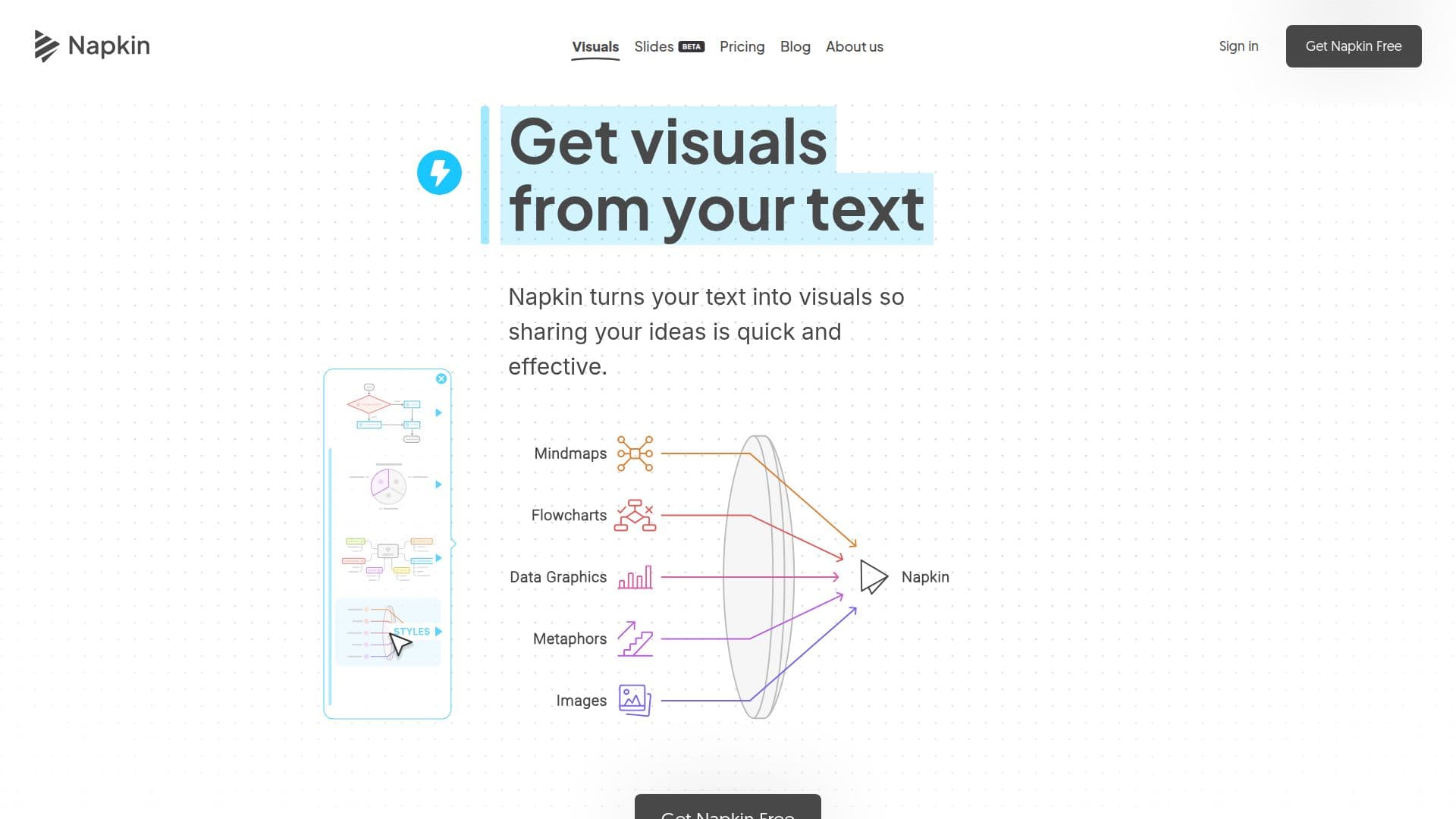
Napkin AI is a visual communication platform designed to help users turn their ideas into compelling visuals and presentations. By simply pasting text, users can generate a variety of visual formats, including flowcharts, mind maps, infographics, diagrams, data charts, and slides. This tool is particularly beneficial for those who may not have design skills, as it simplifies the process of creating professional-looking visuals.
Read More
The platform operates through a straightforward process: users can write, paste, or import their content, and Napkin AI will analyze the text to generate relevant visuals. With the click of the Autospark icon, users can choose from various visual options that best express their message. This feature allows for quick and effective communication of ideas, making it ideal for presentations, reports, and educational materials.
Napkin AI also offers extensive customization options. Users can edit colors, fonts, layouts, and icons to ensure that the visuals align with their brand and message. The platform supports real-time collaborative editing, allowing teams to work together seamlessly. Additionally, users can share links to their visuals and export them in multiple formats, including PNG, SVG, and PDF.
The platform is accessible on both desktop and mobile devices, although visual generation is primarily optimized for desktop use. Napkin AI supports over 60 languages, making it a versatile tool for a global audience. The free plan provides users with weekly AI credits for generating visuals, while paid plans unlock additional features and credits for more extensive usage.
Overall, Napkin AI aims to democratize visual communication by making it accessible to everyone, regardless of their design experience. Its mission is to empower users to become dynamic visual storytellers, enhancing their ability to communicate effectively in various contexts.
- CategoryAI Graphic Design Tools
- Pricing ModelFreemium
- DeploymentCloud
- PlatformsWeb, Mobile
Napkin AI's Core Features
Text-to-visual generation
AI-generated infographics
AI-generated presentations
Flowchart generation
Mind map generation
Real-time collaborative editing
Editable visual elements
File import support
Export to PNG, SVG, PDF
Visual customization
How to use Napkin AI?
Import or paste your text: Start by bringing in your content without needing complex prompts.
Click to generate visuals: Use the Autospark icon to create visuals based on your text.
Choose your visual: Select the visual that best fits your message from the generated options.
Customize your visuals: Edit colors, fonts, layouts, and icons to match your brand.
Export your visuals: Save your creations in formats like PPT, PDF, PNG, or SVG for use in various applications.
Napkin AI's Use Cases
- Presentations
- Educational Materials
- Social Media Content
- Reports
- Team Collaboration