
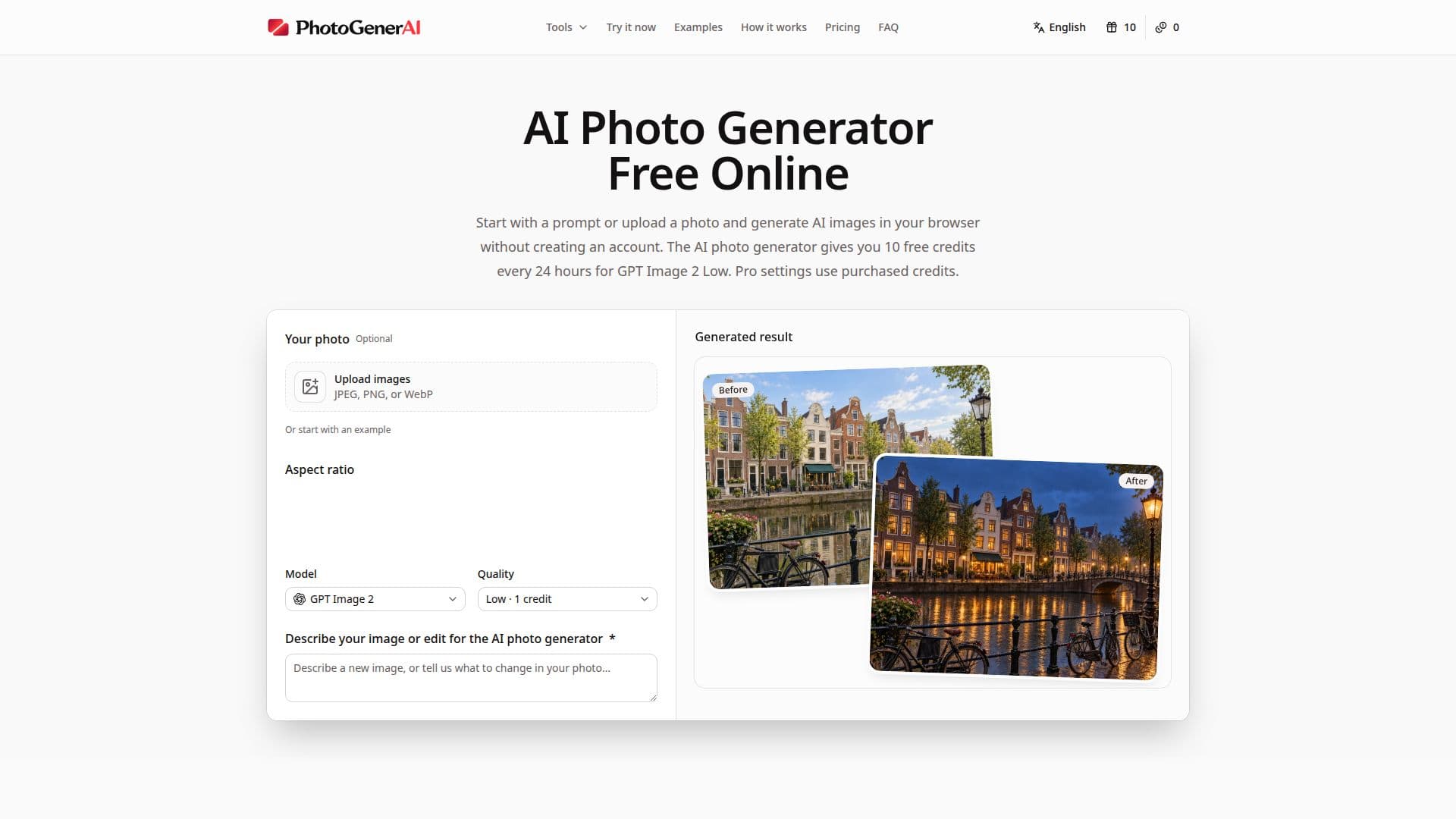
Description
PhotoGenerAI is an innovative tool designed for creating and editing AI-generated photos. It allows users to generate images from text prompts or reference images, offering a versatile platform for creative projects. Users can create portraits, product photos, and more, with the ability to change backgrounds and refine lighting directly in their browser.
The platform provides a free trial that does not require account creation, giving users 10 free credits every 24 hours. These credits can be used for generating images with the GPT Image 2 Low setting. For more advanced settings, users can purchase one-time credit packs, which never expire and do not require a subscription.
PhotoGenerAI supports various creative workflows, including turning sketches into developed visual ideas, combining elements from different images, and exploring new styles for portraits or product photos. It also offers tools for redesigning spaces, trying out tattoo ideas, and creating mockups for products.
The AI photo generator uses OpenAI’s GPT Image 2 model, ensuring high-quality image generation. Users can upload their photos or start with a text prompt, guiding the AI with detailed descriptions or reference images to achieve the desired outcome. The platform is ideal for individuals and businesses looking to enhance their visual content without the need for extensive design skills.
Overall, PhotoGenerAI is a powerful tool for anyone looking to explore AI-driven image creation and editing, offering a user-friendly interface and flexible pricing options to suit different needs.
PhotoGenerAI's Core Features
Text-to-image generation
Image-to-image transformation
Photo enhancement
Background removal
Free trial with no sign-up
One-time credit packs
OpenAI GPT Image 2 model
Reference image support
Daily free credits
No subscription required
User-friendly interface
High-quality image generation
Versatile creative workflows
Sketch to image conversion
Product photo creation
How to use PhotoGenerAI?
Start with words or a photo: Describe something new, or upload an image you want to edit.
Tell us what you have in mind: Specify the details, style, or changes you want.
Generate, refine, download: See the result, adjust your prompt, and download the version you like.
Use reference images: Add references to guide the AI on subject, style, or composition.
PhotoGenerAI's Use Cases
- Portrait Creation
- Product Photography
- Background Removal
- Space Redesign
- Tattoo Design
- Mockup Creation
- Style Exploration
- Concept Visualization
- Social Media Content
- Creative Projects