Description
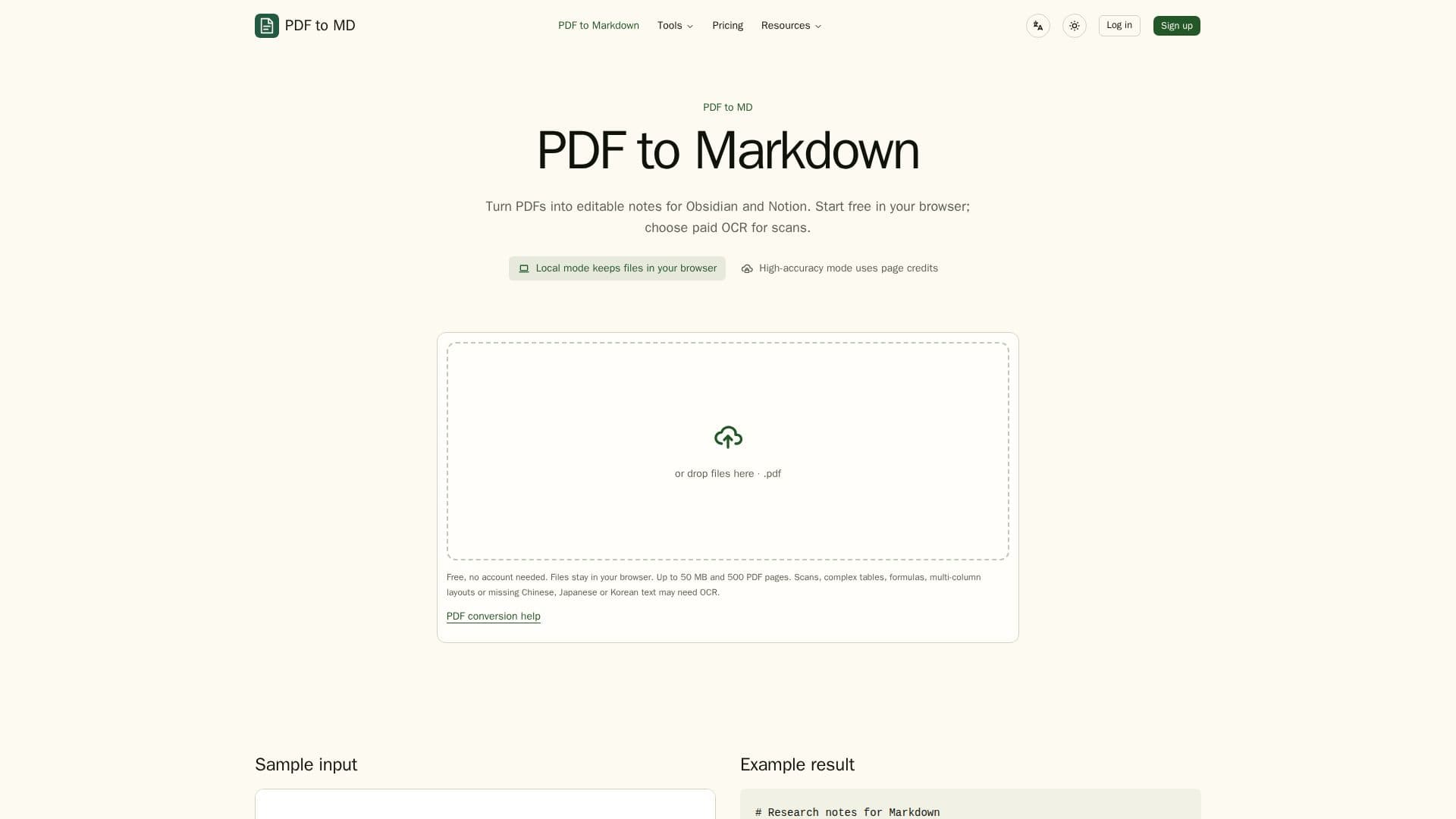
PDF to MD is a versatile tool designed to convert PDF documents into Markdown format, making it easier for users to edit and manage their content in applications like Obsidian and Notion. The tool operates primarily in a browser-based environment, allowing users to perform local conversions without uploading files, ensuring privacy and security for sensitive documents.
Read More
The platform offers a free tier for local conversion, supporting ordinary text PDFs, Word documents, and HTML files. Users can convert up to 5 files per batch and download the results as a ZIP file. For more complex documents, such as scanned PDFs or those with intricate layouts, PDF to MD provides an optional cloud-based OCR service. This service is available through a paid subscription, offering high-accuracy text extraction for scanned images and difficult layouts.
PDF to MD also supports automation through its API and MCP access, allowing developers to integrate the conversion process into their workflows. The tool is particularly beneficial for users who need to convert large volumes of documents regularly, offering a Pro plan that includes higher batch limits and additional OCR pages.
Pricing is straightforward, with a free tier for basic use and a Pro plan billed annually at $69, which includes 1,000 standard cloud conversions and 300 OCR pages per month. Users can also purchase prepaid OCR packs for additional flexibility.
Overall, PDF to MD is an efficient solution for individuals and businesses looking to streamline their document management processes, particularly those who frequently work with Markdown in applications like Obsidian and Notion.
- CategoryAI Document & PDF Tools
- Pricing ModelFreemium
- DeploymentBrowser
- PlatformsWeb
PDF to MD's Core Features
Free local PDF conversion
Optional cloud OCR for scans
Batch download as ZIP
API and MCP access
Supports Obsidian and Notion
Pro plan with higher limits
Prepaid OCR packs
Privacy-focused local mode
How to use PDF to MD?
Start: Use free local conversion for text PDFs
Switch: Opt for cloud OCR for scanned documents
Review: Edit and download converted Markdown
Automate: Integrate with API for batch processing
PDF to MD's Use Cases
- Obsidian Integration
- Notion Preparation
- Batch Conversion
- Cloud OCR
- API Automation