Description
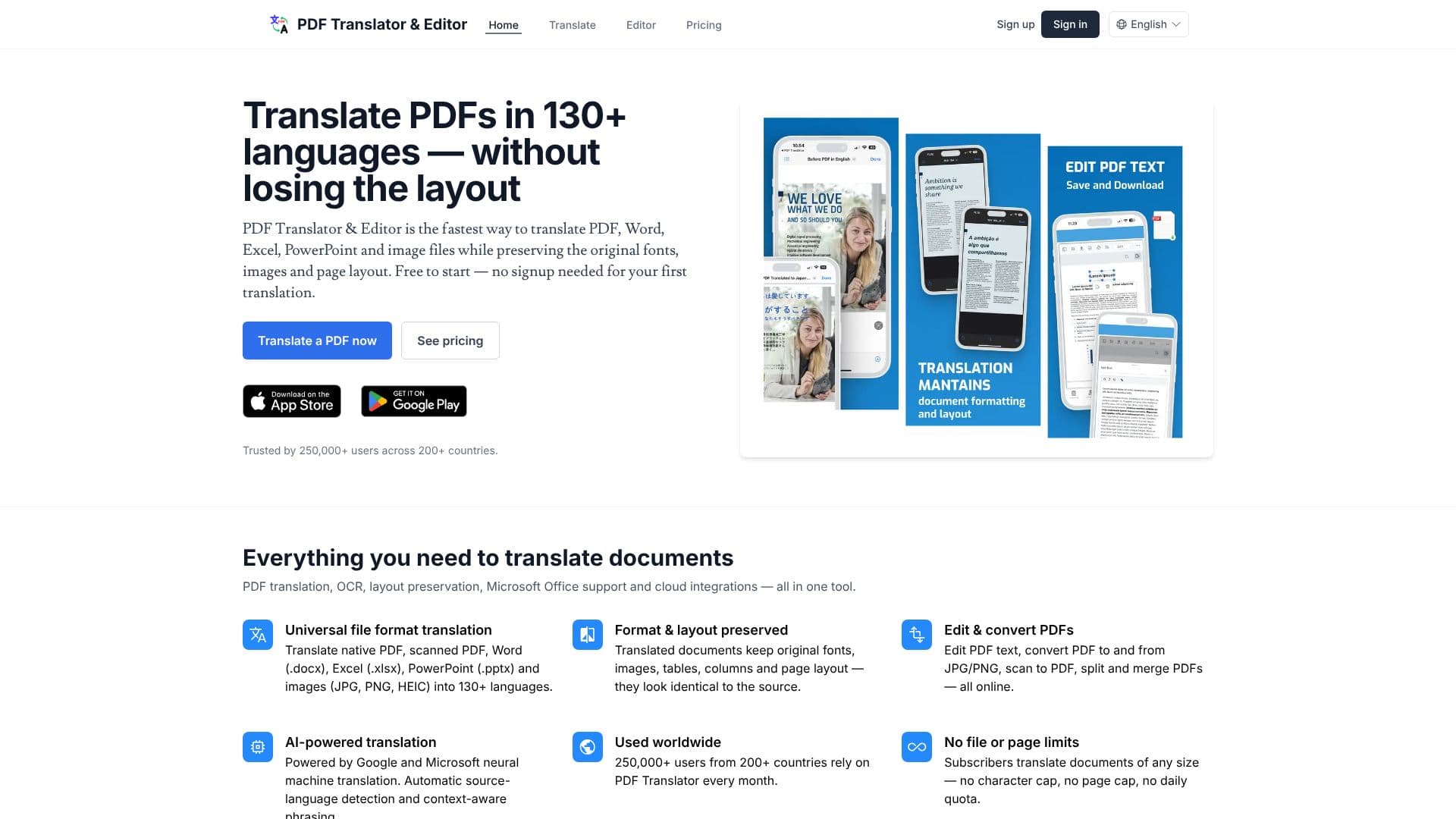
PDF Translator & Editor offers a comprehensive solution for translating documents across more than 130 languages, with a key focus on maintaining the original formatting and layout. This tool supports a wide range of file types, including native and scanned PDFs, Microsoft Word (.docx), Excel (.xlsx), PowerPoint (.pptx), and image files (JPG, PNG, HEIC).
Read More
Powered by Google and Microsoft's neural machine translation engines, the platform ensures accurate and context-aware translations. A significant advantage is its ability to preserve the original fonts, images, tables, columns, and overall page layout, making translated documents appear identical to their source counterparts. This is particularly beneficial for legal documents, academic papers, business reports, and technical manuals where precise formatting is crucial.
The tool also incorporates Optical Character Recognition (OCR) technology, enabling the translation of scanned PDFs and image-based documents. This feature makes previously untranslatable content searchable and editable. Beyond translation, PDF Translator & Editor provides online PDF editing capabilities, including text editing, conversion to and from image formats, scanning to PDF, and the ability to split and merge PDF files.
Designed for global users, the service is trusted by over 250,000 individuals across more than 200 countries. It offers a free starting point with no signup required for the initial translation. For frequent users, subscription plans remove file size, page, and daily translation limits. Integration with cloud storage services like Google Drive and OneDrive allows users to translate documents directly from these platforms.
Security and privacy are paramount, with encrypted transfers and short-lived storage, ensuring that user documents are never used for model training and are GDPR-compliant. This makes it a reliable choice for translating sensitive information such as contracts and legal documents.
- CategoryAI Translators
- Pricing ModelFreemium
- DeploymentCloud
- PlatformsWeb
PDF Document Translator's Core Features
Translate PDF, Word, Excel, PowerPoint, and image files
Supports over 130 languages
Preserves original document layout, fonts, and images
OCR for scanned PDFs and image-based documents
Online PDF editing tools (text edit, split, merge, convert)
AI-powered neural machine translation (Google & Microsoft)
Automatic source language detection
Context-aware phrasing
Google Drive and OneDrive integration
No file or page limits for subscribers
Encrypted transfers and private storage
GDPR-compliant
How to use PDF Document Translator?
Upload Document: Select your PDF, Word, Excel, PowerPoint, or image file.
Choose Language: Pick your target translation language from over 130 options.
Translate: Click the 'Translate' button and wait for the process to complete.
Review & Edit: Download the translated document or use online tools to edit if needed.
Integrate: Connect with Google Drive or OneDrive for seamless workflow.
PDF Document Translator's Use Cases
- Legal Document Translation
- Academic Paper Translation
- Business Report Translation
- Technical Manual Translation
- Scanned Document Translation
- Office Document Translation
- Multilingual Content Creation