
Description
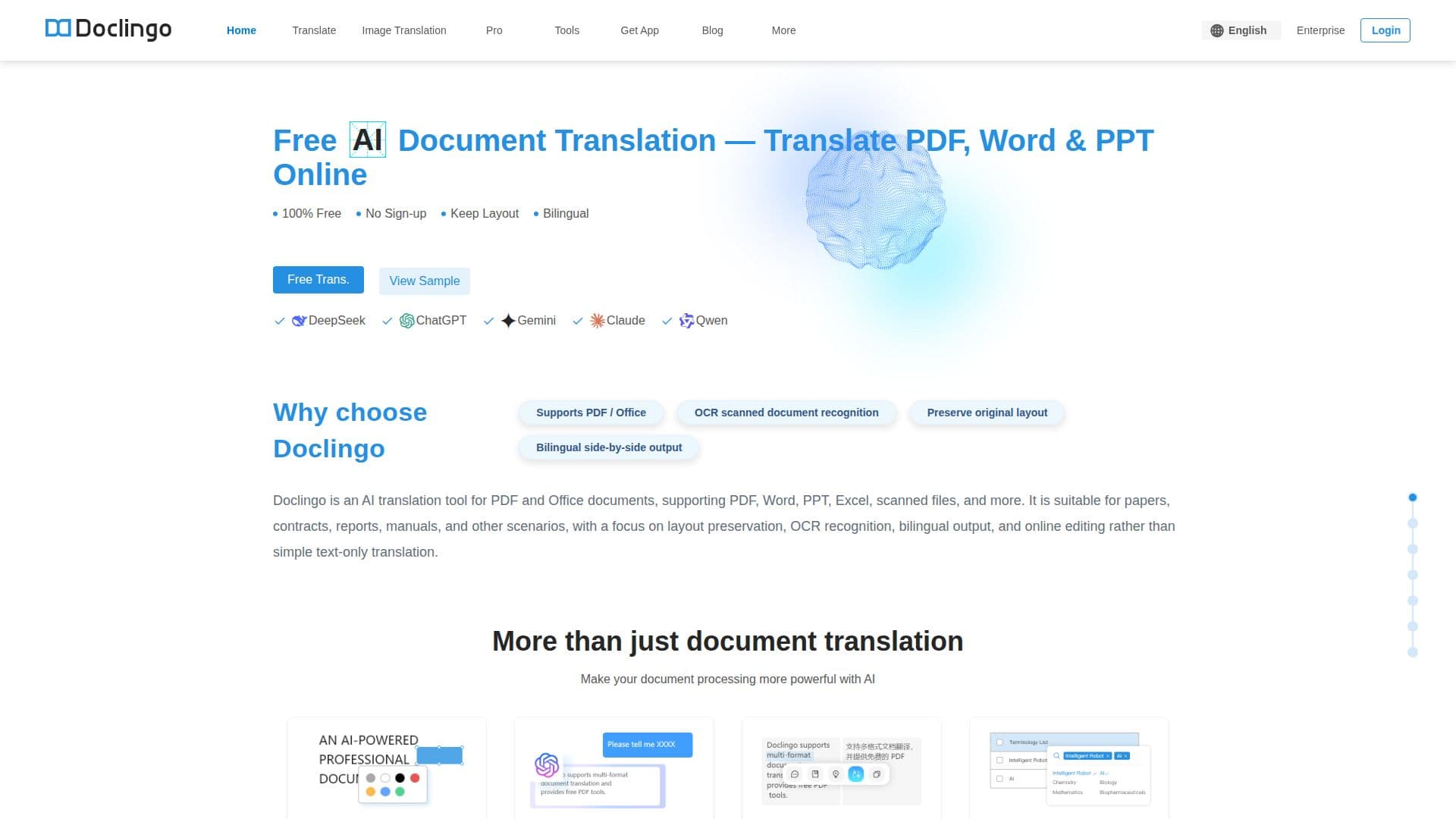
Doclingo is a professional AI document translation platform designed to handle various file formats such as PDFs, Word documents, PowerPoint presentations, Excel spreadsheets, and images. It excels in preserving the original layout of documents, ensuring that fonts, tables, images, and page layouts remain intact after translation. This makes it particularly useful for academic papers, technical documents, and business contracts.
Read More
The platform supports translation in over 90 languages, including English, Chinese, Japanese, Korean, French, German, and Spanish, among others. Users can switch between multiple AI translation engines to select the best option for their specific needs, enhancing translation quality, especially for technical terminology and complex sentences.
Doclingo offers a free tier that allows users to translate documents without registration, catering to everyday translation needs. For professional-level users, membership provides access to advanced features such as glossary support, post-editing, AI proofreading, and more.
Security is a priority for Doclingo, with files uploaded by free users automatically deleted within 7 days after translation, while member files are retained for 3 months. Users can manually delete files at any time, and encrypted transmission protocols protect file contents.
Doclingo is accessible via web browsers on both desktop and mobile devices, and offers an app for download, a mini program for quick translations, and API integration for developers. This versatility makes it suitable for various use cases, including academic research, workplace document translation, study abroad applications, engineering design, and content creation.
- CategoryAI Translators
- Pricing ModelFreemium
- DeploymentCloud
- PlatformsWeb, Mobile
Doclingo's Core Features
PDF translation
Word translation
Excel translation
PowerPoint translation
Image translation
Layout preservation
Bilingual output
OCR for scanned documents
Online editing
Document conversation
Highlight-to-translate
Glossary support
Multi-AI engine switching
90+ language support
API integration
How to use Doclingo?
Access: Visit doclingo.ai
Upload: Select document format
Translate: Choose language and engine
Edit: Use online editing tools
Download: Save translated document
Doclingo's Use Cases
- Academic Research
- Workplace
- Study Abroad
- Engineering Design
- Content Creation