
Description
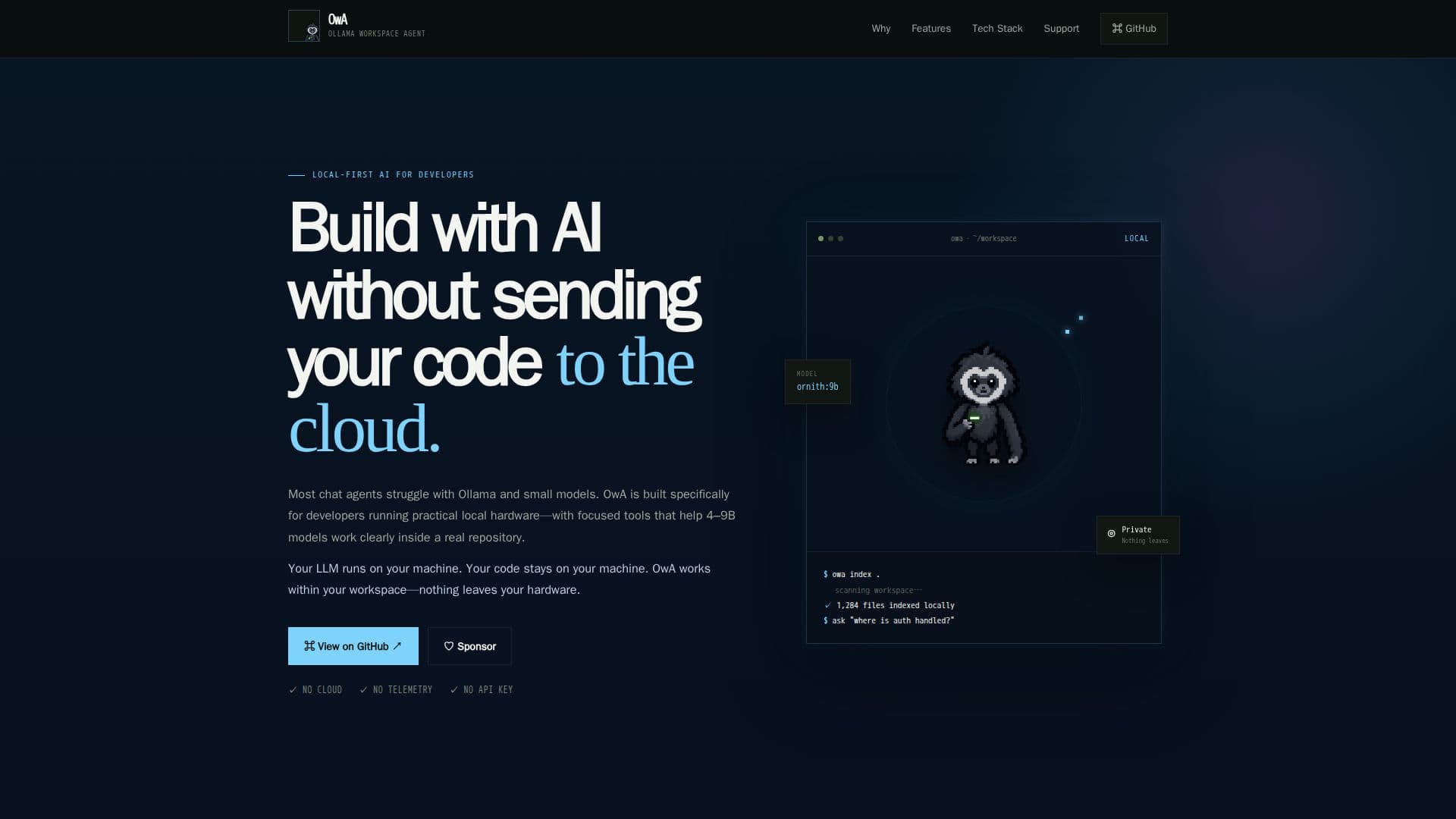
OwA — Ollama Workspace Agent is a local-first coding assistant tailored for developers who prefer to keep their code and models on their own machines. Unlike many coding agents that rely on cloud-based models, OwA is designed to work with the hardware developers already own, making it ideal for those who prioritize privacy and control.
Read More
The primary advantage of OwA is its local-first design, which ensures that your model, index, history, and source code remain on your machine. This approach not only enhances privacy but also provides developers with more control over their coding environment. OwA is particularly suited for working with 4–9B models, offering clear tools and compact context to make these models genuinely useful.
OwA's features include semantic code search, which allows developers to index their projects locally and find files based on meaning rather than filename. It also offers file reading and patching capabilities, enabling targeted edits while keeping changes reviewable. Git awareness is another key feature, allowing developers to inspect status, diffs, and recent history without leaving their repository.
Safety and review checks are integral to OwA, with structured Python checks and shell action confirmations ensuring that actions are inspectable and secure. The tool is built as a lightweight Python app with direct Ollama integration, local indexing, and a compact tool system that is transparent and easy to understand.
OwA is open source, and its continued development is supported by community sponsorship. This ensures that the project remains maintained, documented, and continually improving, making it a valuable tool for developers looking to enhance their local workflows.
- CategoryAI Coding Assistants
- Pricing ModelOpen source
- DeploymentLocal
- PlatformsWindows, macOS, Linux
OwA's Core Features
Local-first design
Semantic code search
File reading and patching
Git awareness
Review and safety checks
Lightweight Python app
Direct Ollama integration
Open source support
How to use OwA?
Configure: Set up OwA on your local machine
Use: Index your workspace and interact with your code
Optimise: Leverage semantic search and patching tools
Review: Conduct safety checks and confirm actions
OwA's Use Cases
- Local code management
- Semantic code search
- Git integration
- Safety checks
- Model optimization