Description
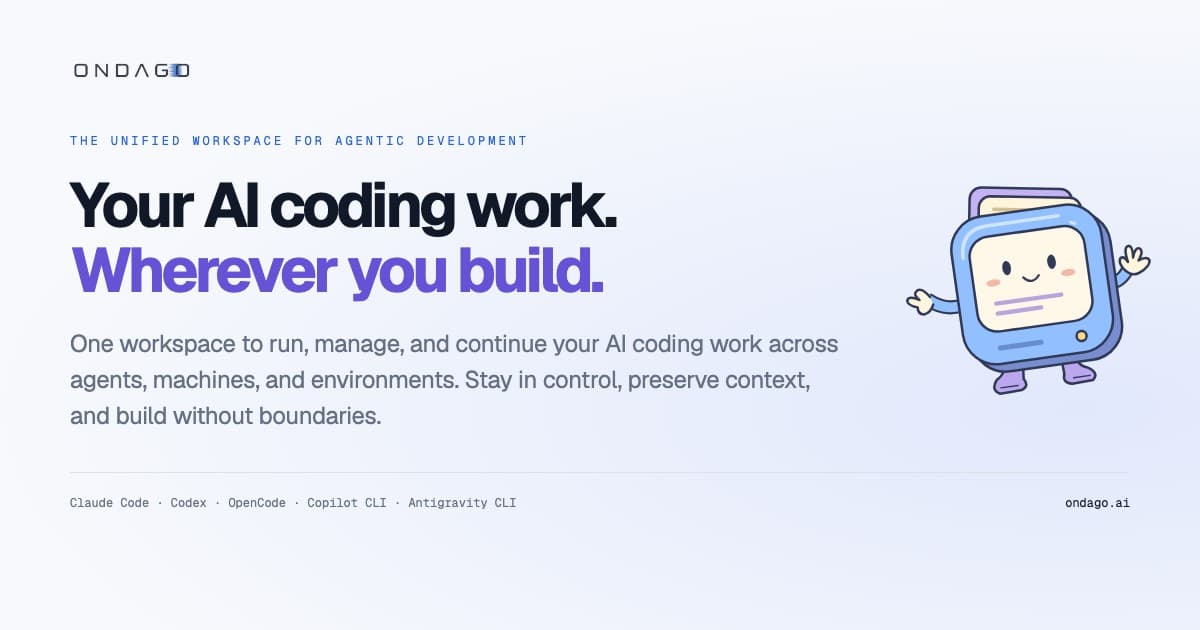
Ondago offers a comprehensive workspace designed to streamline AI coding workflows across diverse agents, machines, and environments. It addresses the challenge of fragmented development by providing a single platform to run, manage, and continue AI coding work. Developers can initiate coding sessions locally, seamlessly transfer them to cloud environments, and resume work from any device, including web browsers and mobile phones, ensuring that agents remain active and context is preserved.
Read More
The platform supports integration with multiple coding agents such as Claude Code, Codex, GitHub Copilot CLI, OpenCode, and Antigravity CLI. This allows users to switch between agents without losing progress or context, enabling them to select the most suitable agent for specific tasks without starting from scratch. Ondago facilitates agent collaboration, allowing specialized agents to review code, offer advice, and identify missing tests within the same task. Users maintain control over which feedback is incorporated by their primary agent.
Ondago also enhances team collaboration through session sharing, enabling developers to share coding sessions, conversations, decisions, and next steps with teammates. This provides a complete picture of the work in progress, eliminating the need to piece together context from code diffs. The platform centralizes coding projects, agents, and sessions, offering an organized view of running tasks, progress tracking, and overall control over agentic development.
Security and control are core tenets of Ondago's design. Session bundles are encrypted on the user's device before upload, and the storage service does not hold the decryption keys. When agents run in Ondago Cloud, they operate within isolated execution environments, accessing decrypted project files and session context only as needed. Users retain control over what is captured and supplied for cloud execution, and Ondago does not use user code or conversations to train its AI models. It complements existing Git and GitHub workflows, focusing on managing live agent sessions and work context rather than replacing source control systems.
Ondago offers a Free / Personal plan for everyday AI coding, with upcoming Pro, Team, and Enterprise plans providing additional cloud runtime and shared workspace features. The platform is designed to be flexible, allowing users to continue working with their existing coding agents independently if they choose to stop using Ondago, ensuring no vendor lock-in.
- CategoryCoding & Development
- Pricing ModelFreemium
- DeploymentCloud, Local
- PlatformsDesktop, Web, Mobile
Ondago's Core Features
Unified workspace for AI coding sessions
Cross-environment session continuity (local to cloud)
Seamless switching between supported coding agents
Preservation of compatible context during agent transfers
Agent Collaboration for shared tasks and feedback
Session Sharing for team visibility and participation
Organization of projects, agents, and sessions
Mobile web app for remote session management
Encrypted session bundles on device before upload
Isolated cloud execution environments for agents
Support for Claude Code, Codex, OpenCode, Copilot CLI, Antigravity CLI
Management of uncommitted changes during session transfers
Compatibility with existing Git and GitHub workflows
Remote interaction with agent approval requests
No AI model training using user code or conversations
How to use Ondago?
Install Ondago: Download and install the Ondago CLI or Desktop app on your coding computer.
Connect Agents: Install and sign in to your preferred supported coding agents (e.g., Claude Code, Codex) on your computer.
Start a Session: Begin an AI coding session with your chosen agent locally.
Transfer to Cloud: Move your active local session to an Ondago cloud environment to continue work remotely.
Manage Remotely: Access and manage your running sessions from a web browser or mobile device, checking progress and providing input.
Switch Agents: Transfer your session to a different supported coding agent, preserving compatible context to continue without restarting.
Collaborate: Invite other agents for collaboration or share sessions with teammates for review and input.
Ondago's Use Cases
- Remote AI Coding
- Agent Switching
- Team Collaboration
- Project Organization
- Context Preservation
- Specialized Agent Feedback
- Mobile Development Workflow
- Secure Cloud Execution