Description
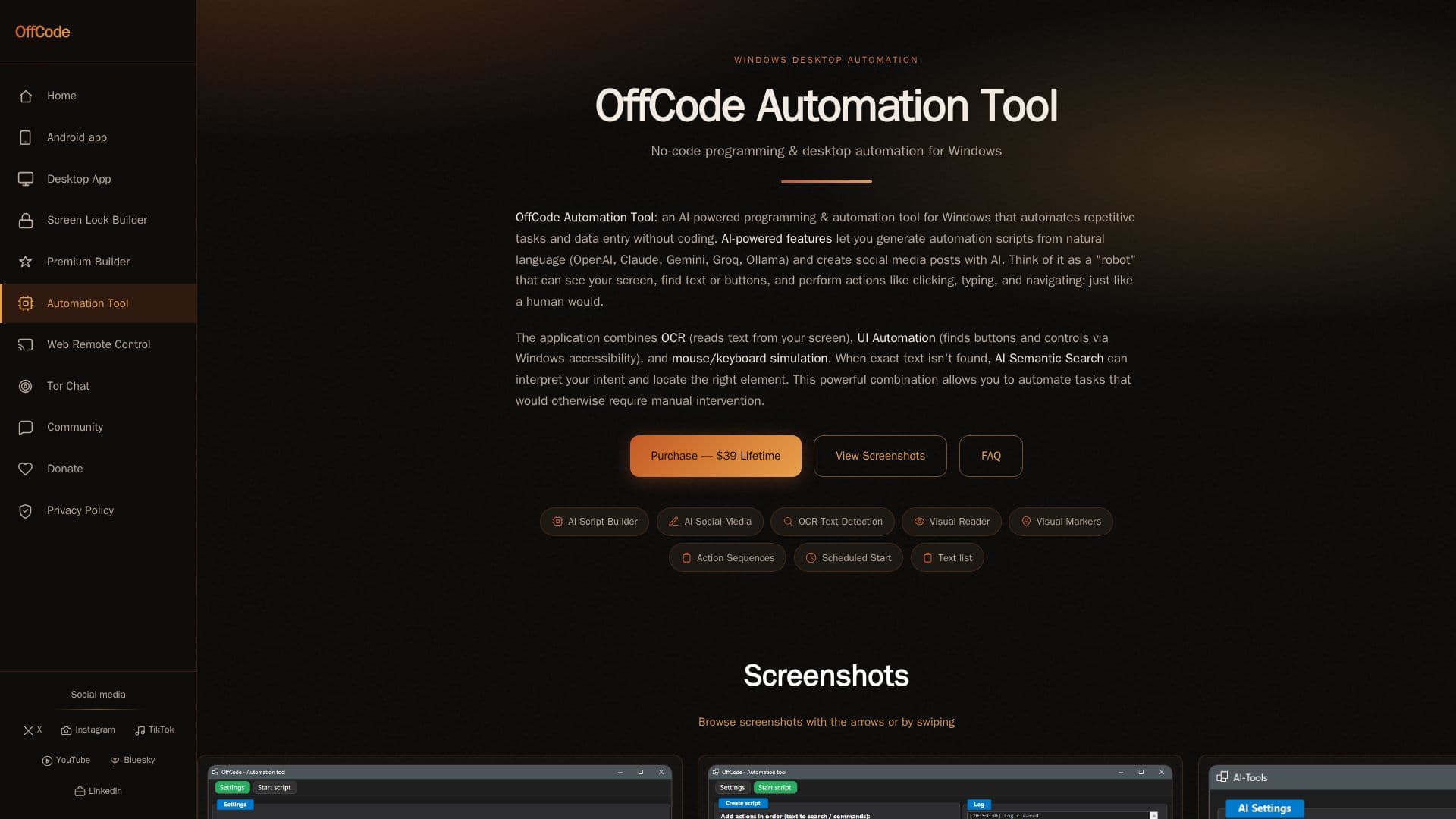
Offcode Automation Tool is a Windows desktop application designed to automate repetitive tasks without the need for coding. It integrates Optical Character Recognition (OCR), UI Automation, AI script generation, and macro recording to streamline processes such as data entry, web browsing, and document processing. Users can automate tasks across any application on their Windows computer, making it versatile for various use cases.
Read More
The tool features Smart OCR for text detection, allowing it to read and interact with text elements like buttons and fields on the screen. UI Automation leverages Windows' built-in accessibility features for more precise interaction with interface elements. The AI Script Builder enables users to describe their automation tasks in natural language, which are then converted into executable scripts using large language models like OpenAI and Claude.
Offcode Automation Tool also includes AI Semantic Search, which interprets user intent to locate on-screen elements when exact text matches are unavailable. This feature is particularly useful for tasks involving dynamic content. The tool supports scheduled automation, allowing scripts to run at specified times automatically.
The application is priced at USD 39 for a lifetime license, offering all future updates and support. It is targeted at non-technical users, freelancers, and small businesses looking to automate their workflows efficiently. The tool runs locally on Windows 10 and 11, ensuring user data privacy as no personal data is collected during automation.
- CategoryAutomation & Agents
- Pricing ModelOne-time payment
- DeploymentDesktop app
- PlatformsWindows 10, Windows 11
Offcode Automation Tool's Core Features
No-code Windows desktop automation
Smart OCR for text detection
UI Automation for interface interaction
AI Script Builder with LLM integration
AI Semantic Search for intent interpretation
Macro recording for task automation
Scheduled automation with queue management
Lifetime license with future updates
How to use Offcode Automation Tool?
Configure: Set up automation tasks using visual actions
Use: Run automation scripts to perform tasks
Optimise: Adjust scripts for efficiency and accuracy
Monitor: Use Visual Reader for real-time text scanning
Offcode Automation Tool's Use Cases
- Social Media Automation
- Web Browsing
- Document Processing
- Gaming Tasks
- Data Collection