Description
NotebookLM Watermark Remover is an online tool built specifically for removing the watermark that Google's NotebookLM adds to generated PDFs. NotebookLM places a small 'Created with NotebookLM' logo in the bottom-right corner of its documents, and the tool automatically detects and removes it from every page while preserving the original text, images, formatting, fonts, and layout. Because it is tuned to NotebookLM's exact watermark placement, it aims for consistent removal across study guides, briefing docs, and presentations.
Read More
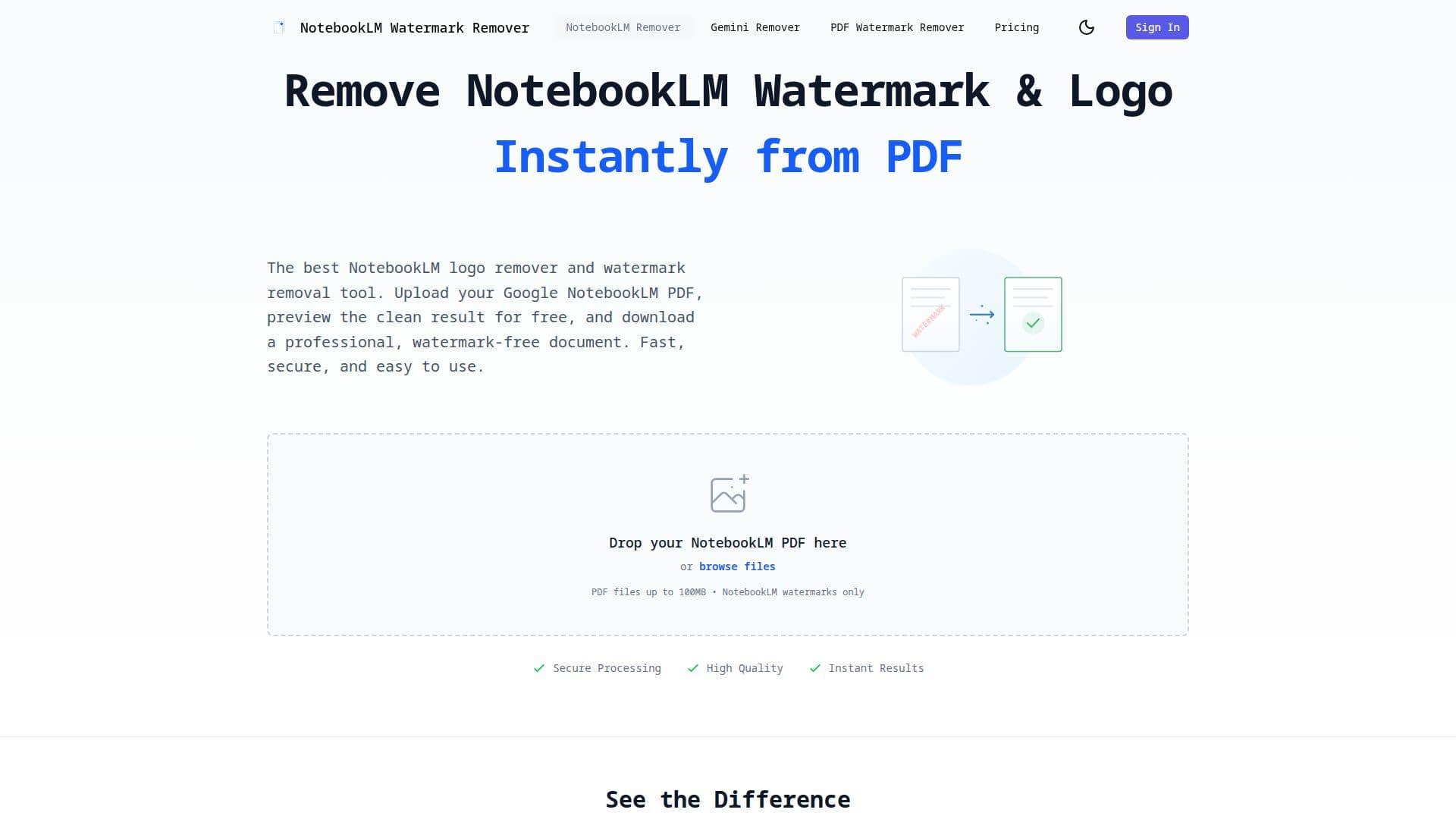
The workflow is three steps: upload your NotebookLM PDF, instantly preview the clean result in the browser for free, then choose a plan to download the watermark-free document. It uses computer-vision and inpainting algorithms, supports batch processing, and handles PDF files up to 100MB, typically processing in seconds. Files are encrypted during upload and processing and automatically deleted within 24 hours.
The same service also covers a general PDF watermark remover for text, logo, and image watermarks in any PDF, and a Gemini watermark remover that removes visible watermarks from Google Gemini AI images (including Imagen and Nano Banana outputs) using reverse alpha blending, with all image processing done client-side in the browser for privacy.
Pricing is one-time with no subscriptions: a credit pack processes a set number of PDFs or images, or a lifetime plan unlocks unlimited PDF and image watermark removal. The site notes users should only remove watermarks from documents they own or have permission to modify.
- CategoryAI Document & PDF Tools
- Pricing ModelPaid
- DeploymentCloud
- PlatformsWeb
NotebookLM Watermark Remover's Core Features
Removal of the NotebookLM watermark from every page of a PDF
Free before-and-after preview in the browser
Preserves original text, images, formatting, and layout
Batch processing and PDF files up to 100MB
General PDF watermark remover for text, logo, and image marks
Gemini image watermark remover with client-side processing
Encrypted uploads deleted within 24 hours
One-time credit packs and a lifetime unlimited plan
How to use NotebookLM Watermark Remover?
Upload your PDF: Drag and drop or browse to add your NotebookLM PDF.
Preview results: Instantly see the document without the watermark in the browser.
Choose a plan: Pick a credit pack or lifetime access to unlock the download.
Download: Save the clean, professional, watermark-free PDF.
NotebookLM Watermark Remover's Use Cases
- Clean study materials
- Client-ready reports
- Presentations
- General PDF cleanup
- Gemini image cleanup