Description
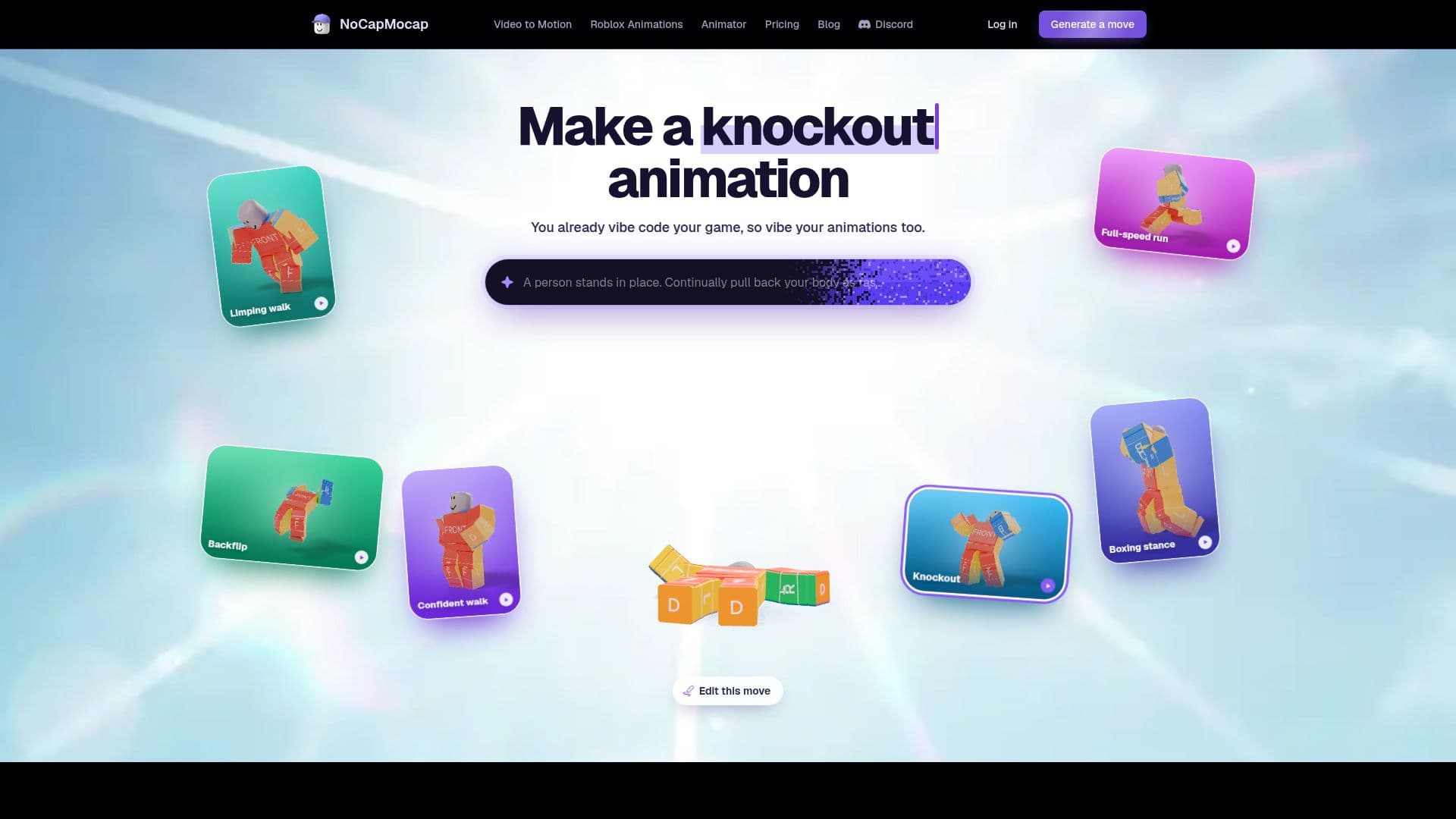
NoCapMocap is a versatile platform designed for generating Roblox R15 animations from either text descriptions or uploaded video clips. It addresses the common challenge faced by game developers and animators of needing unique character movements without relying on expensive motion capture suits or repetitive animation packs. Users can simply type a desired move, such as an emote, dance, or combat action, or upload a video filmed on a phone, and the system will generate the corresponding animation.
Read More
The platform offers a seamless workflow for Roblox creators. After generating an animation, users can utilize the free Motion Lab plugin for Roblox Studio to import, preview, and apply the animation directly to their R15 characters. Animations can be saved to a personal library or published to a Roblox account, receiving an Animation ID for in-game use. NoCapMocap also supports exporting animations as FBX files for compatibility with other 3D software like Unity, Unreal Engine, and Blender, catering to a broader range of development needs.
Beyond basic generation, NoCapMocap includes an in-browser Animator, a free tool that allows users to refine and customize their animations. This editor enables posing R15 characters, keyframing movements on a timeline, adjusting loop settings, and defining animation priorities. Users can fix minor imperfections in AI-generated moves or create entirely new animations from scratch. The Animator also supports uploading existing R15 FBX or GLB files for editing.
NoCapMocap operates on a credit-based system, offering both one-time credit packs starting from $7 and monthly subscription plans from $9. This flexible pricing model allows users to pay only for the animations they generate, with pack credits never expiring. The platform also features advanced models like Surge Lite for budget-friendly options and supports generating animations for multiple characters (Crowds) or from speech. It is also available as a plugin within ChatGPT, allowing users to generate animations directly from their chat interface.
- CategoryAI Animation Tools
- Pricing ModelFreemium
- DeploymentCloud
- PlatformsWeb, Roblox Studio, ChatGPT
NoCapMocap's Core Features
Roblox R15 Animation Generation
Text-to-Motion Animation
Video-to-Motion Animation (Markerless Mocap)
Free Roblox Studio Plugin (Motion Lab)
In-Browser Animation Editor (Animator)
FBX Export for Unity, Unreal, Blender, Mixamo
ChatGPT Plugin Integration
Credit-Based Pricing (No Subscription Required)
Monthly Subscription Plans Available
Multiple Animation Versions per Text Prompt
Crowd Animation Generation
Speech-to-Motion Animation
Animation Library and History
Customizable Animation Settings (Loop, Priority, Body Parts)
Agent Integration for Automated Animation Generation
How to use NoCapMocap?
Choose Input: Decide whether to generate an animation from a text prompt or by uploading a video clip.
Generate Animation: Type your desired move or upload an MP4, MOV, or WEBM video (up to 300 MB) and trim the relevant section. Select 'Roblox' for R15 characters or 'Humanoid' for FBX export.
Review and Refine: Preview the generated animation in 3D. Use the free Animator to make edits, adjust timing, or fix imperfections.
Integrate with Roblox Studio: Use the free Motion Lab plugin in Roblox Studio to import the animation onto your R15 character, save it, or publish it to your Roblox account to get an Animation ID.
Export for Other Platforms: If needed, download the animation as an FBX file for use in Unity, Unreal, or Blender.
NoCapMocap's Use Cases
- Roblox Game Development
- Character Animation for 3D Projects
- Rapid Prototyping of Movements
- Motion Capture from Phone Video
- NPC Animation for Crowds
- AI Agent-Driven Animation
- Custom Emote Creation
- Animation Refinement and Editing