Description
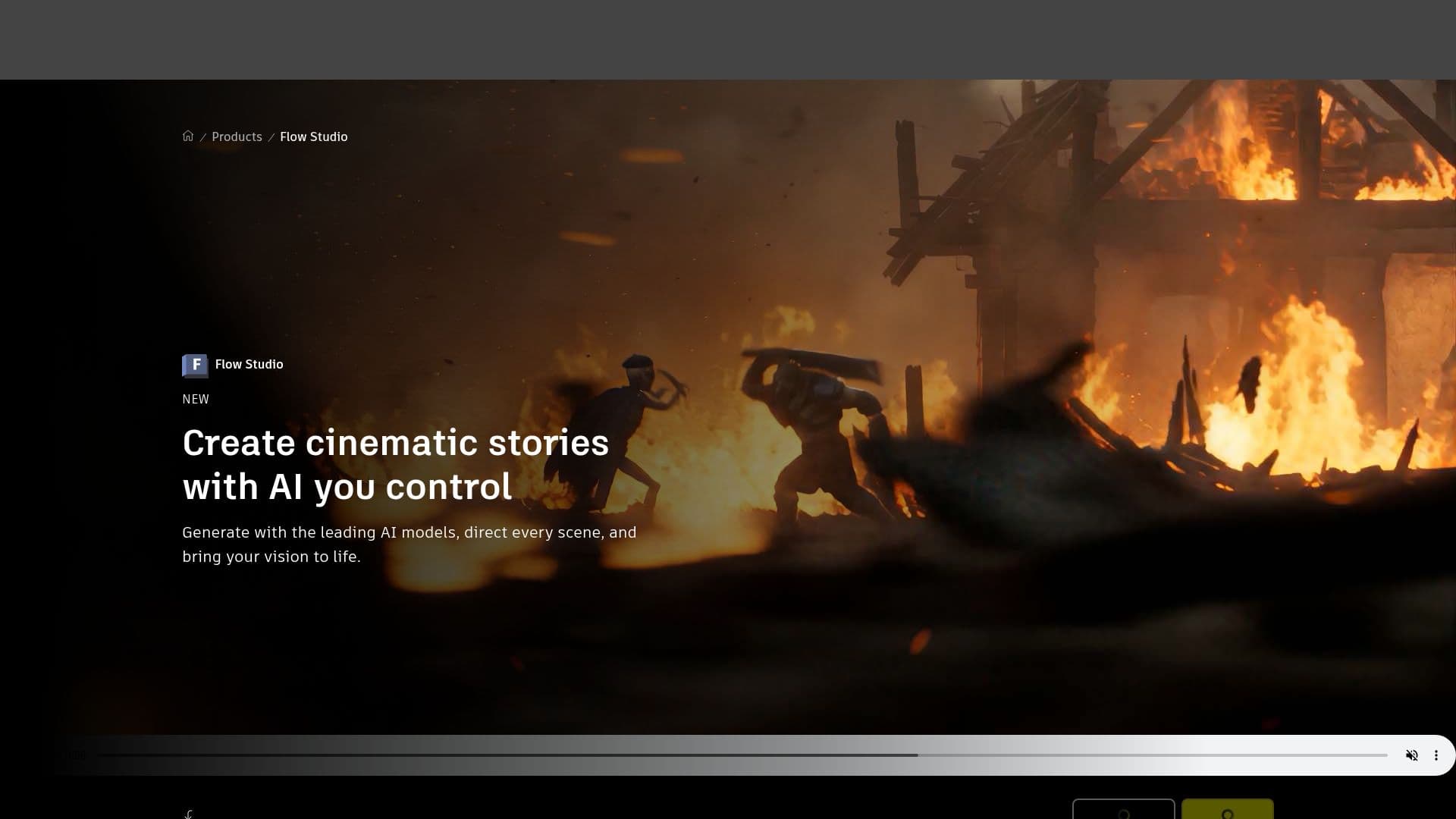
Autodesk Flow Studio is a comprehensive AI-powered platform designed for modern storytellers, filmmakers, and visual effects artists. It provides a unified creative workspace where users can build, direct, render, and refine AI-generated scenes. The platform integrates leading AI models to offer features such as AI-driven motion capture, camera tracking, animation, and compositing tools.
Read More
Flow Studio allows users to create fully-textured 3D characters from text or images and auto-rig them for animation. The platform's markerless AI motion capture technology captures facial, body, and hand motion without the need for suits or markers, providing natural 3D motion results. Users can animate, light, and compose CG characters into live-action footage, with flexible exports to tools like Maya, Blender, Unreal, or 3ds Max.
The platform supports a wide range of AI-powered tools, including Video-to-3D Scene technology, which reconstructs cameras, characters, and environments in space. Flow Studio's Neural Layer enhances realism and character consistency across angles, motion, and cuts. The platform also offers a credit system, allowing users to spend credits on different project types each month.
Flow Studio is accessible to creatives of all skill levels, from aspiring filmmakers to established studios. It offers a free tier for students and educators, with additional plans available for professional use. The platform is designed to empower users to bring their creative visions to life with AI as a creative enabler.
- CategoryAI Animation Tools
- Pricing ModelFreemium
- DeploymentCloud
- PlatformsChrome, Safari
Autodesk Flow Studio's Core Features
AI-driven motion capture
Camera tracking
Animation and compositing tools
3D model generation and AI rigging
Markerless AI motion capture
Video-to-3D Scene technology
Neural Layer for enhanced realism
Flexible exports to Maya, Blender, Unreal, 3ds Max
How to use Autodesk Flow Studio?
Configure: Set up your project workspace
Use: Create and animate 3D scenes
Optimise: Refine and export your work
Autodesk Flow Studio's Use Cases
- Cinematic storytelling
- 3D character animation
- Live-action integration
- Educational projects
- VFX production