Description
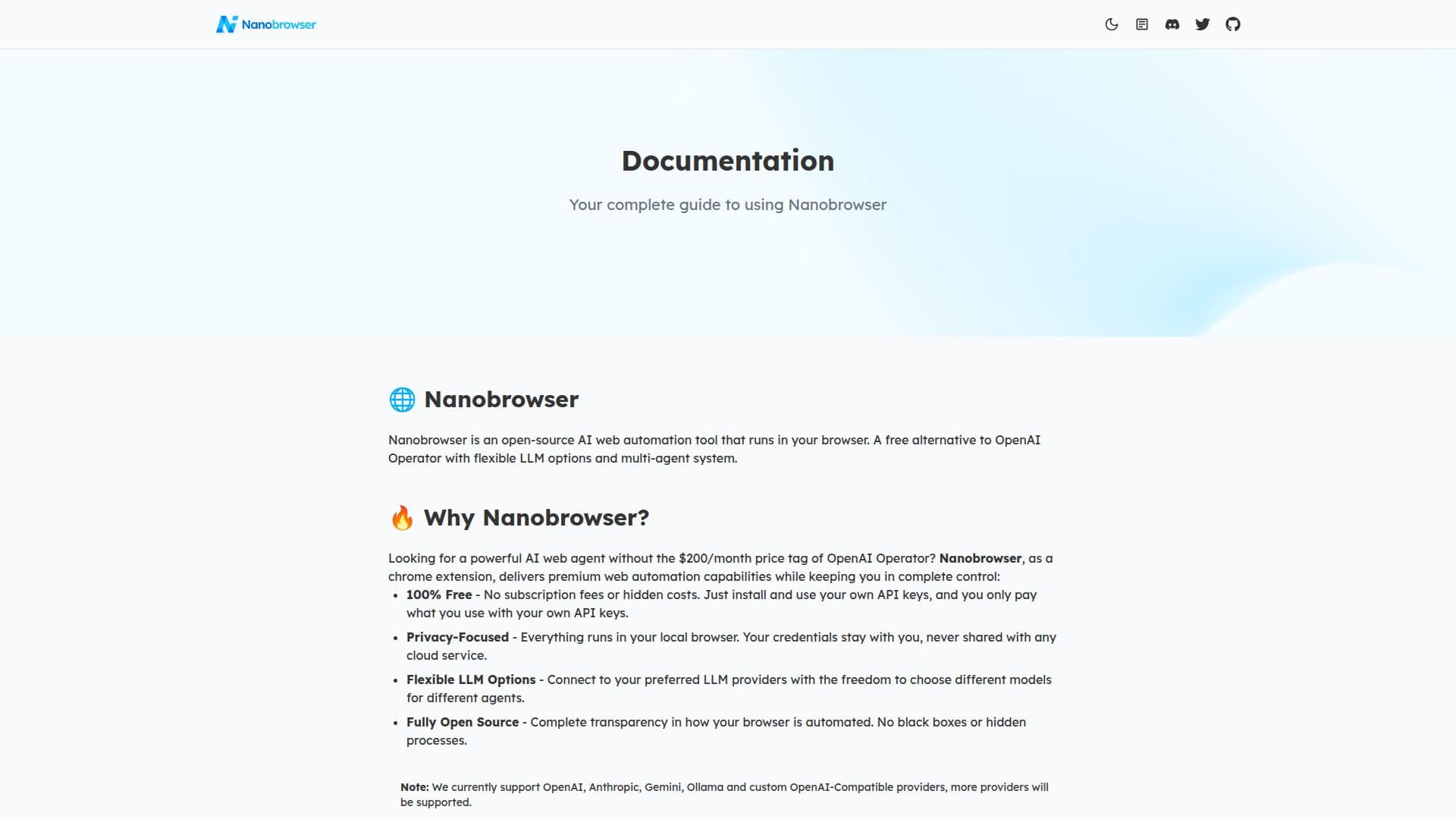
Nanobrowser is an innovative open-source AI web automation tool designed to run directly in your browser. As a free alternative to costly services like OpenAI Operator, Nanobrowser offers users the ability to automate complex web workflows using a multi-agent system. This tool is particularly appealing to those who wish to maintain control over their data, as it operates entirely within the local browser, ensuring that credentials and sensitive information are never shared with cloud services.
One of the standout features of Nanobrowser is its flexibility in supporting various large language models (LLMs). Users can connect to preferred LLM providers, such as OpenAI, Anthropic, Gemini, and Ollama, and assign different models to different agents, tailoring the tool to specific needs and optimizing performance and cost. The tool's open-source nature ensures transparency, allowing users to understand and modify how their browser is automated.
Nanobrowser's key features include a multi-agent system where specialized AI agents collaborate to accomplish tasks, an interactive side panel for real-time status updates, and task automation capabilities that streamline repetitive web tasks. Users can also ask contextual follow-up questions and manage their interaction history with AI agents.
Installation is straightforward, with options to install via the Chrome Web Store or manually from the GitHub release page. Users can configure agent models by adding their LLM API keys and selecting models for different agents. The tool is actively developed, with plans to expand LLM support, enhance security, and optimize memory usage.
Nanobrowser is ideal for developers, researchers, and tech enthusiasts looking for a customizable and privacy-focused web automation solution. Its community-driven development and open-source model make it a versatile tool for various applications.
Nanobrowser AI Web Automation Tool's Core Features
Open-source AI web automation
Multi-agent system
Flexible LLM options
Privacy-focused operation
Interactive side panel
Task automation
Follow-up questions
Conversation history management
How to use Nanobrowser AI Web Automation Tool?
Install: Add Nanobrowser from Chrome Web Store
Configure: Open sidebar and add LLM API keys
Use: Automate tasks with specialized AI agents
Optimize: Choose models for different agents
Nanobrowser AI Web Automation Tool's Use Cases
- News Summary
- GitHub Research
- Shopping Research
- Web Task Automation
- Data Extraction