


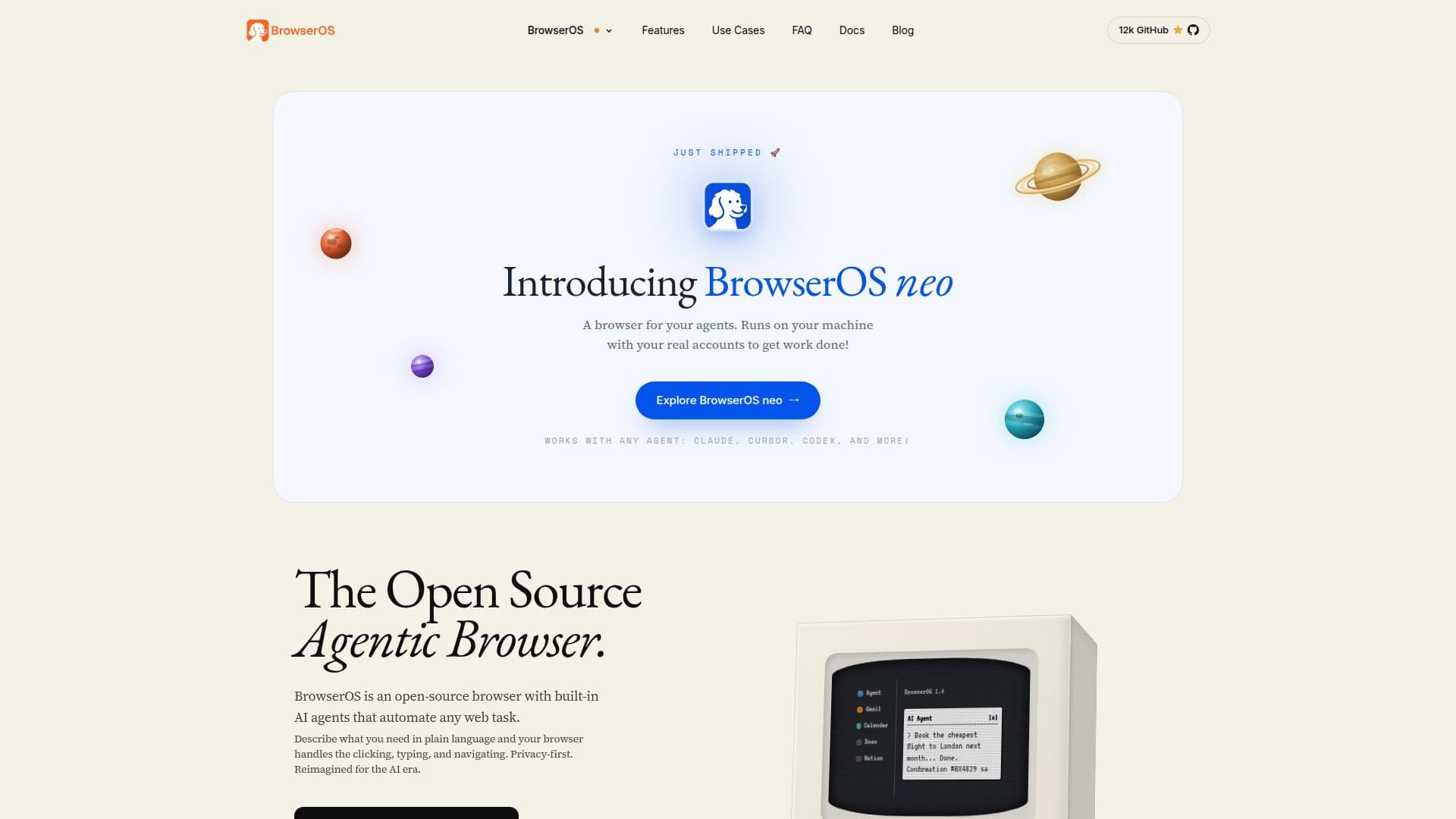
Description
BrowserOS is an innovative open-source browser designed to integrate AI agents directly into your browsing experience. Unlike traditional browsers like Chrome or Safari, BrowserOS emphasizes privacy and automation, allowing users to automate tasks using natural language without the need for coding. It supports over 11 AI providers, including Moonshot Kimi, Anthropic Claude, Google Gemini, and OpenAI, with the flexibility to switch between providers using your own API keys. BrowserOS is compatible with macOS, Windows, and Linux, and it supports Chrome extensions seamlessly due to its Chromium fork.
The browser is completely free and open-source, with some AI providers offering free tiers, such as Google Gemini and Kimi K2.5. BrowserOS stands out by providing 53 browser automation tools and 40+ app integrations, making it a powerful tool for various roles, from developers to marketers. Users can contribute to its development via GitHub or join the community on Discord.
BrowserOS offers unique features like agent memory, filesystem access, and scheduled tasks, all running locally to ensure privacy. It allows users to define agent behavior and personality through Markdown files, making it customizable and adaptable to different workflows. Whether you're a founder needing daily briefings or a researcher tracking competitor pricing, BrowserOS provides the tools to automate and streamline your tasks efficiently.
BrowserOS's Core Features
Open-source AI browser
Runs AI agents locally
Privacy-first design
Supports 11+ AI providers
Compatible with Chrome extensions
Free and open-source
53 browser automation tools
40+ app integrations
How to use BrowserOS?
Configure: Set up your AI providers and extensions
Use: Automate tasks using natural language
Optimise: Customize agent behavior with Markdown
Contribute: Join the community on GitHub or Discord
BrowserOS's Use Cases
- Founders
- Developers
- Sales Reps
- Researchers
- Marketers