
Description
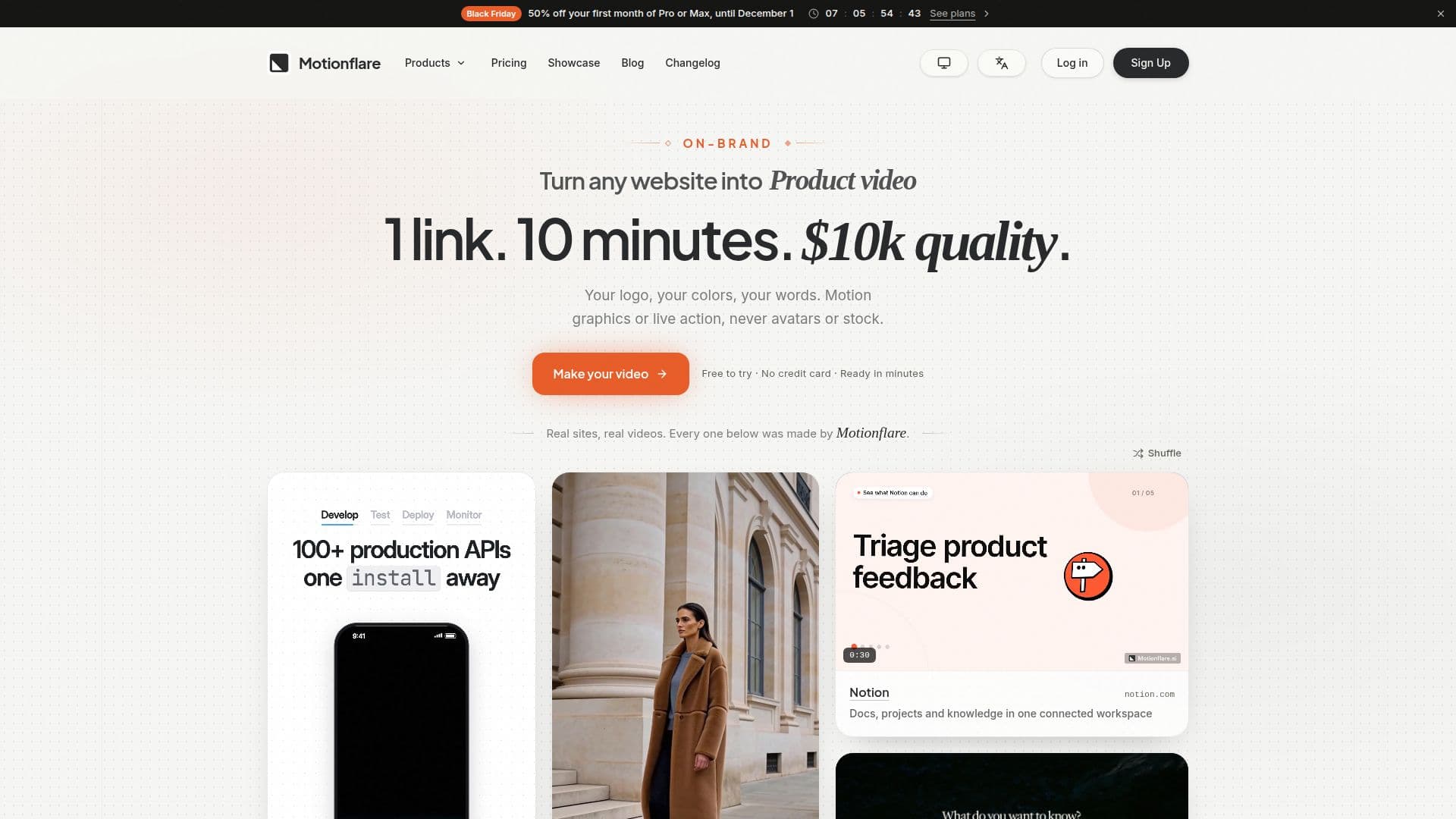
Motionflare is an AI video generator designed for brands, enabling the creation of professional motion graphics videos and live-action commercials. Users can initiate video generation by simply pasting a public website URL or describing their video idea in a sentence. The platform then processes this input to produce on-brand content, complete with music and voiceover.
Read More
For motion graphics videos, Motionflare reads the provided website, captures real UI screenshots, and incorporates the brand's logo, colors, and copy. It then writes a script and composes a custom musical score tailored to the video's cut. This ensures that product demo videos accurately reflect the actual user interface rather than relying on stock footage or approximations. Videos in this mode can range from 10 to 90 seconds in length and are available in 1080p or 4K resolution.
Alternatively, Motionflare offers a "Film mode" for generating live-action commercials. This mode transforms a URL or a brief idea into a commercial featuring believable people, places, voiceover, sound effects, and music. Film mode videos are typically 5 to 45 seconds long and can be exported in resolutions up to 4K. This option is ideal for TV spots, YouTube ads, brand advertisements, and social media campaigns, providing a dynamic visual narrative without the need for traditional filming.
The platform offers a free plan that includes 6 one-time credits, allowing users to create and preview watermarked videos up to 10 seconds long in their browser. To export videos without watermarks, in higher resolutions (1080p and 4K), or for longer durations, users can purchase credit packs or subscribe to a monthly plan. Credit packs offer non-expiring credits, while subscriptions provide a monthly allocation of credits, unlocking access to all AI models and unlimited projects. Motionflare emphasizes efficiency, promising a finished video in approximately ten minutes, significantly reducing the time and effort typically required for video production.
- CategoryAI Video Generators
- Pricing ModelFreemium
- DeploymentCloud
- PlatformsWeb
Motionflare's Core Features
Generate motion graphics videos from website URLs
Create live-action commercials from URLs or ideas
Utilizes real UI screenshots for product demos
Automatic scriptwriting and custom music composition
Includes voiceover and sound effects
Supports 1080p and 4K video export
Offers a free preview with watermarked videos
Credit-based pricing for pay-as-you-go options
Subscription plans for monthly credit allocation
Supports 16:9 and 9:16 aspect ratios
No stock footage or avatar libraries used
Refine videos by describing desired changes
Access to multiple AI and video generation models
Supports 21 languages for voiceover and content
How to use Motionflare?
Paste URL or Describe Idea: Input a public website URL or a sentence describing your video concept into Motionflare.
Choose Video Type: Select between a motion graphics video (using your site's UI) or a live-action commercial (Film mode).
Preview Video: Watch a watermarked preview of your generated video in your browser to ensure it meets your expectations.
Refine Content (Optional): Provide feedback in plain words to adjust specific parts of the video, and Motionflare will revise it.
Export Video: Purchase a credit pack or subscribe to a plan to export your high-resolution, watermark-free video.
Motionflare's Use Cases
- Product Launch Videos
- Product Demo Videos
- Live-Action Commercials
- Explainer Videos
- Social Media Campaigns
- Brand Advertisements
- Marketing Content Creation
- UI/UX Showcases