Description
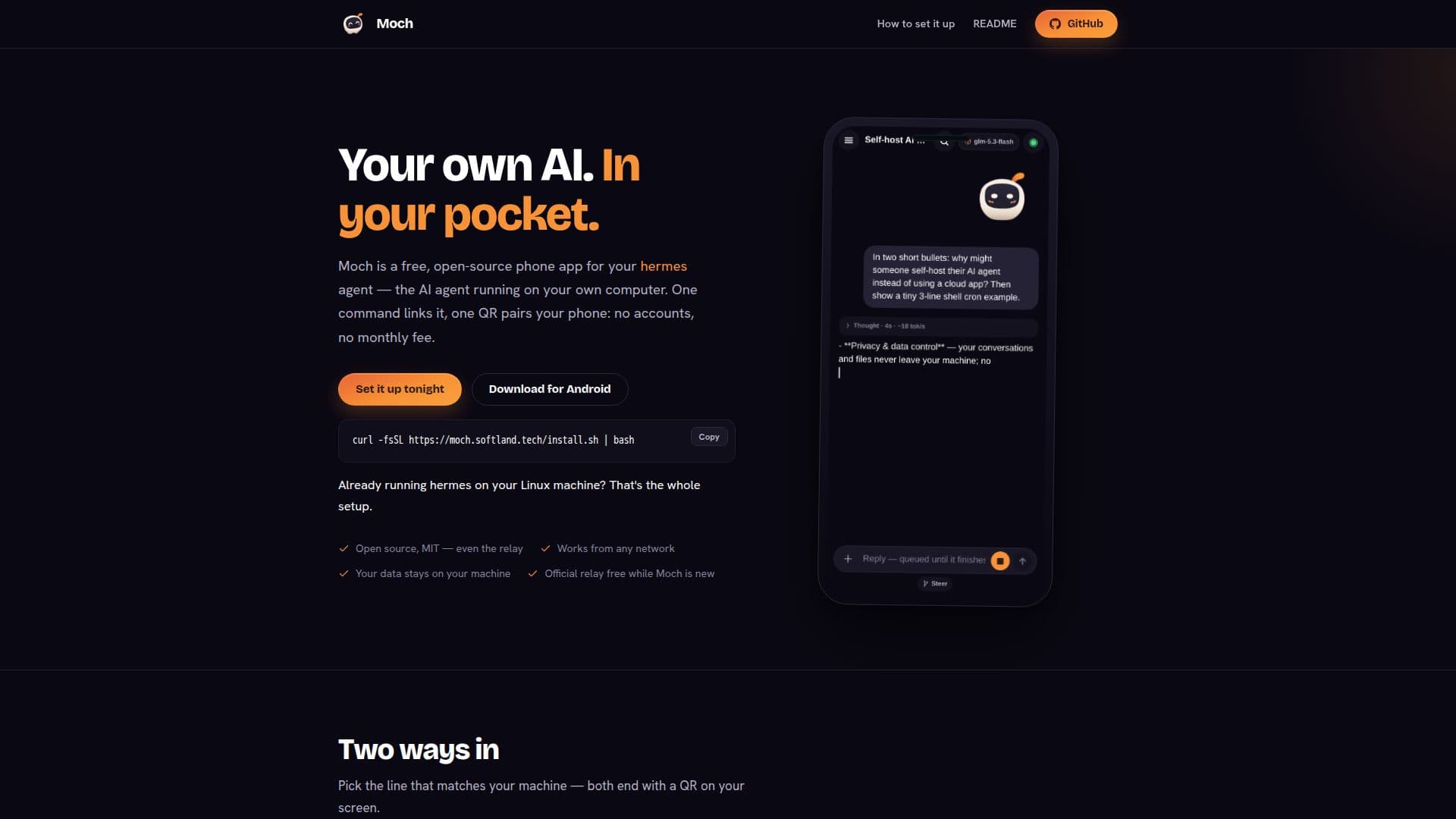
Moch is a versatile, open-source mobile application designed to connect your phone to your personal hermes AI agent. This app allows you to manage and interact with your AI agent directly from your pocket, ensuring that all your data remains securely on your hardware. The setup process is straightforward: if you already have hermes running on your Linux machine, a single command links your device, and a QR code pairs your phone. For those starting fresh, installing the hermes agent is just as simple, with support for Linux, macOS, WSL2, and Termux.
Read More
Moch operates through a relay system that can be self-hosted, ensuring no third-party interference. This relay is open-source, allowing users to run the entire stack on their own hardware. The official relay is free to use while Moch is new, providing an easy entry point for users who prefer not to self-host.
The app provides a direct line to your machine, offering a more integrated experience than messaging a bot on platforms like Telegram. Moch's interface allows you to watch your AI agent process information in real-time, with live replies and permission requests that are easily managed from your phone. Automation tasks can be set to run on your computer even when the app is closed, and the app can manage multiple devices, reconnecting to the last used machine automatically.
Moch's open-source nature and MIT licensing ensure that it remains free and adaptable, with no hidden costs or configurations required. This makes it an ideal choice for tech-savvy users who value privacy and control over their AI interactions.
- CategoryAI Agent Builders
- Pricing ModelFree
- DeploymentSelf-hosted, Cloud
- PlatformsLinux, macOS, WSL2, Termux
Moch's Core Features
Open-source mobile app
Direct connection to hermes AI agent
Data remains on user hardware
No accounts or monthly fees
Supports Linux, macOS, WSL2, Termux
Self-hosted relay option
Real-time AI interaction
Automated task management
How to use Moch?
Install hermes: set up the AI agent on your machine
Link device: use moch-link command to connect
Pair phone: scan QR code to pair with app
Manage tasks: set and control automation from phone
Moch's Use Cases
- Data Privacy
- Automation
- Multi-Device Management
- Real-Time Interaction
- Open-Source Flexibility