ToolPotion
AI Advisor
Submit a Tool (Free)

Mission Control

AI AppsAI Agent BuildersProductivity#52Open Source · macOS, iPhone

Mission Control is an open-source AI agent for Mac, designed to manage tasks and workflows efficiently. It features an always-on floating bar for real-time updates and an iPhone app for on-the-go interaction. The agent plans and executes work in parallel, only requesting user decisions when necessary, making it ideal for streamlining personal and team productivity.

Visit Website
Share
Mission Control screenshot

Mission Control is an open-source AI agent designed to streamline workflows and manage tasks across your Mac and iPhone. It operates as a single agent that orchestrates a 'team' of workers, planning and executing tasks in parallel. The core idea is to minimize user intervention, only surfacing for decisions when absolutely required, allowing users to focus on critical aspects of their work.

Read More

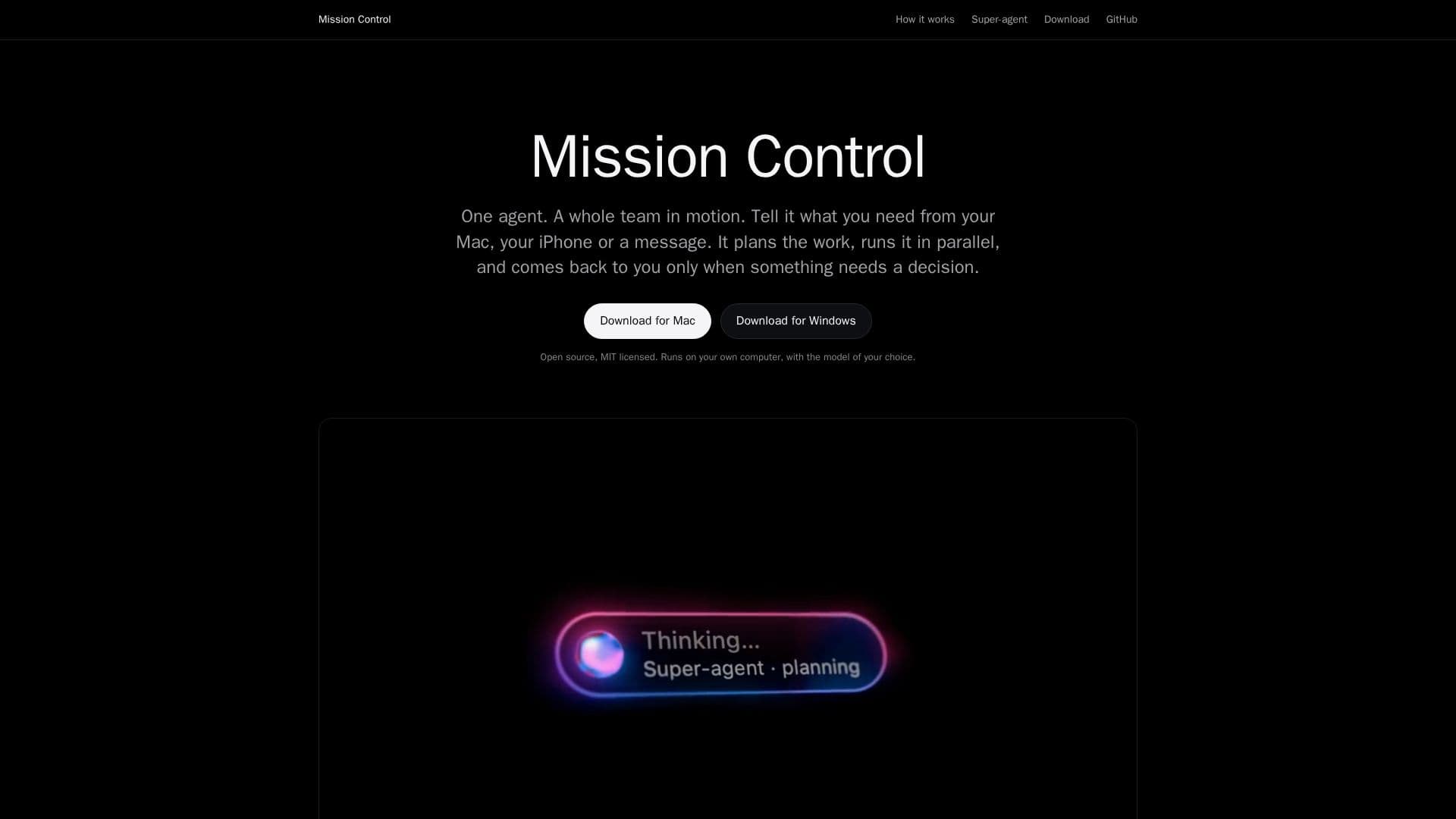
The system features a unique 'floating bar' that remains at the bottom of the Mac screen, providing real-time visual feedback on the agent's activities. This bar displays tasks in flight, completed work, and alerts when a decision is needed. It's designed to be unobtrusive, using minimal system resources while idle, and offers in-place answers and command reviews without needing to open a separate application.

The dedicated Mac app provides a comprehensive overview of all agent activities. Users can monitor running tasks, review items awaiting their input, and see completed work, including detailed steps for each task. The 'Activity' section logs every event and the rules the agent applied, which users can customize. An 'Inbox' consolidates all pending decisions, showing held commands in full and highlighting changes since the last approval.

Mission Control extends its functionality to iPhone, allowing users to take the conversation and decision-making on the go. The iPhone app connects directly to the Mac agent over a local network or Tailscale, ensuring privacy with no third-party accounts or intermediaries. Users can approve or decline commands, answer task-related questions, and monitor work in progress from anywhere. The app also supports on-device speech recognition and provides notifications only when a decision is truly needed.

At its heart, Mission Control is built on the 'Super-agent design' concept, inspired by DeepSeek Harness's 2026 publication. This architecture involves one coordinating agent that handles communication and isolated workers that perform specific tasks. This independent implementation focuses on robust authority management, recovery mechanisms, and precise task completion detection. The software is open-source, MIT licensed, and runs locally on the user's computer, supporting the model of their choice. It requires macOS 14 or later and is available as unsigned builds, with instructions for enabling it in System Settings.

  • CategoryAI Agent Builders
  • Pricing ModelOpen Source
  • DeploymentOn-Premise
  • PlatformsmacOS, iPhone

  • Open-source AI agent for Mac

  • Always-on floating bar for real-time updates

  • iPhone app for remote interaction

  • Parallel task planning and execution

  • Decision-only interaction model

  • Native Mac app with comprehensive task overview

  • Customizable agent rules and activity logs

  • Secure direct connection between Mac and iPhone (local network/Tailscale)

  • On-device speech recognition for iPhone

  • Contextual notifications for pending decisions

  • Built on Super-agent design principles

  • Runs locally with user's choice of AI model

  • MIT licensed

  • Supports macOS 14 or later

  1. Install Mission Control: Download and install the latest build of the desktop app on your Mac (macOS 14 or later).

  2. Allow Unsigned App: For the first launch, navigate to System Settings > Privacy & Security and click 'Open Anyway' to allow the unsigned application.

  3. Configure Agent: Tell the agent what you need from your Mac, iPhone, or via messages; it will plan and run the work.

  4. Interact via Floating Bar: Use ⌥ Space or hold it to talk to the agent, and monitor its progress and decisions on the always-on floating bar.

  5. Manage Tasks in Mac App: Open the Mac app to view running tasks, pending decisions in the Inbox, and review activity logs and agent rules.

  6. Connect iPhone App: Install the iPhone app and connect it to your Mac over your local network or Tailscale to manage tasks remotely.

  7. Make Decisions Remotely: Approve or decline held commands, answer questions, or step into work in progress directly from your iPhone.

  • Automated Task Management
  • Workflow Orchestration
  • Remote Decision Making
  • Real-time Activity Monitoring
  • Customizable Agent Behavior
  • Secure Local AI Processing

Mission Control Reviews

Loading...

Popular AI Tools Like Mission Control

CatPaw is an AI agent platform that provides a ready-to-use intelligent workspace and managed agent development capabilities for enterprises, helping them build AI digital…

AI Agent Builders

Ranked #27 for Business Owners

View Tool

AI agent platform that provides a ready-to-use intelligent workspace and managed agent development capabilities for enterprises, helping them build AI digital…CatPaw is an AI agent platform that provides a ready-to-use intelligent workspace and managed agent development capabilities for enterprises, helping them build AI digital…

AI Agent Builders
Ranked #27 for Business Owners

Agentivity

AI Apps

Agentivity enables users to build and deploy AI teams without writing code, automating repetitive tasks while keeping human oversight. It allows for the creation of AI specialists…

AI Agent Builders

Ranked #54 for Project Managers

View Tool

AI Apps

Enables users to build and deploy AI teams without writing code, automating repetitive tasks while keeping human oversight. It allows for the creation of AI specialists…Agentivity enables users to build and deploy AI teams without writing code, automating repetitive tasks while keeping human oversight. It allows for the creation of AI specialists…

AI Agent Builders
Ranked #54 for Project Managers

Oh My Codex is a multi-agent orchestration tool for Codex CLI, enhancing workflow management with features like stronger HUD/session ownership, safer Autopilot replay, and…

AI Agent Builders
View Tool

Multi-agent orchestration tool for Codex CLI, enhancing workflow management with features like stronger HUD/session ownership, safer Autopilot replay, and…Oh My Codex is a multi-agent orchestration tool for Codex CLI, enhancing workflow management with features like stronger HUD/session ownership, safer Autopilot replay, and…

AI Agent Builders
See the Top 250 AI Apps

One Roof

AI Apps

One Roof is a desktop application designed to manage multiple AI agents simultaneously, providing a unified interface to monitor their activities, costs, and interactions. It…

AI Agent Builders
View Tool

AI Apps

Desktop application designed to manage multiple AI agents simultaneously, providing a unified interface to monitor their activities, costs, and interactions. It…One Roof is a desktop application designed to manage multiple AI agents simultaneously, providing a unified interface to monitor their activities, costs, and interactions. It…

AI Agent Builders
See the Top 250 AI Apps

Moxt

AI Apps

Moxt is a collaborative workspace where humans and AI agents work together seamlessly. It enables the creation of workflows, apps, and context, allowing teams to handle complex…

AI Agent Builders

Ranked #80 in Productivity

View Tool

AI Apps

Collaborative workspace where humans and AI agents work together seamlessly. It enables the creation of workflows, apps, and context, allowing teams to handle complex…Moxt is a collaborative workspace where humans and AI agents work together seamlessly. It enables the creation of workflows, apps, and context, allowing teams to handle complex…

AI Agent Builders
Ranked #80 in Productivity

Royak

AI Apps

Royak provides configurable AI employees and departments that operate under your specified permissions, approvals, and budgets. Supervise their work in a live 3D office…

AI Agent Builders
View Tool

AI Apps

Provides configurable AI employees and departments that operate under your specified permissions, approvals, and budgets. Supervise their work in a live 3D office…Royak provides configurable AI employees and departments that operate under your specified permissions, approvals, and budgets. Supervise their work in a live 3D office…

AI Agent Builders
See the Top 250 AI Apps

Crewargo

AI Apps

Crewargo is an AI agent team workspace designed to streamline collaboration on work, code, and data. It allows users to delegate tasks to a team of specialist agents through a…

AI Agent Builders
View Tool

AI Apps

AI agent team workspace designed to streamline collaboration on work, code, and data. It allows users to delegate tasks to a team of specialist agents through a…Crewargo is an AI agent team workspace designed to streamline collaboration on work, code, and data. It allows users to delegate tasks to a team of specialist agents through a…

AI Agent Builders
See the Top 250 AI Apps

Ret

AI Apps

Ret is a desktop workbench designed for managing Codex and Claude Code agents. It allows users to run multiple agents simultaneously across projects, providing features like…

AI Agent Builders
View Tool

AI Apps

Desktop workbench designed for managing Codex and Claude Code agents. It allows users to run multiple agents simultaneously across projects, providing features like…Ret is a desktop workbench designed for managing Codex and Claude Code agents. It allows users to run multiple agents simultaneously across projects, providing features like…

AI Agent Builders
See the Top 250 AI Apps
1 of 8