Description
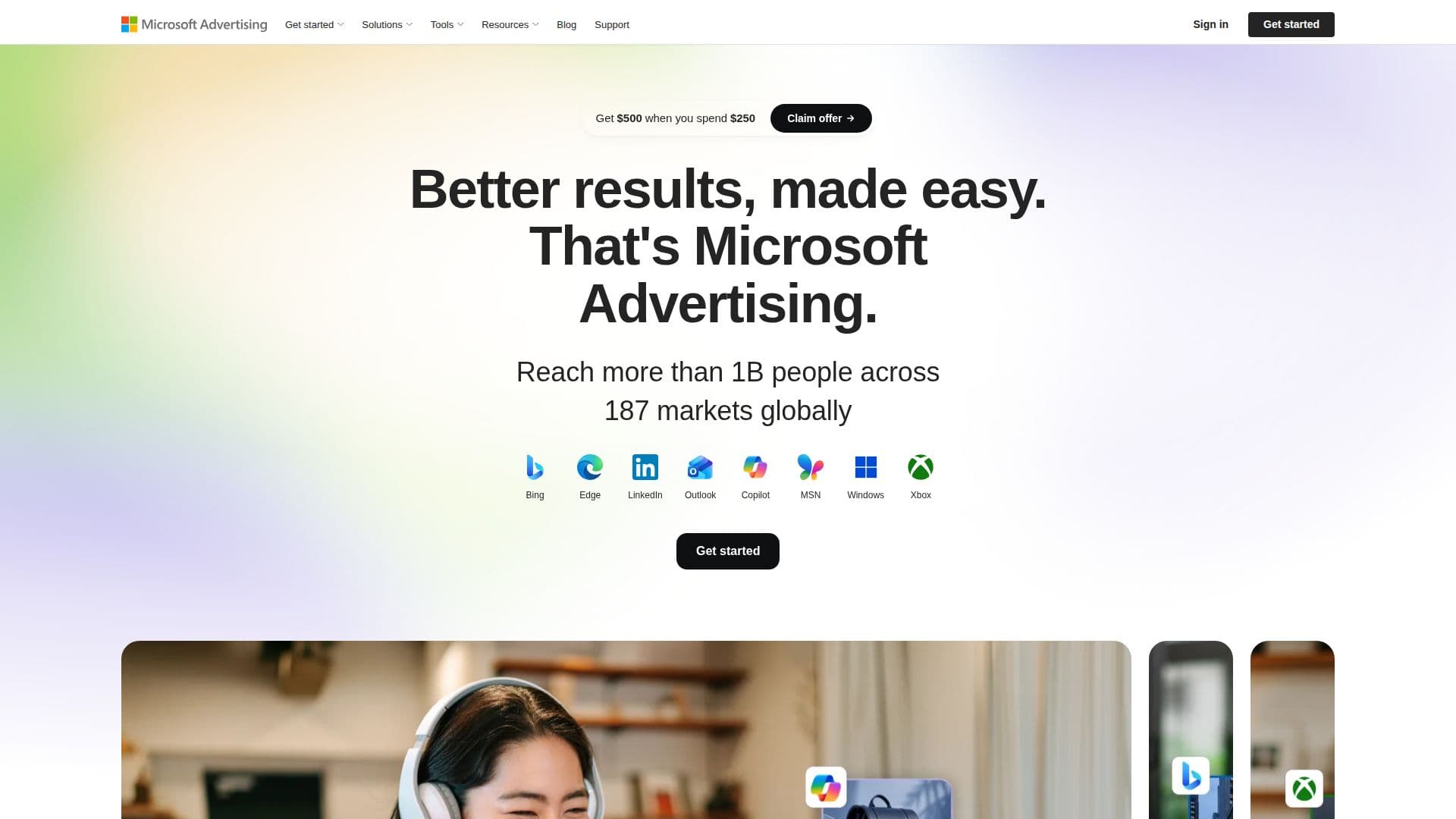
Microsoft Advertising is Microsoft's advertising platform for running paid campaigns across its own properties and a network of publisher partners. From a single account, advertisers can launch search ads that appear on Bing, Yahoo, and DuckDuckGo through Microsoft's network partnerships, along with display and native ads placed across Microsoft 365, MSN, Microsoft Edge, and Outlook.
Read More
The platform groups these into five campaign types: Performance Max, Search, Display, Video & CTV, and Shopping. Performance Max is built to manage ad delivery across multiple formats and placements from a single campaign setup, aiming to cut the manual work of running separate campaigns for each channel. Video and Connected TV campaigns can appear alongside streaming content on services such as Netflix, Max, Hulu, Roku, and discovery+, in addition to Microsoft's own properties. Shopping campaigns let retailers show product listings with review ratings and offer details before a shopper even clicks through.
A newer addition is Copilot in the Microsoft Advertising Platform, which uses AI to help generate ad assets, both images and text, so advertisers spend less time producing creative by hand. Microsoft frames this alongside its campaign-optimization tools, which are meant to target the right audience at the right time across the full Microsoft Advertising Network.
The platform runs on a pay-per-click model with no minimum fee, and advertisers set and control their own daily budget rather than committing to a fixed contract. Alongside the core ad platform, Microsoft also offers free companion tools: Bing Places for Business for a free local business listing, Bing Webmaster Tools for site performance and SEO data tied to Bing search results, and Microsoft Clarity, a free tool that shows how visitors interact with a website through session recordings and heatmaps.
Microsoft Advertising is built for businesses and marketers who want reach beyond Google Ads, particularly on Bing search and Microsoft's owned and partner properties. It supports both small advertisers running self-serve campaigns and larger accounts working with Microsoft's advertising specialists, and the site offers a free consultation for businesses setting up their first campaign, along with ongoing support through its blog, developer documentation, and feedback channels.
- CategoryMarketing Automation
- Pricing ModelFreemium
- DeploymentWeb
- PlatformsCloud
Microsoft Advertising's Core Features
Search ads on Bing, Yahoo, and DuckDuckGo through Microsoft's network partnerships
Display and native ads across Microsoft 365, MSN, Microsoft Edge, and Outlook
Video and Connected TV ads, including placements on Netflix, Max, Hulu, Roku, and discovery+
Shopping campaigns with product listings, review ratings, and offer details
Performance Max campaigns that manage ad delivery across multiple formats at once
Copilot in Microsoft Advertising: AI-generated ad images and copy
Pay-per-click pricing with no minimum fee and advertiser-controlled daily budgets
Free companion tools: Bing Places for Business, Bing Webmaster Tools, and Microsoft Clarity
How to use Microsoft Advertising?
Create an account: sign up for Microsoft Advertising with an email address to get started.
Choose a campaign type: pick Performance Max, Search, Display, Video & CTV, or Shopping based on your goal.
Set a budget: define a daily budget; you pay only for clicks, with no minimum fee.
Generate creative with Copilot: use the AI-assisted tool to produce ad images and copy.
Launch and monitor: publish the campaign and track performance from the Microsoft Advertising dashboard.
Microsoft Advertising's Use Cases
- Search ad campaigns
- Connected TV advertising
- AI-assisted ad creation
- Retail shopping campaigns