
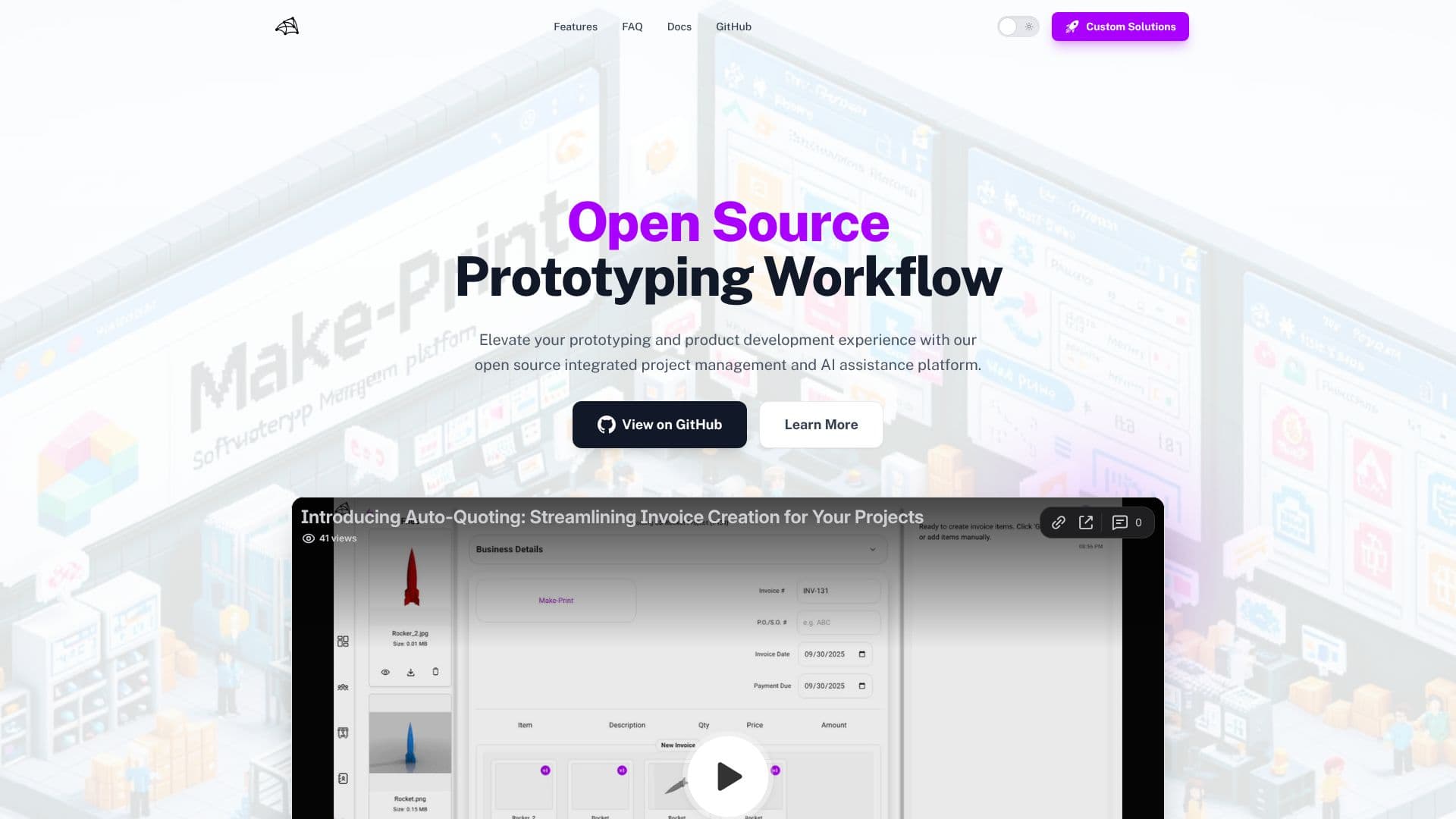
Description
Make-Print offers a comprehensive, open-source solution to streamline the entire product development lifecycle, from initial concept to final production. This integrated platform empowers teams by centralizing project management and incorporating AI-driven assistance to boost efficiency and accuracy.
Read More
The core of Make-Print's project management capabilities lies in its intuitive Kanban board, allowing users to create, assign, and track tasks and projects seamlessly. It supports the management of team members, files, and even specific machinery, providing a unified view of all project components. A key differentiator is its native 3D model viewer, which supports various formats like .stl, .step, .obj, and .gltf, enabling direct inspection and validation of parts within the browser, saving significant time on preliminary checks.
Collaboration is enhanced through a rich live chat feature, facilitating communication threads, team engagement, and client interactions around specific projects. Resource and inventory management are also simplified, with tools to browse and manage machine inventories (3D printers, CNCs) and add custom materials and color options. This ensures that all necessary operational resources are accounted for and easily accessible.
Make-Print leverages AI to empower operations by providing quick, real-time answers via AI chat, reducing the need to sift through project cards and boosting productivity. A standout AI feature is its automated quoting system, which accurately calculates customer order costs by analyzing 3D models, considering material expenses, design complexity, and shop-specific cost structures. This capability is invaluable for businesses in the custom manufacturing and 3D printing sectors.
The platform is designed for flexibility and user impact. As an open-source project, users can fork the repository to customize it for their specific shop needs or contribute to its development. Feature requests are actively encouraged through their Discord community, allowing users to directly influence the platform's evolution. For those seeking managed solutions or custom feature development, Make-Print offers professional services via email.
- CategoryAI Project Management
- Pricing ModelOpen Source
- DeploymentSelf-hosted (via fork)
- PlatformsWeb
Make-Print's Core Features
Open-source integrated platform
Kanban board for task and project tracking
Native 3D model viewer (.stl, .step, .obj, .fbx, .3mf, .gltf)
Live chat for team and client collaboration
Machine inventory management (3D printers, CNCs)
Material and color inventory management
AI-powered project assistance and Q&A
Automated customer order quoting based on 3D models
File organization and management
Team member assignment and collaboration tools
Direct impact on feature development via community feedback
How to use Make-Print?
Start Application: Access the Make-Print dashboard upon launching the application.
Create Project: Initiate a new project and upload your 3D models.
Manage Team & Machines: Add team members and configure your machinery in the respective dashboard sections.
Inspect Models: Utilize the native 3D viewer for preliminary part inspection and validation.
Collaborate Live: Engage with your team and clients through the live chat feature.
Manage Resources: Organize your machine and material inventory.
Leverage AI: Use AI chat for quick project answers and automated quoting.
Make-Print's Use Cases
- Prototyping Workflow
- 3D Model Inspection
- Project Management
- Team Collaboration
- Resource Management
- Automated Quoting
- Open Source Development
- AI-Assisted Operations