
Description
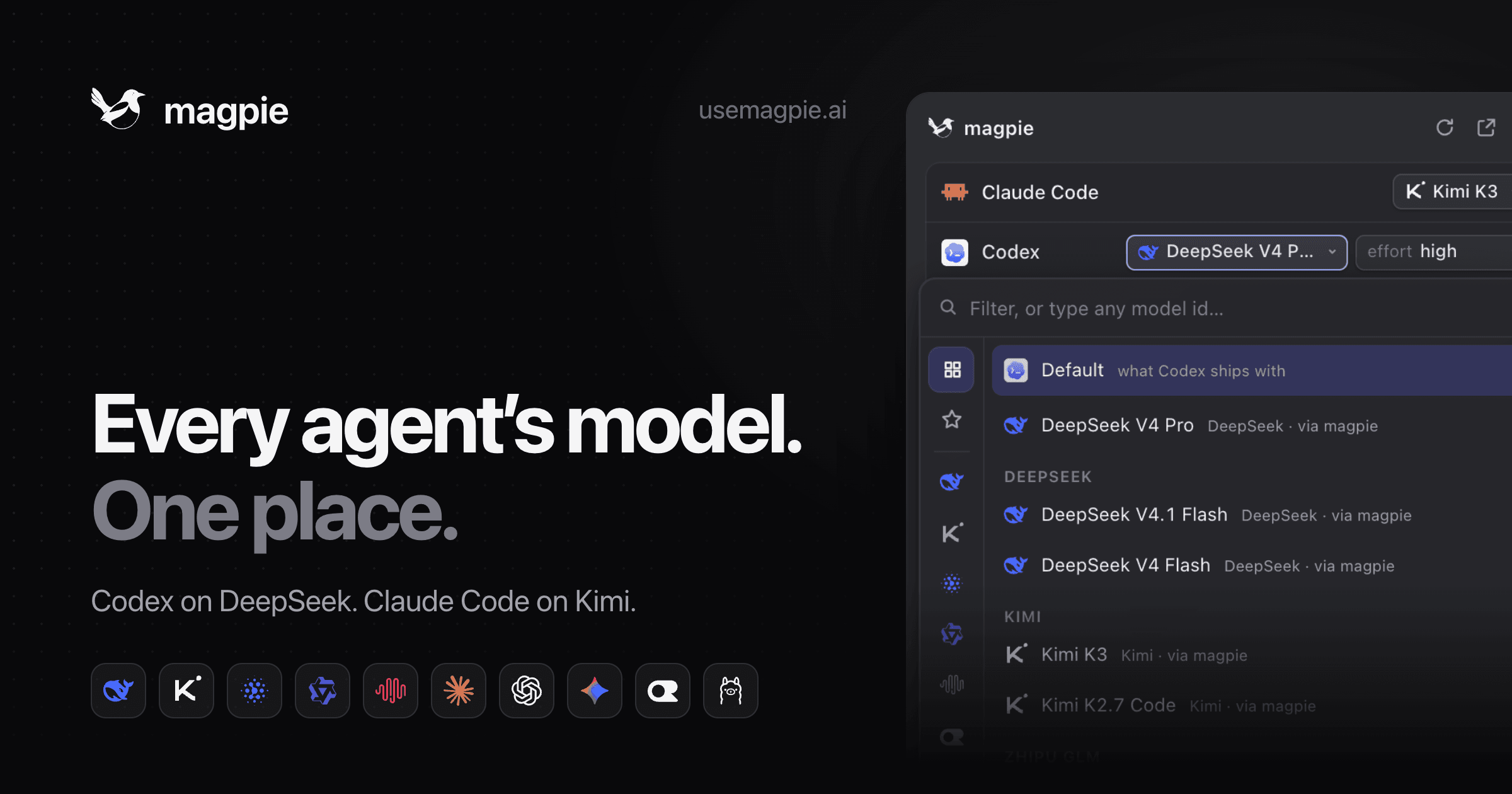
Magpie serves as a unified local gateway for managing and switching AI models across multiple coding agents directly from your menu bar. It simplifies the process of selecting the optimal model for agents like Claude Code, Codex, Gemini CLI, OpenCode, and many others, integrating seamlessly with various AI providers such as DeepSeek, Kimi, GLM, OpenAI, Anthropic, and Google Gemini.
Read More
The tool operates by allowing users to add their existing AI model subscriptions and API keys from different vendors. Once configured, Magpie rewrites the agent's configuration to route requests through its local gateway, enabling dynamic model selection. This means you can assign specific models to individual agents, for instance, running Codex on DeepSeek or Claude Code on Kimi, and even switch between different tiers like Claude's Opus, Sonnet, and Haiku.
Key functionalities include the ability to create and switch between 'Profiles' that instantly change models for all agents simultaneously, catering to different workflows like 'Budget' or 'Focus'. Magpie prioritizes security by ensuring that user API keys and secrets never leave the local machine or reach the vendor directly through its gateway. It also offers advanced routing groups, allowing users to manage multiple accounts or keys for a single provider, or route one model across several providers based on criteria like cost, speed, usage, or expiry.
Magpie provides detailed usage statistics per agent and model, helping users monitor token consumption and costs. It supports failover mechanisms, rate limit awareness, and quota management to ensure continuous operation. The application is free, open-source, and available natively for macOS, Windows, and Linux, offering both a graphical user interface (GUI) and command-line interface (CLI) options for configuration and management.
Furthermore, Magpie offers sophisticated rule-based routing, enabling models to be selected based on turn characteristics such as length, presence of images, reasoning effort, specific agents, user intent, context compaction, or even the project folder. This allows for fine-grained control over model usage, optimizing for cost, speed, or specific task requirements. It also supports pausing models during certain hours or days, and managing groups of models for complex routing scenarios.
- CategoryAI Coding Assistants
- Pricing ModelFree
- DeploymentLocal
- PlatformsmacOS, Windows, Linux
Magpie's Core Features
Unified Model Switching for Coding Agents
Supports Claude Code, Codex, Gemini CLI, and more
Integrates with DeepSeek, Kimi, GLM, OpenAI, Anthropic, Google Gemini
Local Gateway for API Routing
Menu Bar Access for Quick Model Selection
User Secrets Remain Local and Secure
Customizable Profiles for Instant Agent Model Swaps
Advanced Routing Groups for Multiple Accounts/Providers
Rule-Based Routing (e.g., by cost, speed, usage, intent)
Usage Tracking per Agent and Model
Failover, Rate Limit, and Quota Management
Free and Open-Source Software
Native Support for macOS, Windows, and Linux
CLI and TUI (Text User Interface) Options Available
How to use Magpie?
Add Providers: Sign in to your subscriptions or paste API keys for various AI model vendors.
Pick Models for Agents: Select a specific model for each coding agent from the Magpie interface.
Configure Routing Groups: Set up advanced routing rules for multiple accounts, keys, or providers based on desired criteria.
Start New Session: Agents will read their updated configuration and use the newly selected models in subsequent sessions.
Manage Profiles: Save and apply profiles to switch models for all agents at once, optimizing for different tasks or budgets.
Monitor Usage: Track token consumption and costs per agent and model to manage your AI expenses effectively.
Magpie's Use Cases
- Optimizing Coding Agent Performance
- Managing AI Model Costs
- Ensuring AI Service Continuity
- Customizing Agent Behavior by Task
- Securing AI API Keys
- Streamlining Developer Workflows
- Testing Different AI Models