
Description
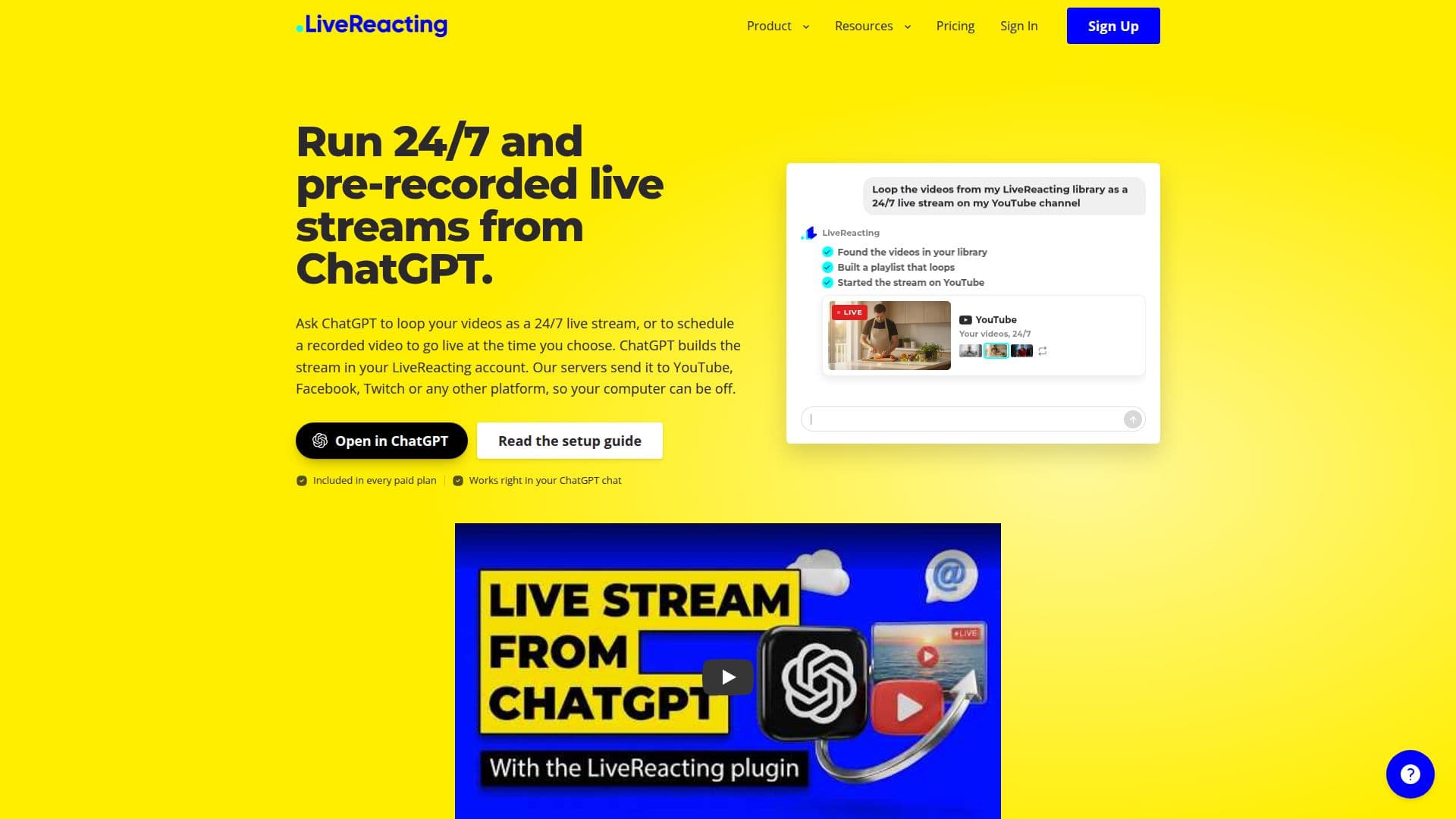
LiveReacting for ChatGPT is a plugin designed to integrate live streaming capabilities directly into your ChatGPT conversations. This tool allows users to initiate, schedule, and manage 24/7 or pre-recorded live streams on popular platforms such as YouTube, Facebook, and Twitch by simply asking ChatGPT in natural language. The plugin connects to your LiveReacting account, leveraging its infrastructure to handle the streaming process, meaning your computer does not need to remain on once a stream is initiated.
Read More
Users can ask ChatGPT to loop videos for continuous 24/7 broadcasts or schedule specific recorded videos to go live at a chosen date and time. The plugin supports importing videos from various sources, including Google Drive, Dropbox, or public links, which are then added to your LiveReacting Studio library. While ChatGPT handles the conversational interface for stream management, the actual video processing and broadcasting are performed by LiveReacting's servers.
Key capabilities include building, scheduling, and checking stream statuses directly within the chat interface. The plugin utilizes the LiveReacting MCP server, which also supports other AI agents like Claude Code, Codex, and Cursor, allowing for versatile control over streaming operations. This integration simplifies the workflow for content creators, businesses, and organizations, enabling them to automate their live content delivery without needing to manually operate streaming software.
LiveReacting offers various pricing plans, with the ChatGPT plugin included in every paid subscription. A free plan is available for basic use, but full plugin functionality requires a paid plan. The platform also provides features like multistreaming to multiple destinations, interactive elements such as polls and trivia, and API access for custom automation. Advanced options like 60 FPS and 4K streaming are available as add-ons to paid plans, enhancing video quality for a more engaging viewer experience.
- CategorySocial Media Content Generators
- Pricing ModelFreemium
- DeploymentCloud
- PlatformsYouTube, Facebook, Twitch, Instagram, RTMP
LiveReacting for ChatGPT's Core Features
Manage 24/7 live streams via ChatGPT
Schedule pre-recorded videos to go live
Stream to YouTube, Facebook, and Twitch
Control streams using natural language commands in chat
Import videos from Google Drive, Dropbox, or public links
Multistream to multiple platforms simultaneously
API access for custom stream automation
Support for interactive elements like trivia and polls
Free video encoding for various file formats
Connects to LiveReacting MCP server for AI agent control
Offers 60 FPS and 4K streaming options
Includes Ad Slots Manager for YouTube monetization
Provides YouTube monetization analytics
Supports custom RTMP destinations
How to use LiveReacting for ChatGPT?
Install Plugin: Choose 'Open in ChatGPT' on the LiveReacting plugin page and click 'Install plugin'.
Sign In: Sign in to your LiveReacting account when prompted by ChatGPT.
Connect Channels: Connect your YouTube, Facebook, Twitch, and other desired channels within your LiveReacting account.
Add Videos: Upload videos to your LiveReacting Studio library or provide Google Drive, Dropbox, or public links.
Initiate Stream: In any ChatGPT chat, type '@LiveReacting' and describe the stream you want to create or schedule.
Monitor & Manage: Check stream status and make changes directly through the chat interface or LiveReacting Studio.
LiveReacting for ChatGPT's Use Cases
- 24/7 Live Streaming
- Scheduled Live Broadcasts
- AI-Controlled Stream Management
- Multistreaming Content
- Interactive Live Shows
- Automated Content Delivery
- Church Service Streaming
- Developer Stream Control