Description
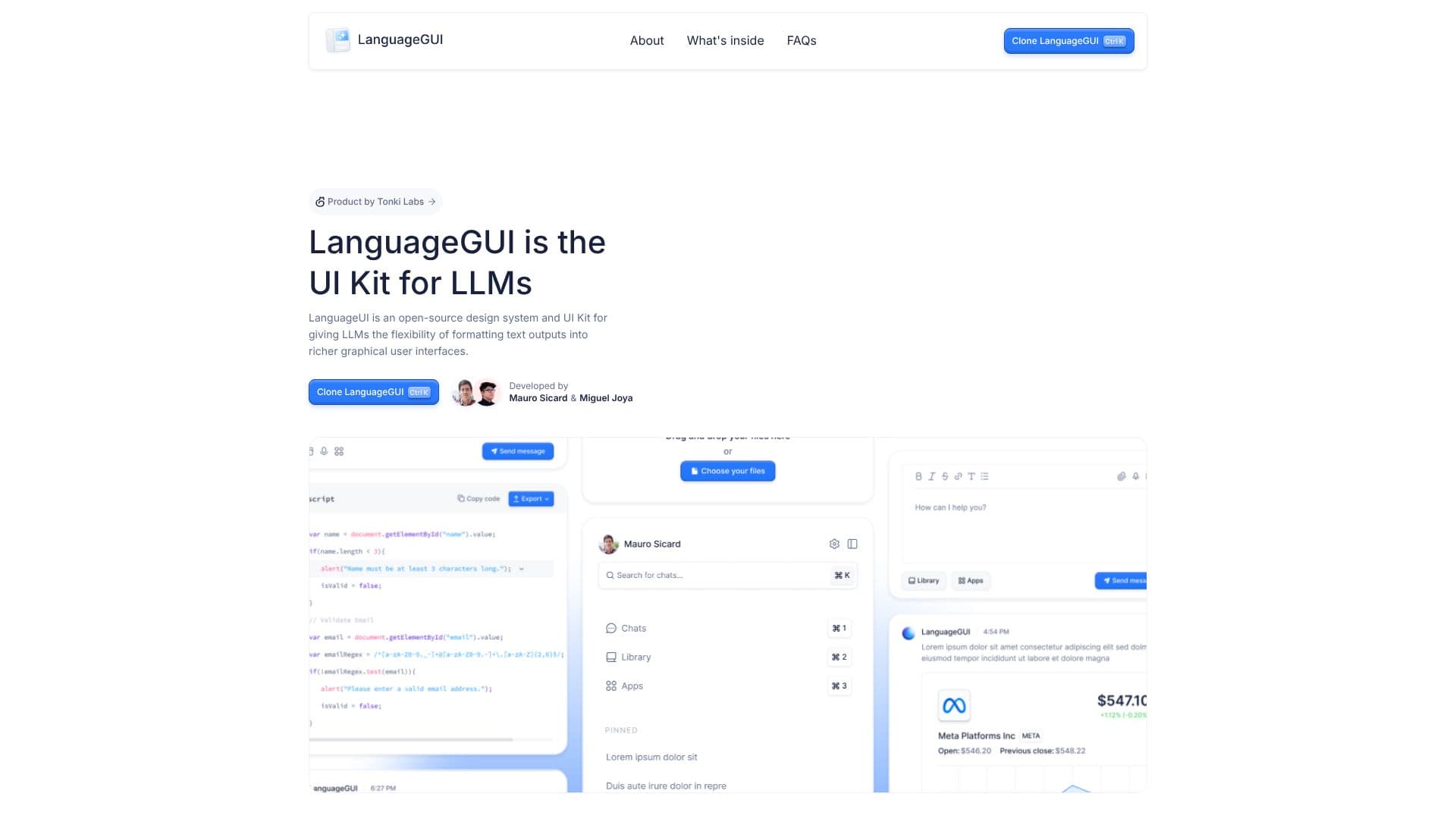
LanguageGUI is an open-source UI Kit and design system specifically crafted for Large Language Models (LLMs). Its primary purpose is to empower developers and designers by providing the tools needed to format LLM text outputs into more sophisticated and user-friendly graphical interfaces. This kit aims to bridge the gap between raw LLM responses and engaging conversational AI experiences.
Read More
Developed by Tonki Labs, with major contributions from Mauro Sicard and Miguel Joya, LanguageGUI offers a comprehensive set of pre-built UI components and customizable screens. It includes over 100 UI components, more than 10 conversational UI widgets, 20+ chat bubbles, and 30+ pre-built screens to help users kickstart their design process. Additionally, it features 5+ chat sidebars with customizable settings and designs for multi-prompt workflows, alongside 8+ prompt boxes. The kit also includes a dark mode option and is built using Figma's Auto Layout, variables, and styles for enhanced flexibility and ease of use.
LanguageGUI is not presented as a final product but as a contribution to the broader goal of creating better conversational AI interfaces for all users. The project is released under the MIT License, making it free to use for both personal and commercial projects without requiring attribution. While there have been internal tests regarding transforming LLM responses into compatible JSON formats for real-time rendering, the team has decided not to proceed with building a code library at this time due to the significant time investment and custom implementation needs of individual developers. However, they are open to reconsidering this if there is sufficient community support and interest.
Tonki Labs plans to release twelve unique open-source AI initiatives throughout 2024, one per month. LanguageGUI is the first of these initiatives. Users are invited to subscribe to their newsletter to stay informed about future releases. The project emphasizes transparency and community contribution, aiming to foster innovation in the AI interface design space.
- CategoryAI UI & UX Design Tools
- Pricing ModelFree
- DeploymentCloud
- PlatformsFigma
LanguageGUI's Core Features
Open-source UI Kit for LLMs
Figma design system
100+ UI components
10+ conversational UI widgets
20+ chat bubbles
30+ pre-built screens
5+ customizable chat sidebars
Multi-prompt workflow screen designs
8+ prompt boxes
Dark mode included
Designed with Figma Auto Layout
Uses variables and styles
How to use LanguageGUI?
Explore Components: Browse the extensive library of UI elements and widgets.
Customize Screens: Utilize the 30+ pre-built screens as a starting point for your designs.
Integrate Chat Elements: Implement chat bubbles, sidebars, and prompt boxes into your interface.
Apply Styles: Leverage Figma variables and styles for consistent theming and branding.
Adapt for LLMs: Format LLM text outputs to fit the designed UI components.
Develop Interface: Build richer graphical user interfaces for conversational AI applications.
LanguageGUI's Use Cases
- Chatbot Interfaces
- AI Assistant UI
- LLM Application Design
- Conversational AI
- Prototyping AI Tools