
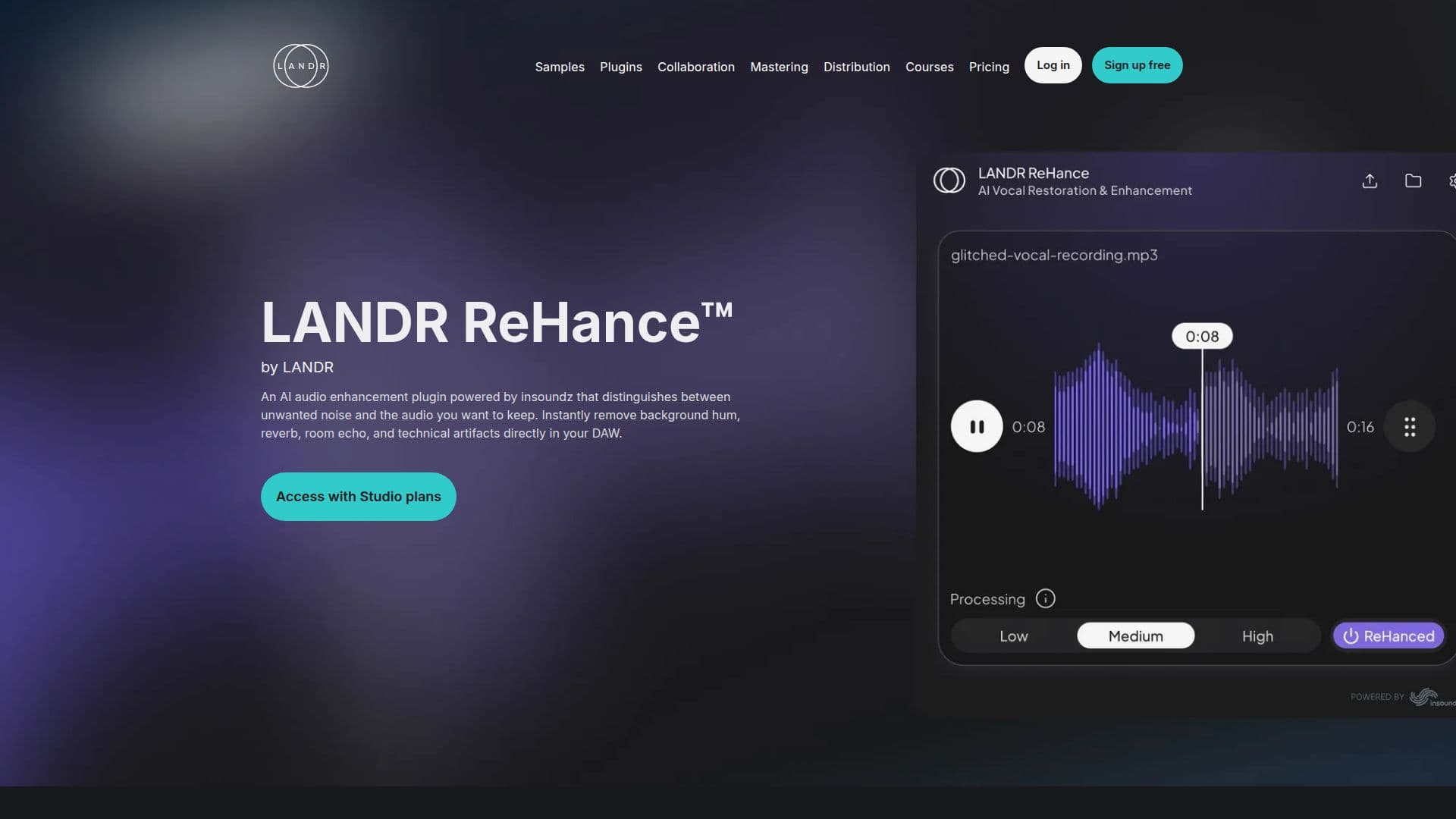
Description
LANDR ReHance is an AI-driven noise reduction and de-reverb plugin designed to enhance audio tracks by removing unwanted background noise, reverb, and instrument bleed. This plugin is ideal for musicians and audio engineers seeking studio-quality results directly within their Digital Audio Workstation (DAW). ReHance employs a context-aware audio restoration process, distinguishing between the core performance and surrounding noise to create a custom restoration profile.
Read More
The plugin targets and eliminates four major audio issues: background noise, room reverb, technical clicks/pops, and instrument bleed. Users can choose from three intensity levels—Low, Medium, and High—to control the degree of audio restoration. This flexibility allows for subtle transparency or aggressive cleanup, depending on the audio's condition.
ReHance integrates seamlessly with major DAWs as a VST3, AU, or AAX plugin, enabling non-destructive audio processing. This means users can adjust restoration levels at any stage without permanently altering the audio files. The plugin is optimized for low-latency performance, allowing multiple audio sources to be cleaned simultaneously without taxing CPU resources.
LANDR ReHance is part of the LANDR Studio package, which includes a range of tools for music creation and distribution. It supports macOS and Windows platforms, requiring a minimum of macOS 10.15 or Windows 10, and is compatible with both Intel and Apple Silicon processors. The plugin is available through a subscription model, starting at USD $8.25 per month, providing access to LANDR's suite of music production tools.
- CategoryAI Audio Editors
- Pricing ModelSubscription
- DeploymentVST3, AU, AAX
- PlatformsmacOS, Windows
LANDR ReHance's Core Features
AI-powered noise reduction
Context-aware audio restoration
Multi-artifact cleanup
Three-stage intensity control
Seamless DAW integration
Non-destructive workflow
Low-latency efficiency
Universal DAW support
How to use LANDR ReHance?
Install: Add ReHance to your DAW as a plugin
Configure: Select the intensity level for noise reduction
Use: Apply the plugin to your audio tracks
Optimize: Adjust settings for desired audio quality
LANDR ReHance's Use Cases
- Studio recording
- Live performance
- Podcast production
- Film scoring
- Music production