
Description
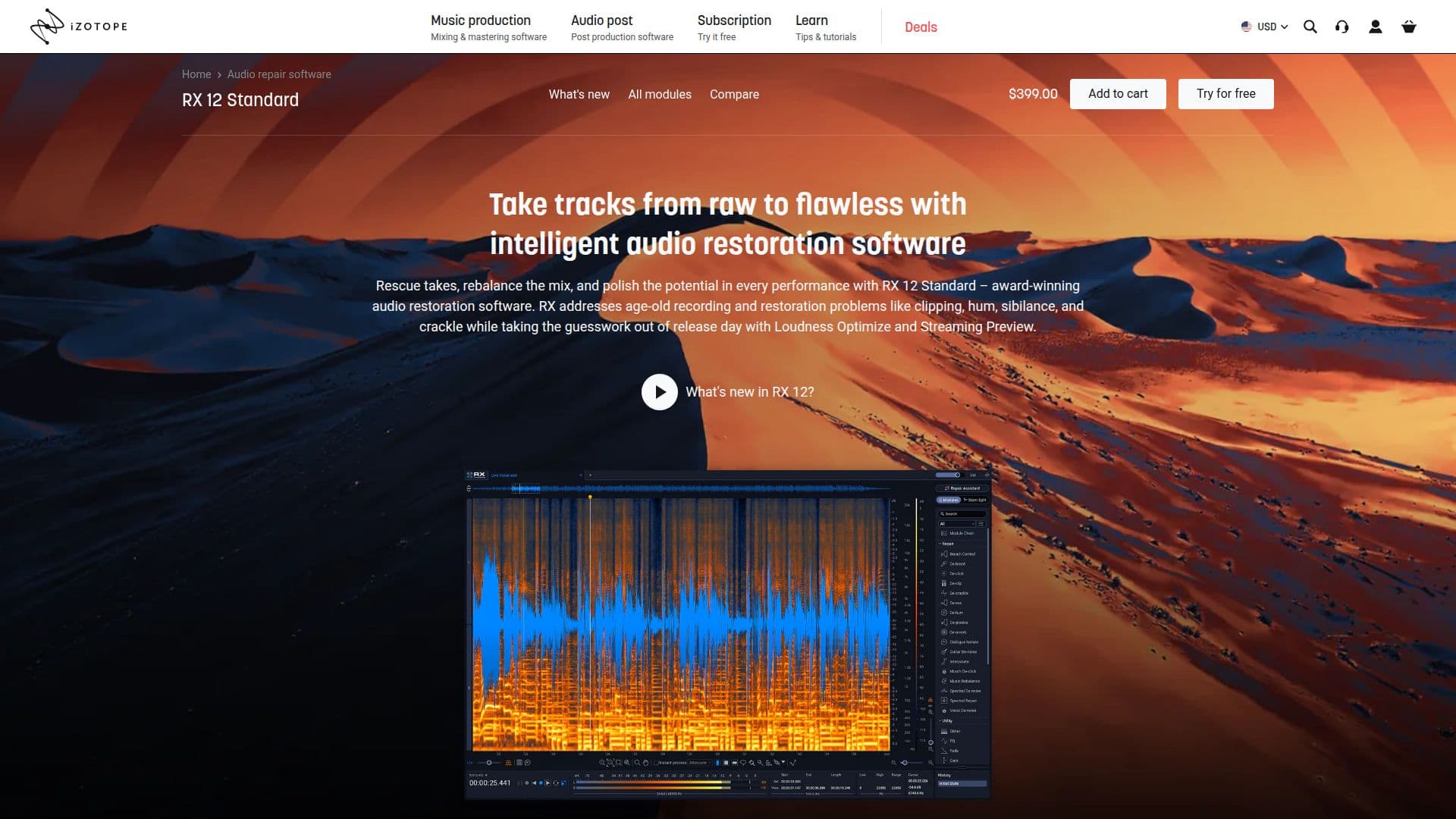
RX 12 by iZotope is a comprehensive audio restoration suite that transforms raw audio into polished tracks using an intelligent suite of 18 professional audio restoration plugins. This software is designed for audio professionals, including re-recording mixers, dialogue editors, and forensic audio experts, who require precise control over audio quality.
Read More
The suite includes advanced features such as AI-powered background noise removal, dialogue isolation, and audio cleanup tools, which are essential for film, music, and content production. RX 12 is compatible with both Mac and Windows operating systems, supporting various DAW plugin formats including AU, AAX, and VST3. This flexibility allows users to integrate RX 12 seamlessly into their existing workflows.
One of the standout features of RX 12 is its ability to tackle complex audio repair tasks with surgical precision. The software is equipped with upgraded modules and intelligent new features that enhance its performance, making it faster and smarter than its predecessors. Users can expect to achieve high-quality results quickly, which is crucial in fast-paced production environments.
In addition to its powerful restoration capabilities, RX 12 also offers a user-friendly interface that caters to both beginners and seasoned professionals. The assist-first approach helps new users navigate the software while providing advanced tools for experienced audio engineers who need manual control over spectral repair and dialogue processing.
Overall, RX 12 is an essential tool for anyone involved in audio production, offering a blend of advanced technology and user-friendly design that meets the demanding needs of the industry. Whether you are working on high-stakes commercial projects or personal audio endeavors, RX 12 provides the tools necessary to ensure your audio is flawless.
- CategoryAI Audio Editors
- Pricing ModelEUR 129.0
- DeploymentDesktop
- PlatformsMac, Windows
RX 12's Core Features
18 pro audio restoration plugins
AI-powered background noise removal
Dialogue isolation tools
Audio cleanup capabilities
Compatible with Mac and Windows
Supports AU, AAX, VST3 formats
User-friendly interface
Assist-first approach for beginners
Advanced machine learning modules
Surgical control over audio repair
How to use RX 12?
Install RX 12: Download and install the software on your computer.
Open your DAW: Launch your preferred digital audio workstation.
Load RX 12 plugin: Insert RX 12 as a plugin on the audio track you wish to enhance.
Select audio to repair: Identify the sections of audio that require restoration.
Apply restoration tools: Use the various plugins to remove noise, isolate dialogue, and clean up audio.
Preview changes: Listen to the audio after applying effects to ensure quality.
Export final audio: Once satisfied, export the enhanced audio track for use.
RX 12's Use Cases
- Audio Restoration
- Dialogue Editing
- Noise Reduction
- Post-Production
- Forensic Audio Analysis