
Description
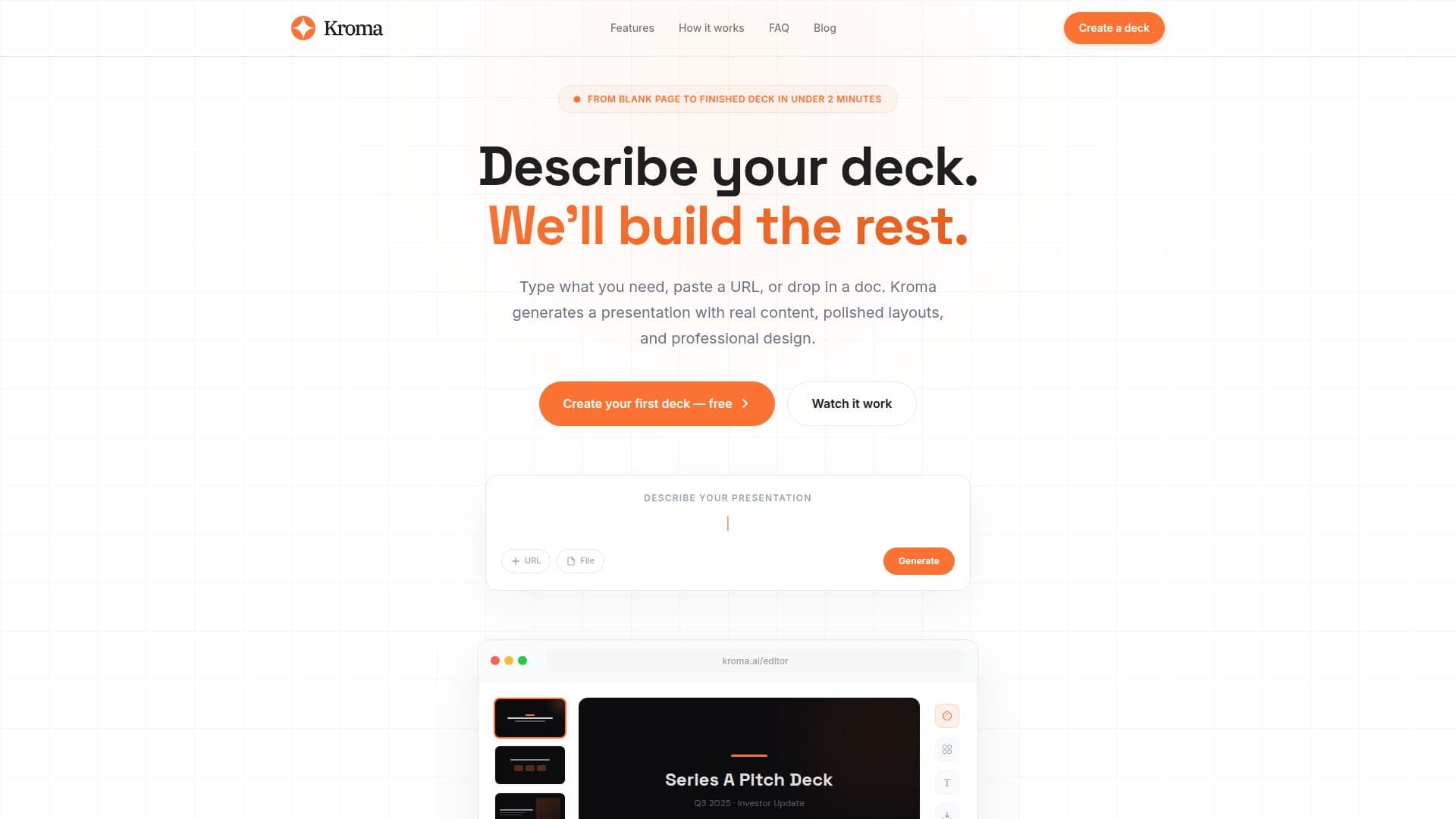
Kroma.ai is an innovative AI-powered platform designed to streamline the creation of professional presentations. It caters to businesses and startups by generating expert PowerPoint slides based on user input. Users can describe their deck, paste a URL, or drop in a document, and Kroma.ai will build a complete presentation with real content, polished layouts, and professional design.
The platform is particularly useful for creating pitch decks, board updates, project reports, sales proposals, product launches, team onboarding, and competitive analyses. Kroma.ai offers ten built-in design styles, ranging from bold corporate to Swiss minimal, ensuring that every deck matches the tone of the message.
Kroma.ai simplifies the presentation creation process into three steps: describe what you need, let Kroma build your deck, and then edit, present, or export. The tool uses GPT-4o with a system prompt tuned for presentation design, ensuring that the output reads like a human wrote it. Users can download a fully editable PowerPoint file, grab a PDF for print-ready handouts, or present directly from Kroma with keyboard navigation and smooth transitions.
Kroma.ai is free to use, with no credit card or account required. The platform emphasizes user privacy by storing presentations in the browser's local storage and not saving any content on its servers. This makes Kroma.ai an ideal choice for professionals who need to create impactful presentations quickly and efficiently.
Kroma.ai Presentation Builder's Core Features
AI-powered presentation generation
Supports PowerPoint, PDF, and direct presentation
Ten built-in design styles
Uses GPT-4o for content creation
Editable PowerPoint files
PDF export for print-ready handouts
Direct presentation with keyboard navigation
Free to use with no account required
How to use Kroma.ai Presentation Builder?
Describe: Type a sentence or paste a URL
Build: Kroma generates the presentation
Edit: Use block controls to tweak content
Present: Live or export to PowerPoint/PDF
Kroma.ai Presentation Builder's Use Cases
- Pitch Decks
- Board Updates
- Project Reports
- Sales Proposals
- Product Launches
- Team Onboarding
- Competitive Analyses