
Description
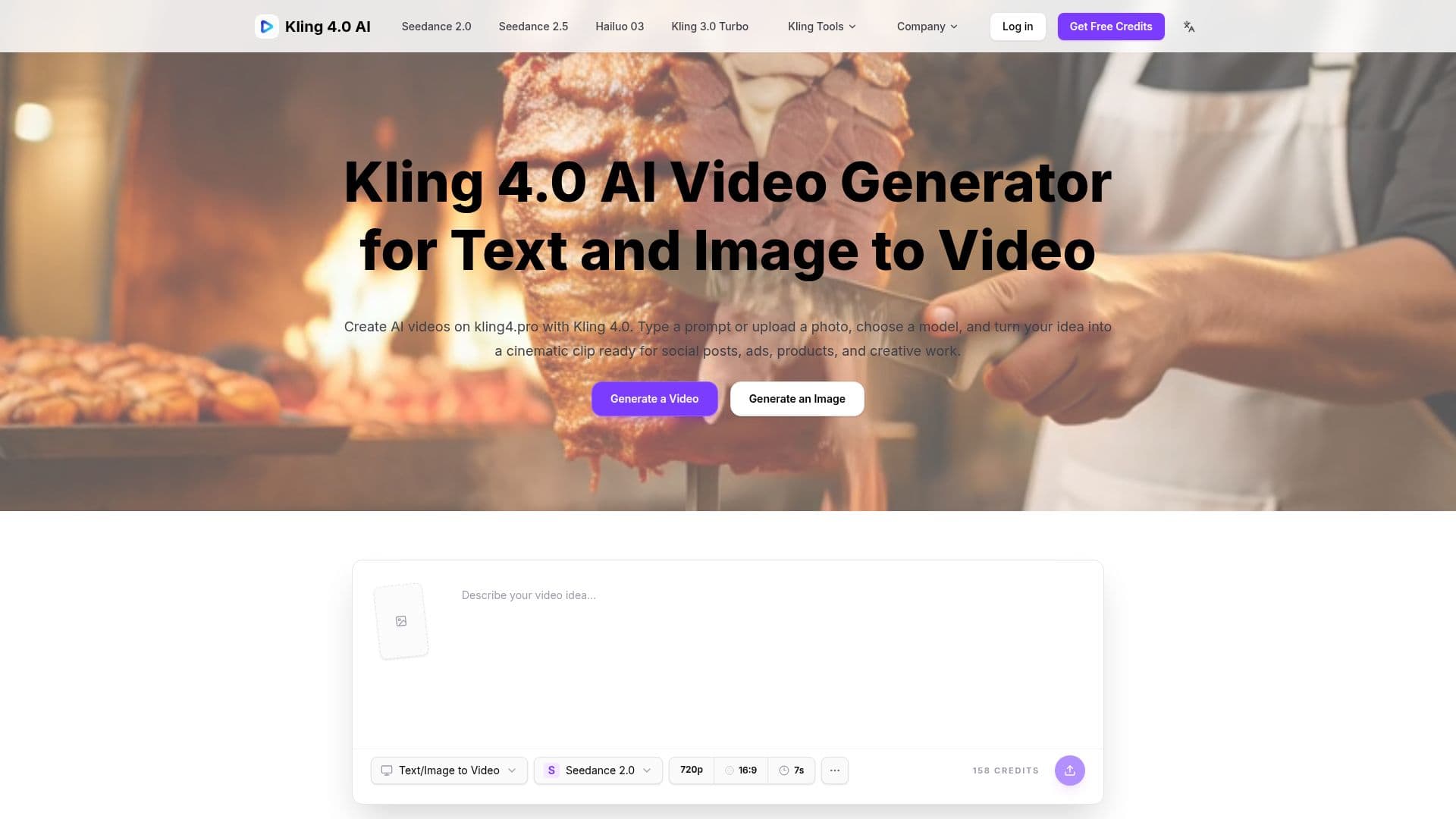
Kling 4.0 AI is an online AI video generator available on kling4.pro, designed to convert text prompts and images into high-quality cinematic videos. The platform simplifies video creation, enabling users to generate professional-looking clips without requiring extensive editing experience or specialized software. It operates entirely in the browser, making it accessible on desktops, tablets, and phones without the need for app installations or powerful GPUs.
Read More
The tool offers both text-to-video and image-to-video generation. Users can type a prompt to create an image, which can then be animated, or upload an existing photo to transform it into a dynamic video. Kling 4.0 AI provides advanced motion control features, allowing creators to direct camera movements such as panning and zooming, control subject movement, and adjust animation speed. This ensures that the generated videos have intentional and natural-looking motion, with details like faces and products remaining recognizable throughout the clip.
Kling 4.0 AI supports multiple output styles, including cinematic, realistic, anime, and artistic, which are applied consistently across the entire video. Users can also select various aspect ratios, such as 9:16, 16:9, and 1:1, to suit different platforms and content needs. The platform integrates several AI image and video models, including Seedance 2.0, Seedance 2.5, Hailuo 03, Wan 3.0, Grok Image 1.5, Kling 3.0 Turbo, Nano Banana, and Nano Banana 2 Lite, providing flexibility and diverse creative options.
Video generation is designed to be fast, with most clips produced in under a minute, allowing for quick iteration and experimentation. Kling 4.0 AI is built for a wide range of creators, including marketers, shop owners, social media creators, and freelancers, helping them produce product videos, social clips, visual concepts, ads, and storyboards efficiently. Free signup credits are available, and paid plans start at $19.9/month, offering different credit allowances, concurrent generation tasks, priority queues, history retention, and commercial licenses.
- CategoryAI Video Generators
- Pricing ModelFreemium
- DeploymentCloud
- PlatformsBrowser-based
Kling 4.0 AI's Core Features
Text-to-Video Generation
Image-to-Video Generation
Text-to-Image Generation
Motion Control AI for precise direction
Multiple AI video model selection
Browser-based video creation
Support for various aspect ratios (9:16, 16:9, 1:1)
Consistent style application across frames
Faces and products remain recognizable
Fast video generation (under one minute)
No editing experience required
Commercial license available with paid plans
Concurrent generation tasks
History retention for generated content
How to use Kling 4.0 AI?
Start with an Idea: Type a text prompt or upload a photo to begin your video creation.
Choose Settings: Select your desired AI model, video style (cinematic, anime, realistic), and aspect ratio.
Direct Motion: Utilize motion control features to pan, zoom, control subject movement, and set animation speed.
Generate Video: Produce your cinematic clip in under a minute, ready for review and export.
Refine and Export: Generate multiple versions to pick your favorite, then download your watermark-free video.
Kling 4.0 AI's Use Cases
- Product Videos
- Social Media Clips
- Visual Concepts
- Advertising Content
- Character Animation
- Motion Reference Transfer
- Creative Testing
- Image-to-Video Experiments