Description
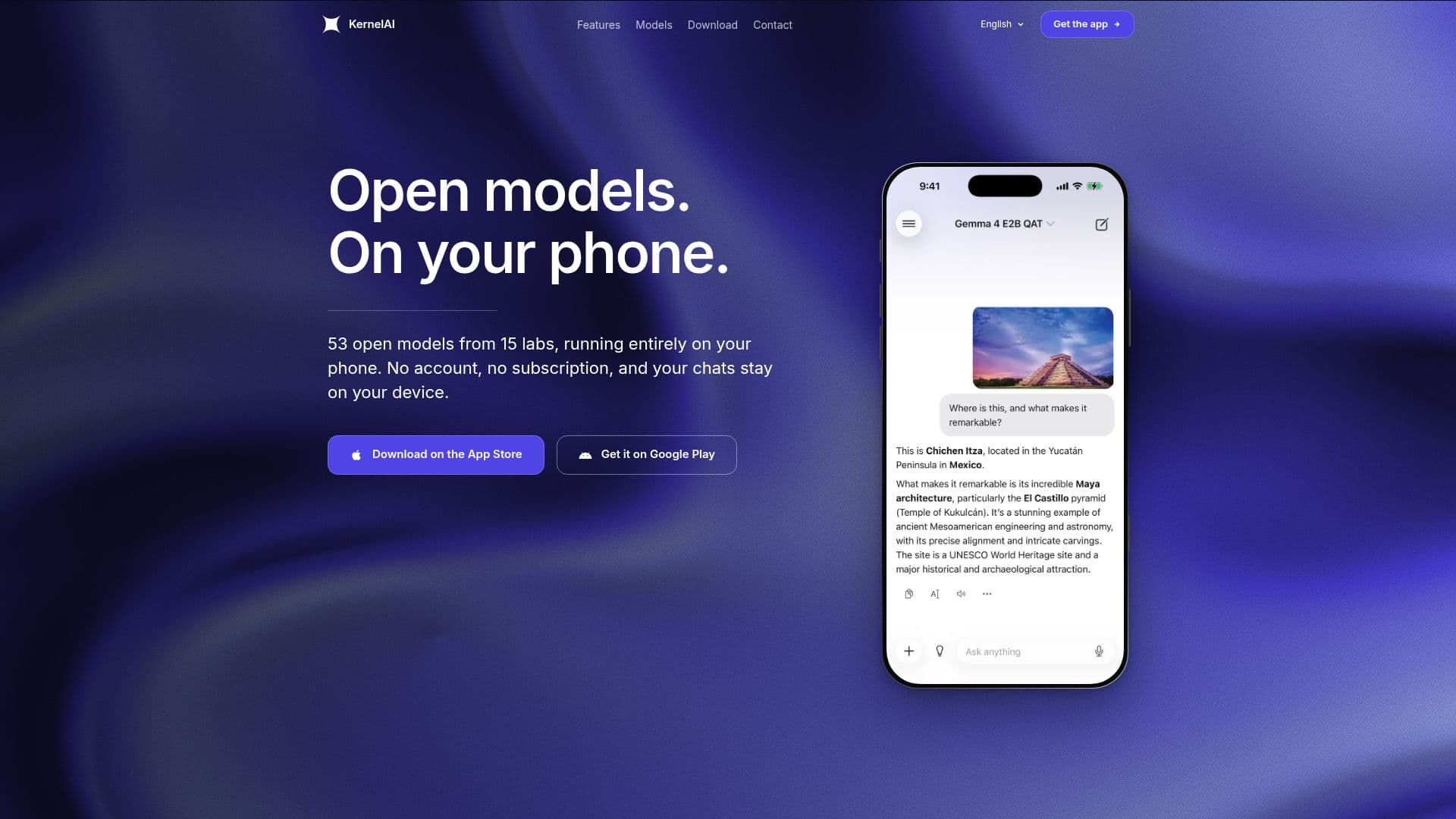
KernelAI is a mobile application that provides private, offline AI functionalities directly on your phone. It supports 53 open models that run on iOS and Android devices, allowing users to utilize AI without the need for an internet connection. The app operates by downloading quantized open-weight models through llama.cpp, which are then stored on the device for local processing. This ensures that all data, including chats, images, and transcriptions, are processed on the phone, maintaining user privacy.
Read More
KernelAI is completely free to use, with no subscriptions, usage caps, or account requirements. Users can optionally provide tips to support development, but this does not unlock additional features. The app supports devices running iOS 16.4 or later and Android 7.0 or later, and it automatically assesses the device's memory to disable models that cannot be run, ensuring compatibility.
The app includes features like voice dictation using the device's own speech recognition, integration with Siri and Shortcuts, and the ability to import custom models. Users can also enable web search by adding a Tavily or Exa API key, allowing models tagged for web search to look up information and cite sources. This feature is off by default, and the key is securely stored on the device.
KernelAI's model catalog ranges from 112 MB to 3.11 GB, with 18 models under a gigabyte, making it accessible for various device capabilities. The app also supports document and image analysis, allowing users to attach files or take photos and receive AI-generated insights without uploading data to external servers.
- CategoryAI Personal Assistants
- Pricing ModelFree
- DeploymentOn-device
- PlatformsiOS, Android
KernelAI's Core Features
Private, offline AI processing
53 open models available
No account or subscription required
Supports iOS 16.4+ and Android 7.0+
Voice dictation and transcription
Integration with Siri and Shortcuts
Custom model import capability
Optional web search with user-provided keys
How to use KernelAI?
Download: Install KernelAI from the App Store or Google Play
Configure: Download desired models over Wi-Fi
Use: Run AI tasks offline on your device
Optimize: Import custom models and configure Shortcuts
KernelAI's Use Cases
- Offline AI Chat
- Document Analysis
- Voice Transcription
- Custom Model Usage
- Web Search Integration