
Description
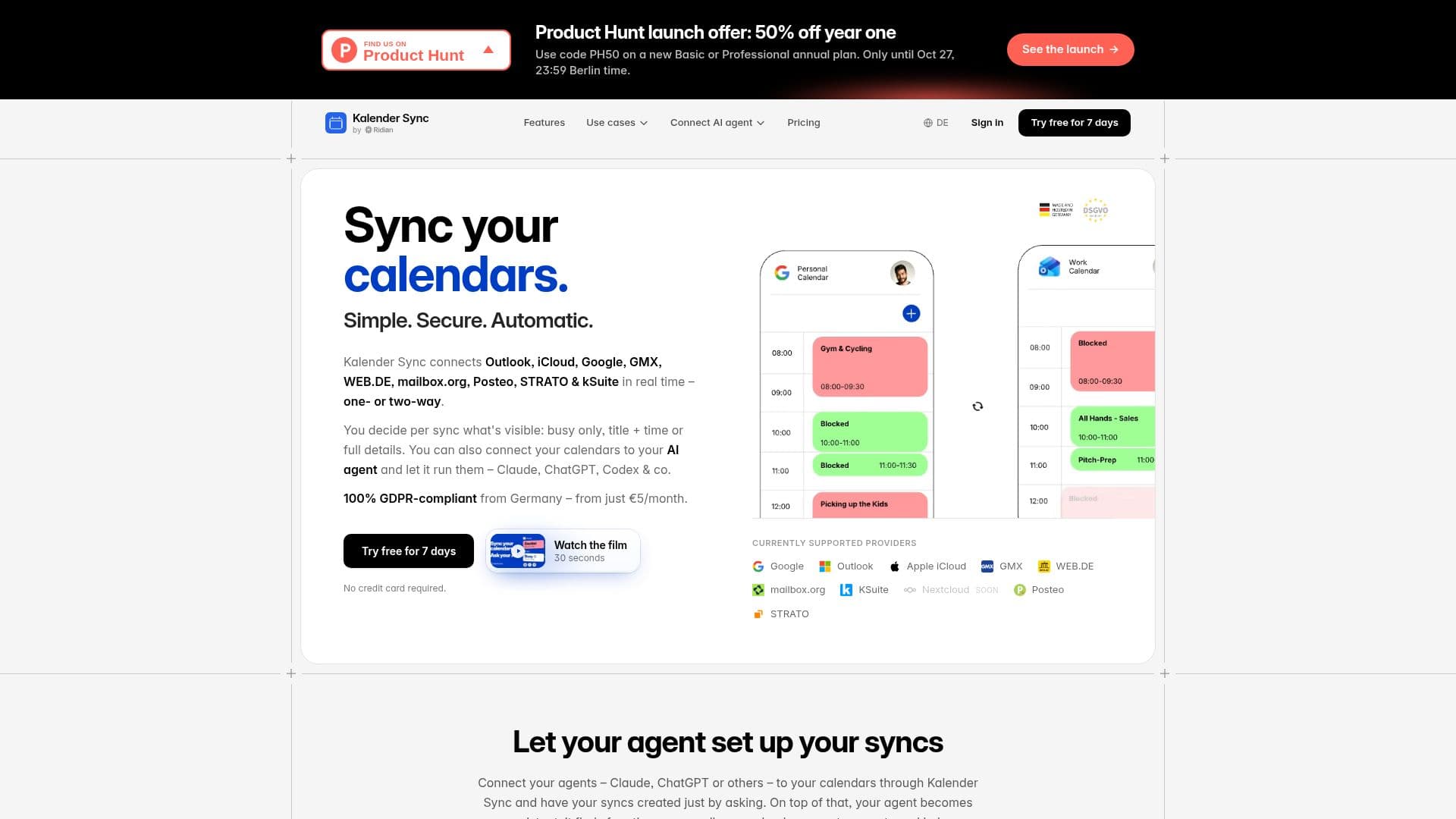
Kalender Sync is a robust tool designed to synchronize calendars across various platforms such as Outlook, Google, and iCloud. It supports both one-way and two-way synchronization, allowing users to customize the level of detail shared per sync. This flexibility ensures that users can maintain privacy while sharing necessary information. The service is GDPR-compliant, with data hosted securely in Germany.
Read More
Kalender Sync integrates AI assistants like ChatGPT and Claude, which can read availability, create events, and help manage schedules. This feature is available on all plans, allowing users to leverage AI for efficient calendar management. The platform offers a free plan with basic features, while the Basic and Professional plans provide additional capabilities, such as more calendar accounts and active syncs.
The tool is particularly beneficial for freelancers, managers, and anyone juggling multiple calendars. It supports a wide range of calendar providers, including GMX, WEB.DE, and mailbox.org, and offers real-time synchronization through webhooks. Kalender Sync also provides a 7-day trial of its Professional plan, allowing users to explore all features without a credit card.
Kalender Sync's pricing is competitive, starting at €5/month for the Basic plan, which includes three calendar accounts and five active syncs. The Professional plan, priced at €12/month, offers unlimited accounts and syncs, making it suitable for teams and companies. The platform also supports integration with Ridian, a team platform for centralized management of calendars and AI agents.
- CategoryAI Scheduling Tools
- Pricing ModelFreemium
- DeploymentCloud
- PlatformsWeb
Kalender Sync's Core Features
Real-time calendar synchronization
Supports Outlook, Google, iCloud, and more
One-way and two-way sync options
Customizable visibility settings
GDPR-compliant data hosting in Germany
AI assistant integration with ChatGPT and Claude
Free plan available
7-day Professional trial with no credit card required
Centralized management with Ridian for teams
How to use Kalender Sync?
Sign up: Create an account on Kalender Sync
Log in: Access your account and connect calendars
Configure: Choose sync direction and visibility settings
Use: Integrate AI assistants to manage schedules
Optimize: Adjust settings for optimal calendar management
Kalender Sync's Use Cases
- Freelancers
- Managers
- Teachers
- Sales Agents
- Executives