
Description
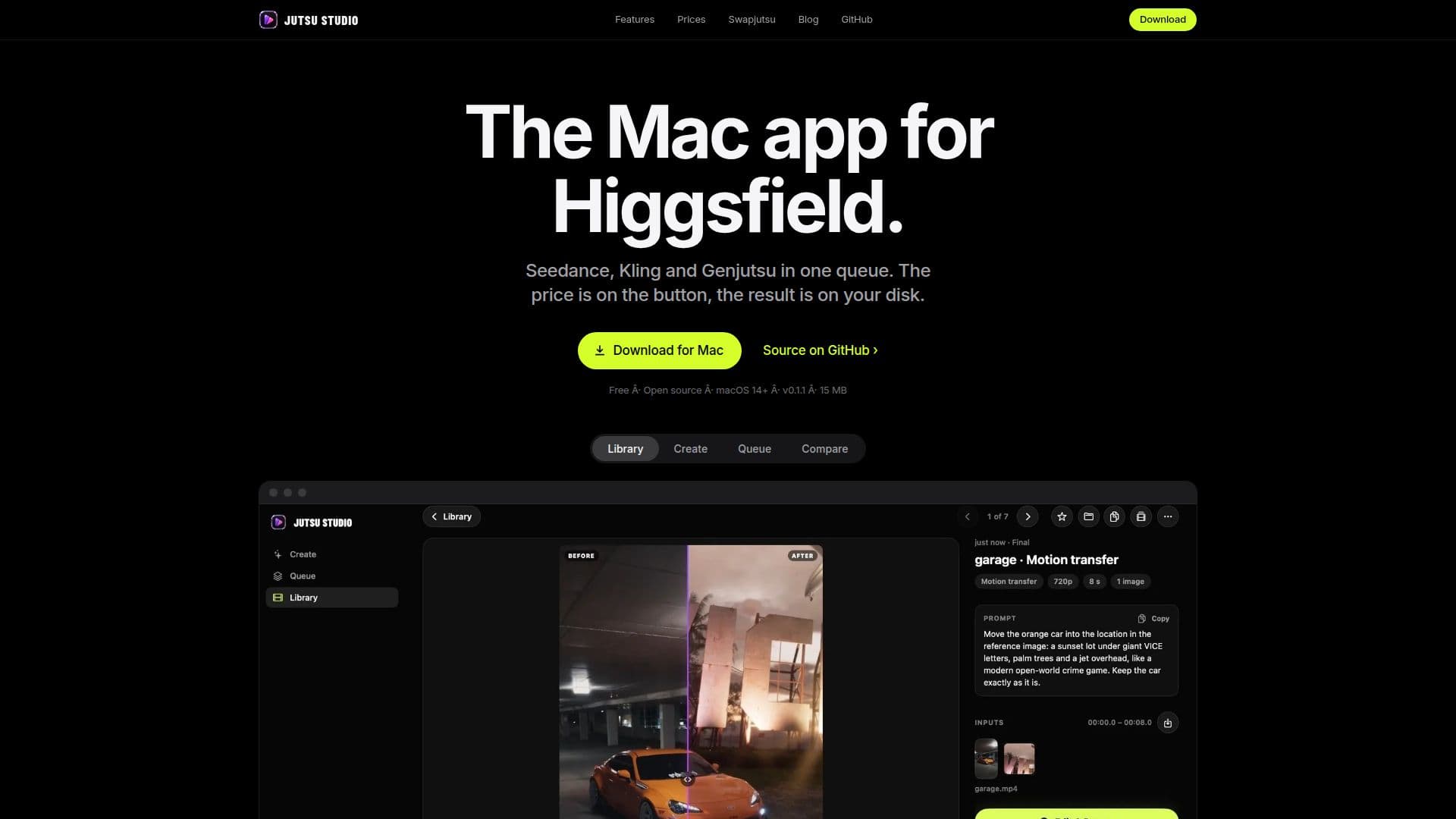
Jutsu Studio is a free, open-source application specifically designed for Mac users who utilize Higgsfield's video models. It provides a seamless interface for video and image generation, integrating models such as Genjutsu, Seedance, and Kling. The app is not officially affiliated with Higgsfield but offers a robust set of features for users with a Higgsfield account or API key.
Read More
The application supports macOS 14 Sonoma or later and is compatible with both Apple silicon and Intel processors. Users can manage their video generation tasks with a queue system, allowing them to pause, duplicate, or cancel jobs as needed. The app ensures user security by storing tokens and keys in the macOS Keychain and never accessing user passwords directly.
Jutsu Studio offers a local library feature where users can save and organize their generated content. Videos and images are stored in separate folders by default, and users can customize the storage location and file naming conventions. The app also supports offline functionality for library access and settings, although an internet connection is required for generating content.
Pricing for video generation is handled directly through Higgsfield, with Jutsu Studio displaying the exact cost before any job is initiated. Users can choose to render a low-resolution draft before committing to a higher-resolution final render, optimizing costs. The app checks for updates daily via GitHub, ensuring users have access to the latest features and security patches.
Overall, Jutsu Studio is a valuable tool for Mac users looking to leverage Higgsfield's video models, offering a secure, efficient, and user-friendly experience.
- CategoryAI Video Generators
- Pricing ModelFree
- DeploymentLocal
- PlatformsmacOS 14+
Jutsu Studio's Core Features
Free and open-source
Supports Higgsfield video models
Queue management for video tasks
Secure OAuth sign-in
Local library for content storage
Customizable storage settings
Offline library access
Daily GitHub updates
How to use Jutsu Studio?
Install: Open the .dmg and drag Jutsu Studio to Applications
Connect Higgsfield: Use your account or API key
Upload: Drop a video and select a range
Generate: Check the price and start the job
Jutsu Studio's Use Cases
- Video Generation
- Content Management
- Cost Optimization
- Secure Access
- Offline Access