Description
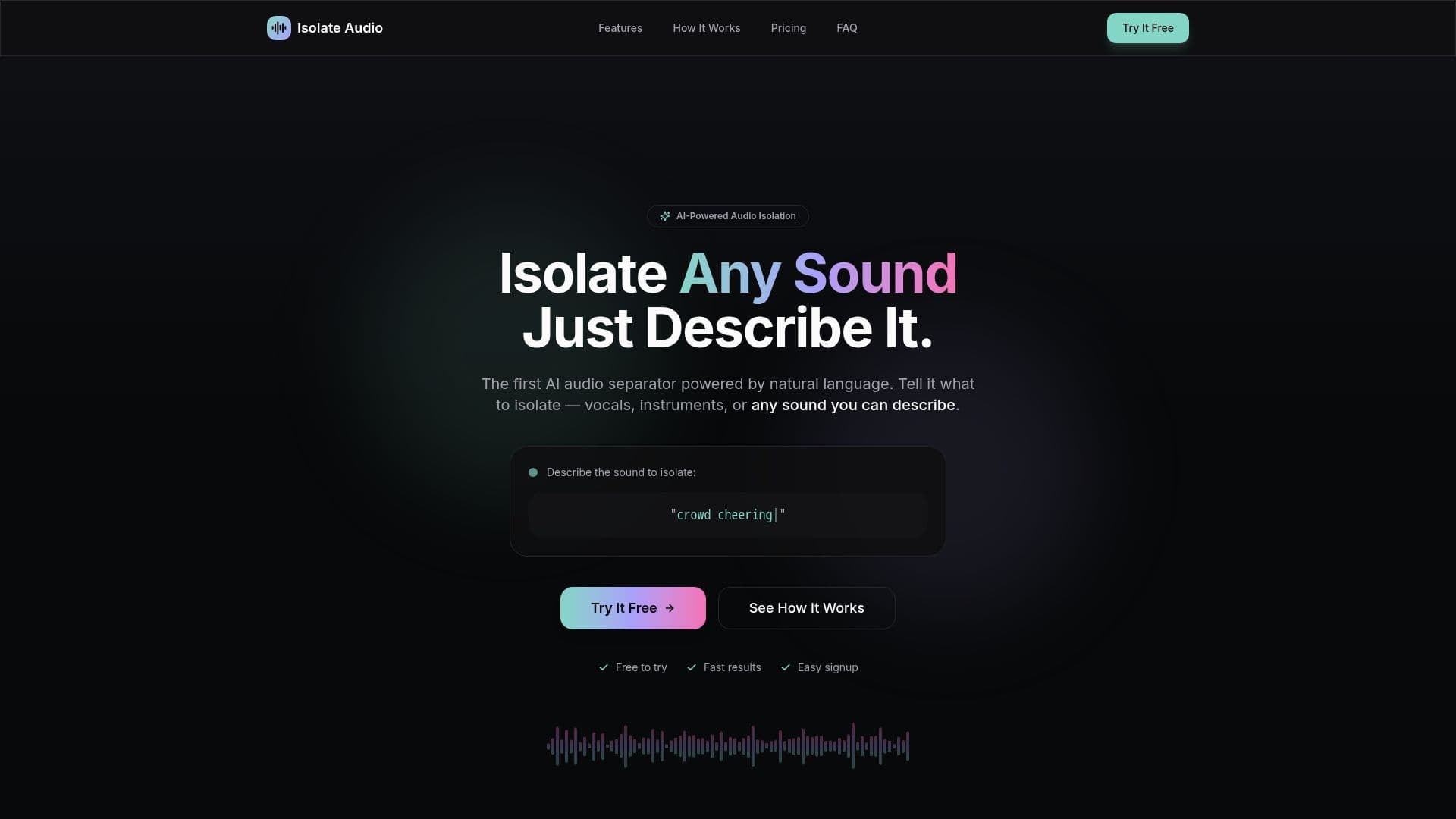
Isolate Audio is an innovative AI-powered tool designed to revolutionize the way users interact with audio files. Unlike traditional audio separation tools that limit users to preset categories, Isolate Audio allows users to describe any sound they wish to isolate using natural language. This flexibility enables musicians, podcasters, video editors, and other creators to extract specific audio elements with ease.
The process is simple and efficient. Users can upload audio or video files in various formats, including MP3, WAV, FLAC, M4A, OGG, and even video formats like MP4. Once uploaded, users describe the sound they want to isolate in plain English, such as "piano melody" or "crowd noise." The AI then processes the request and provides two high-quality audio files: one with the isolated sound and another with the remaining audio.
Isolate Audio offers several features to enhance the user experience. It includes quality presets for different needs, such as studio quality, everyday use, or fast processing. The precision mode allows for enhanced accuracy in complex audio with overlapping sounds. The tool is cloud-powered, ensuring fast processing without the need for downloads or installations.
Pricing is transparent, with a free tier offering five audio separations per month and a Pro tier for unlimited separations and additional features. An Enterprise tier is available for teams and high-volume users, offering API access and custom integrations.
Isolate Audio is built for a wide range of users, from musicians looking to isolate instruments for remixes to podcasters needing to clean up recordings. Video editors can separate dialogue from background music, while researchers can analyze specific audio elements. The tool's versatility and ease of use make it a valuable asset for anyone working with audio.
Isolate Audio's Core Features
AI-powered audio separation
Natural language processing
Multiple audio and video format support
Quality presets for different needs
Precision mode for complex audio
Cloud-powered fast processing
Two output files: isolated sound and remainder
Simple, transparent pricing
How to use Isolate Audio?
Upload: Drag and drop audio or video files
Describe: Type the sound you want to isolate
Process: AI processes the request
Download: Receive isolated and remainder audio files
Isolate Audio's Use Cases
- Musicians
- Podcasters
- Video Editors
- DJs & Producers
- Researchers