Description
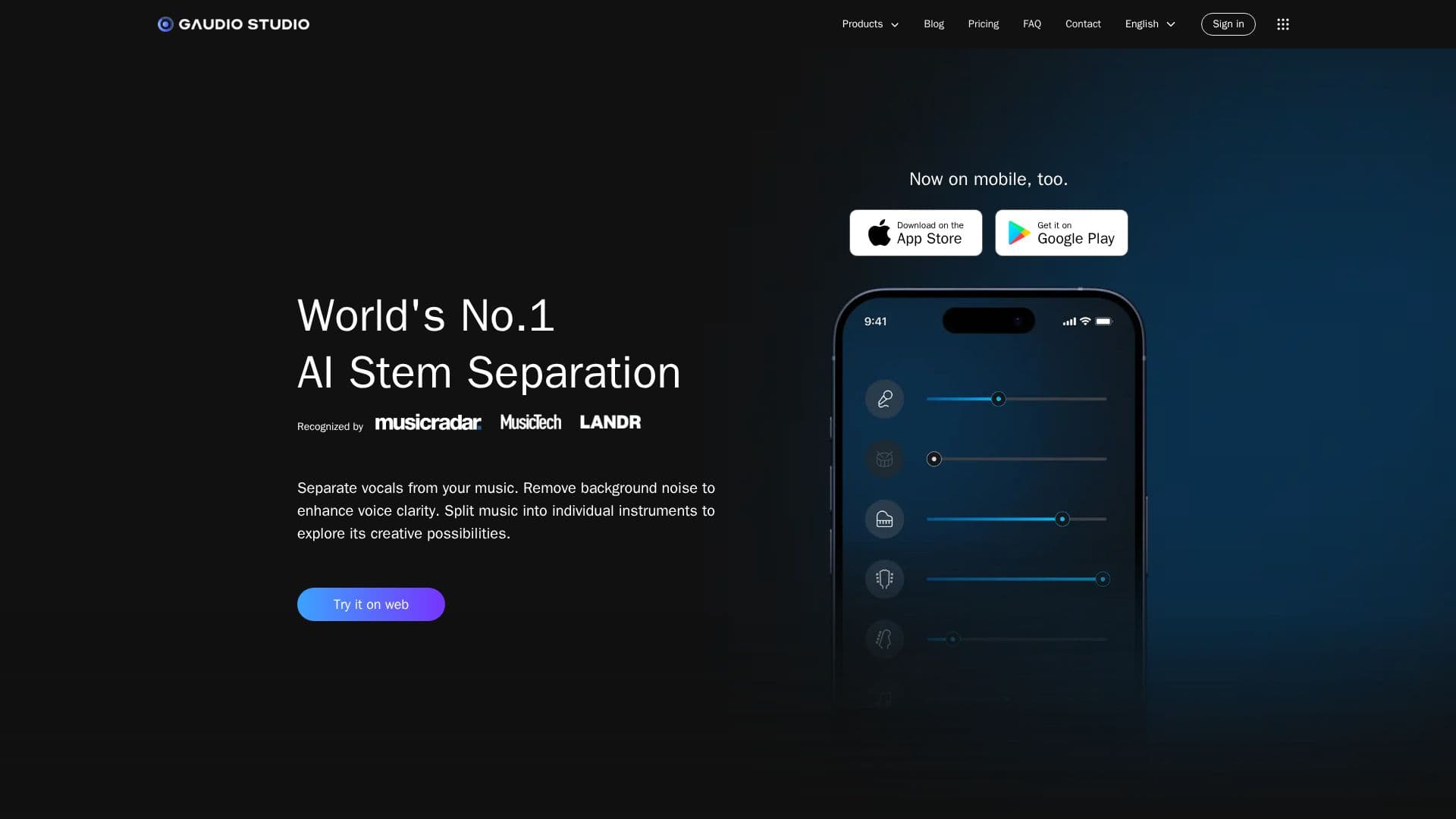
Gaudio Studio is an innovative AI-powered application designed to simplify the process of vocal removal and stem splitting. This tool allows users to create karaoke tracks by removing vocals from music videos or MP3s, making it ideal for singers and music enthusiasts who want to practice or enjoy instrumental versions of their favorite songs. The platform supports a wide range of audio and video file formats, including wav, flac, m4a, and mp3, and even allows users to enter a YouTube link for processing.
The core technology behind Gaudio Studio is the GSEP (Gaudio Source SEParation) model, which is recognized for its world-class performance in stem separation. This model enables users to extract specific instruments such as drums, piano, electric guitar, and bass from any song, providing a high level of precision and quality. Gaudio Studio's noise reduction feature is particularly useful for content creators, as it clears out background noise, leaving voices sharp and clear.
Gaudio Studio offers a user-friendly interface that caters to both desktop and mobile users, ensuring consistent performance across devices. Users can start with a free trial and then upgrade to Studio Plans for enhanced features like fast-track processing and lossless format downloads. The platform also provides a REST API for developers who wish to integrate audio AI features into their products, offering powerful audio processing capabilities with minimal code.
Overall, Gaudio Studio is a versatile tool that can be used for various purposes, including creating karaoke tracks, isolating instruments for practice, and remixing vocals or instruments. Its award-winning AI technology and ease of use make it a valuable resource for musicians, content creators, and developers alike.
Gaudio Studio's Core Features
AI-powered vocal removal
Stem splitting for music tracks
Noise reduction technology
GSEP model for high-quality separation
Support for multiple audio formats
Desktop and mobile access
Free trial available
REST API for developers
Fast-track processing
Lossless format downloads
Real-time preview
Multi-service workflows
AI + expert review
Usage monitoring dashboard
Detailed reference docs
How to use Gaudio Studio?
Upload: Choose your audio or video file
Select: Pick the instruments to separate
Process: Let the AI handle the separation
Download: Get your processed tracks
Gaudio Studio's Use Cases
- Karaoke Creation
- Instrument Isolation
- Podcast Enhancement
- Music Remixing
- Content Creation