Description
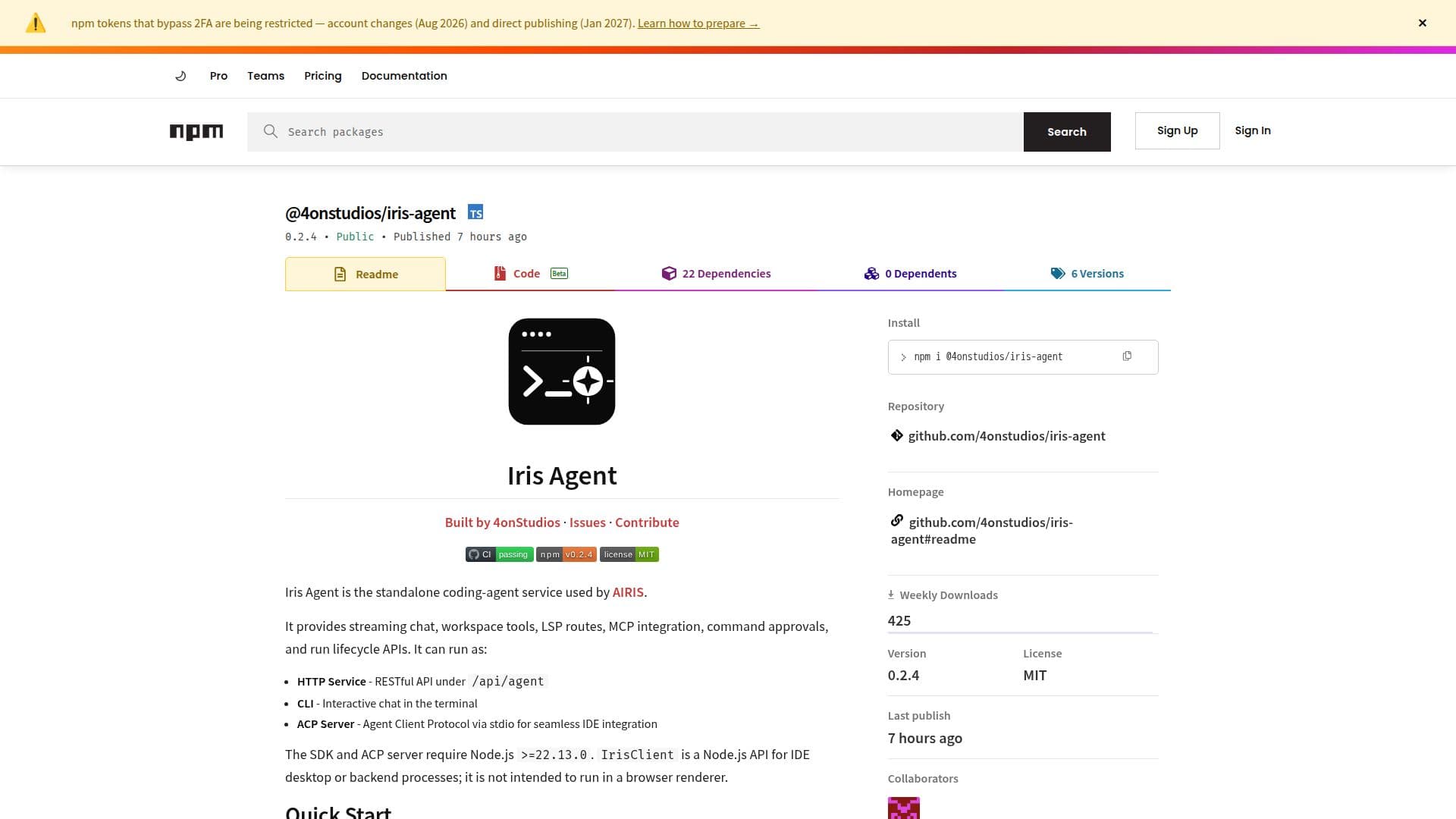
Iris Agent, developed by 4onStudios, is a versatile standalone coding-agent service that provides a range of functionalities for developers. It supports HTTP service, CLI, and ACP server modes, making it adaptable for various development environments. The agent is designed to integrate seamlessly with IDEs, offering streaming chat, workspace tools, LSP routes, and MCP integration. It requires Node.js version 22.13.0 or higher and supports multiple models, including OpenAI, Anthropic, and Google models.
Read More
The HTTP service listens on port 8080 by default and provides a RESTful API under /api/agent. Key endpoints include chat messaging, run lifecycle management, command approvals, and tool inspections. The CLI mode offers an interactive chat session in the terminal, while the ACP server mode allows IDE integrations via stdio.
Iris Agent is highly configurable, allowing users to set API keys for different model providers and customize runtime settings through environment variables. It supports dynamic model selection and session management, enabling developers to tailor the agent's behavior to their specific needs.
The agent's persistence features include storing run lifecycle data in SQLite and managing chat sessions as JSON files. It also offers desktop-only routes for secure key management and remote chat-session synchronization. Iris Agent is open-source and available on npm, with installation options via npm or Yarn.
Overall, Iris Agent is a powerful tool for developers seeking to enhance their IDEs with advanced coding-agent capabilities, offering flexibility, integration, and support for multiple AI models.
- CategoryAI Agent Builders
- Pricing ModelOpen Source
- DeploymentCLI, HTTP, ACP
- PlatformsNode.js
Iris Agent's Core Features
Standalone HTTP coding-agent service
CLI with interactive chat
ACP server for IDE integration
Supports multiple AI models
RESTful API under /api/agent
Dynamic model selection
Persistence with SQLite
Desktop-only secure routes
Open-source and available on npm
Configurable runtime settings
Streaming chat and workspace tools
LSP and MCP integration
Command approval and lifecycle APIs
Environment variable configuration
Node.js API for IDE processes
How to use Iris Agent?
Install: Use npm or Yarn to install Iris Agent
Configure: Set API keys and environment variables
Run: Start the agent in HTTP, CLI, or ACP mode
Integrate: Connect with IDEs for enhanced functionality
Manage: Use API endpoints for chat and tool management
Iris Agent's Use Cases
- IDE Integration
- Workspace Management
- Model Configuration
- Command Approvals
- Tool Inspection