Description
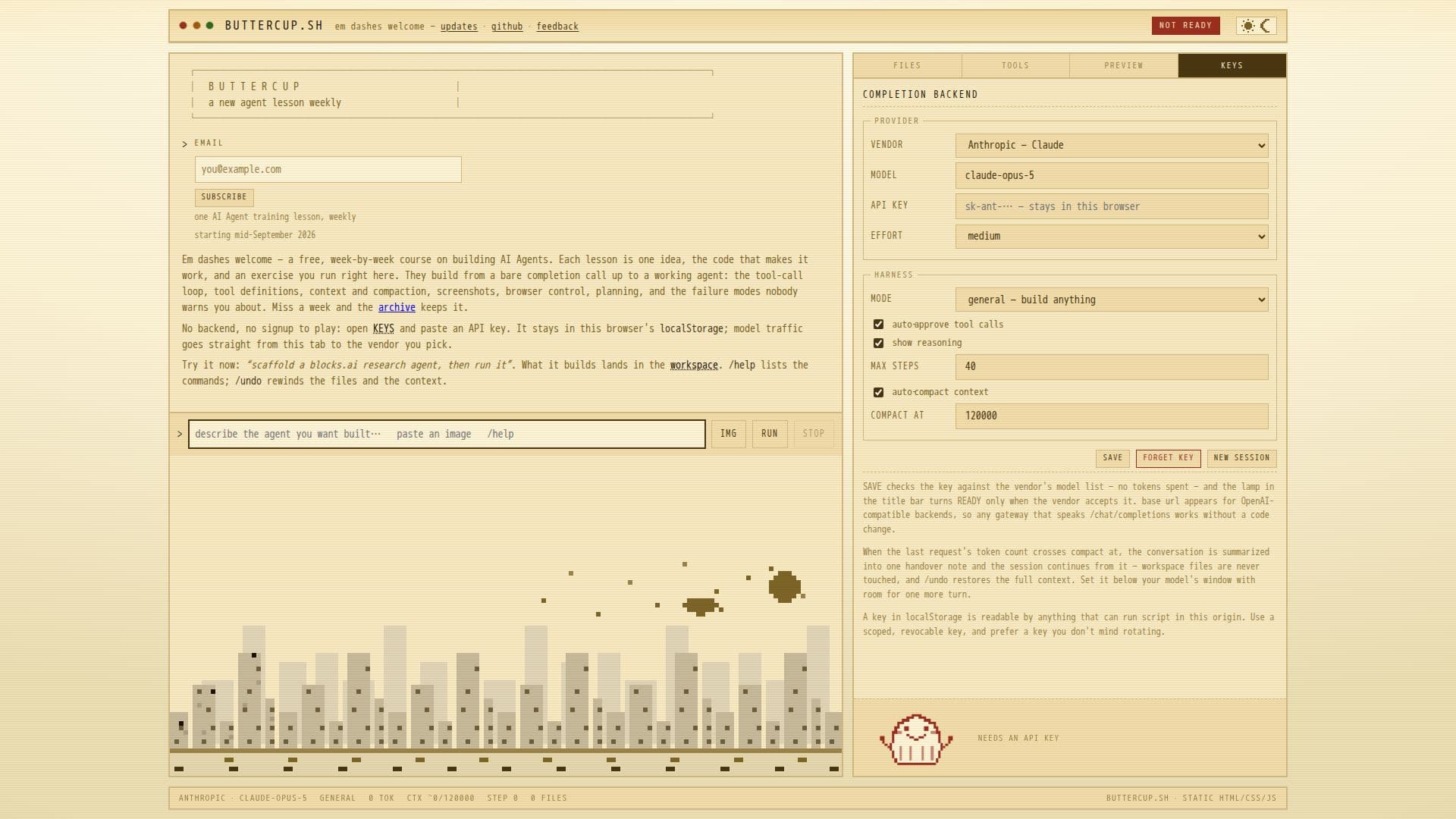
buttercup.sh provides a unique platform for learning and building AI agents through a free weekly course. Each lesson focuses on a single concept, providing the necessary code and exercises to practice directly in the browser. The course covers a range of topics from basic completion calls to advanced agent functionalities such as tool-call loops, context management, and browser control. The platform is entirely static and requires no backend, allowing users to paste their API keys directly into the browser's local storage. This setup ensures that model traffic is sent directly to the chosen vendor, maintaining user privacy and security. The harness supports various operations like reading, writing, and editing workspace files, and even allows for JavaScript execution in a sandboxed environment. Users can scaffold agents, run them, and preview their work in a dedicated pane. The platform is designed for those interested in building AI agents without the need for server-side infrastructure, making it accessible to developers and enthusiasts alike.
- CategoryAI Agent Builders
- Pricing ModelFree
- DeploymentBrowser
- PlatformsWeb
buttercup.sh's Core Features
Free weekly AI Agent training course
Static, no-backend terminal harness
Browser-based agent building
Direct API key usage in local storage
Tool-call loop and tool definitions
Context management and compaction
Sandboxed JavaScript execution
Workspace file management
How to use buttercup.sh?
Open KEYS: Paste an API key into local storage
Scaffold: Build a blocks.ai research agent
Run: Execute the agent in the workspace
Preview: View and interact with the agent's output
buttercup.sh's Use Cases
- AI Agent Training
- Browser-based Development
- Tool-call Loop Implementation
- Context Management
- JavaScript Execution