Description
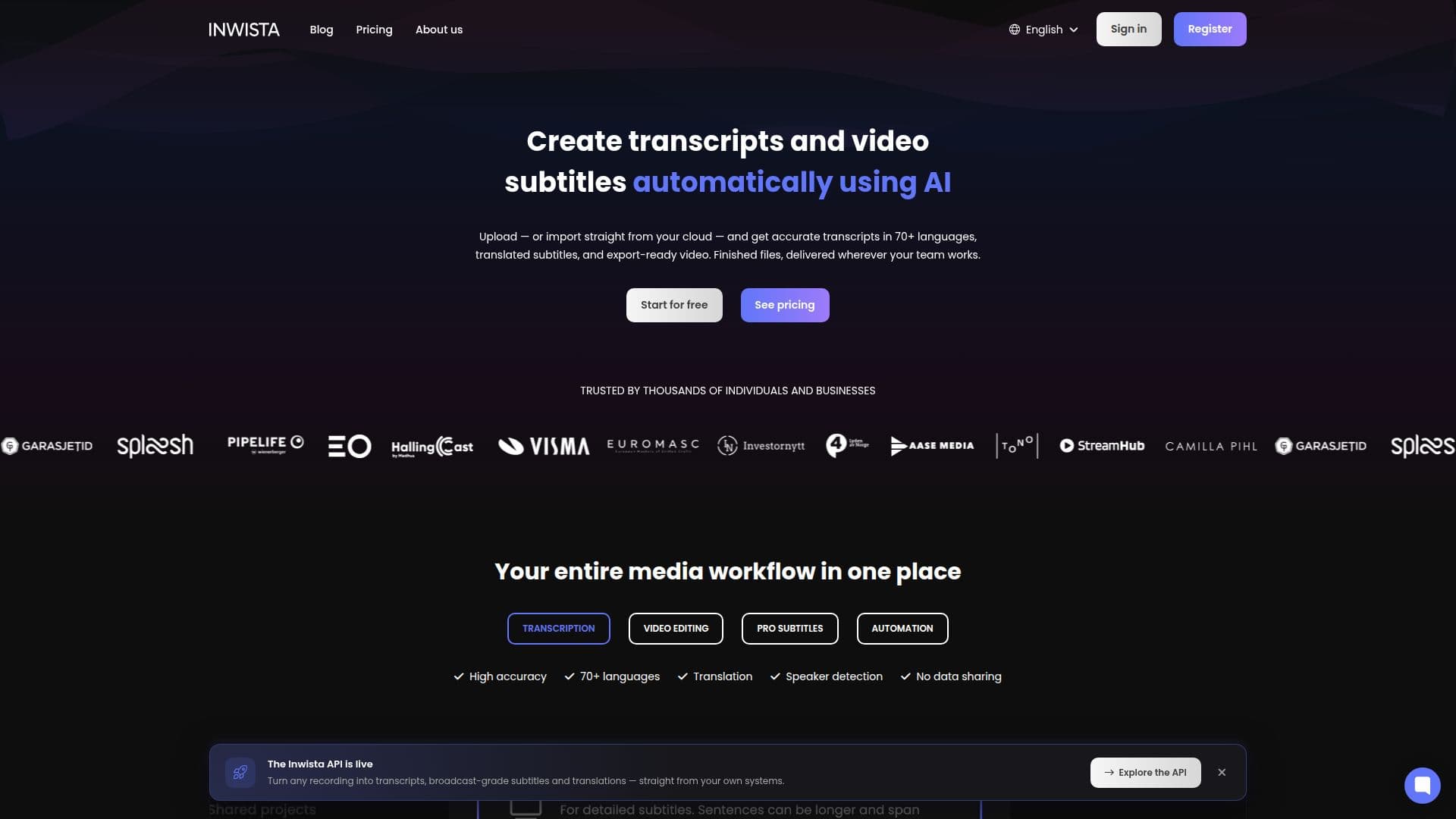
Inwista, from Randi Labs AS, is a transcription and subtitling platform for video and audio content. Users upload a file or import one from cloud storage and get back transcripts, translated subtitles and export-ready video.
Read More
Transcription and translation cover more than 70 languages, and every language version of a project stays together so users can switch between them without starting over. Speaker identification labels each voice once, and that name then carries through the text view and any exported files. Inwista also reworks a raw transcript into polished, broadcast-ready subtitles on its own, enforcing character limits, balancing line breaks and fixing block durations so the output doesn't need manual cleanup.
Inside the editor, users can style captions, generate supporting media such as background visuals, short clips and original music without needing stock footage, and edit a video by editing the text of its transcript rather than scrubbing a timeline. Existing .srt or .vtt subtitle files can be imported with their timing intact and then styled or translated like any other project. Insights such as summaries, chapters, questions and answers, and highlights can be pulled directly from a transcript.
Inwista connects to Google Drive, Dropbox, OneDrive, SharePoint, Box, Amazon S3, Google Cloud Storage, YouTube, Vimeo, Wistia, Bunny Stream and Cloudflare Stream, and can push finished exports to Slack or trigger a webhook once a render is done. Teams can work in shared workspaces with role-based access controlling who can edit or view a given project.
The free plan includes 45 minutes of transcription a month with full editor access, exporting at up to 720p with a watermark. Inwista Lite, at 19 euros a month, removes the watermark and covers up to 10 hours of transcription at 1080p. Inwista Pro, at 39 euros a month, covers up to 25 hours at 4K and supports transcribing multiple files at once. An Enterprise plan offers custom transcription volume and pricing, and students get 25% off with a valid ID.
- CategoryAI Transcription Tools
- Pricing ModelFreemium
- DeploymentCloud
- PlatformsWeb
Inwista's Core Features
Transcription and translation across 70+ languages within a single project
Speaker identification that labels each voice once and reuses it across the transcript and exports
Automatic subtitle formatting that enforces character limits and balances line breaks for broadcast use
Text-based video editing: change the transcript to change the video
AI generation of background visuals, short video clips and original music inside the editor
Automatic insights (summaries, chapters, Q&As, highlights) generated from a transcript
Import of existing .srt/.vtt subtitle files with timing preserved
Connects to Google Drive, Dropbox, OneDrive, SharePoint, Box, S3, YouTube, Vimeo and more
Shared workspaces with role-based access for team projects
Automated delivery of finished exports to storage or Slack
How to use Inwista?
Start a project: Upload a recording or import a file from your cloud storage.
Get your transcript: Inwista transcribes automatically with speaker identification.
Edit by editing text: Trim or rearrange the video by editing the transcript itself.
Style and translate: Format subtitles for broadcast use, or translate into other supported languages.
Add AI media: Generate background visuals, clips or music inside the editor if needed.
Export and deliver: Send the finished video and subtitles back to your storage or team channel.
Inwista's Use Cases
- Course and training subtitles
- Podcast and webinar transcripts
- Multilingual video delivery
- Broadcast-ready captioning