Description
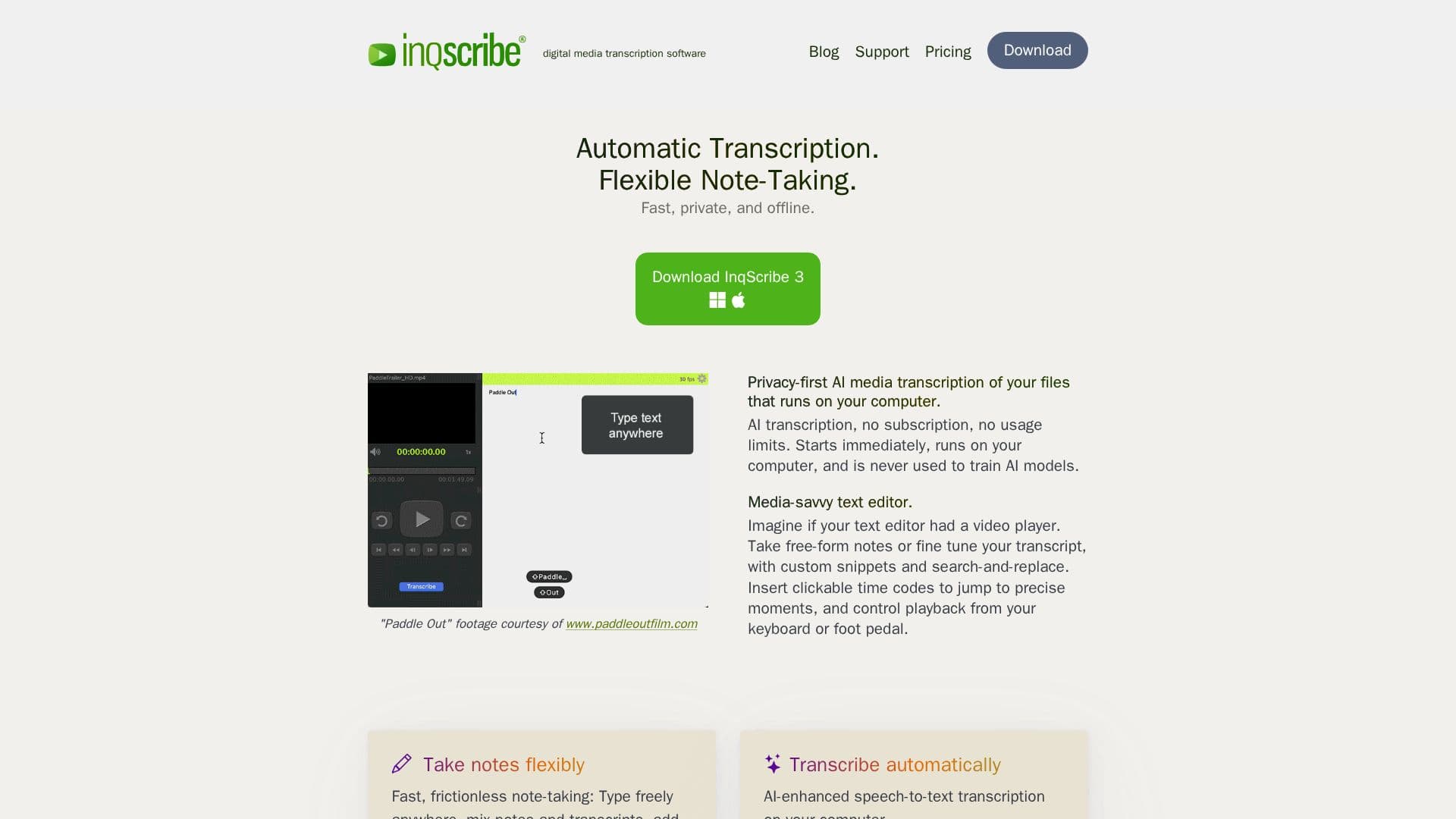
InqScribe is a powerful AI transcription tool that allows users to convert audio and video files into text without the need for cloud uploads, ensuring privacy. The application runs locally on your computer, providing a secure environment for sensitive data. InqScribe features a media-savvy text editor that integrates seamlessly with video playback, allowing users to take free-form notes, refine transcripts, and insert clickable time codes to jump to precise moments.
The tool is designed for fast and frictionless note-taking, enabling users to type freely, mix notes with transcripts, and add analysis codes or time-stamped comments. InqScribe supports hands-free control through a USB foot pedal, making it ideal for transcriptionists who require efficiency and precision.
InqScribe is widely used by researchers, journalists, filmmakers, translators, educators, and professionals across the globe. It supports nearly any language, making it a versatile choice for international users. The tool offers a perpetual license for a one-time purchase, providing free updates for two years, and a 10-day license for short-term projects.
The application is compatible with macOS and Windows, requiring macOS 13.3 or higher and Windows 10 Version 22H2 or higher. It also supports local AI transcription via Whisper, allowing users to select different models appropriate for each job. InqScribe's user interface includes a new Library Window to track recently opened documents and media, and a Transcription view to initiate and preview transcriptions.
InqScribe offers a free 7-day trial for users to explore its features, and a free viewer to view transcripts and caption formats. The tool is customizable, allowing users to export transcripts to any format and insert custom text snippets into transcripts. With its privacy-first approach and robust features, InqScribe is a trusted choice for professionals seeking reliable transcription solutions.
InqScribe AI Transcription Tool's Core Features
Local AI-powered transcription
Media-savvy text editor
Flexible note-taking
Clickable time codes
Hands-free control with foot pedal
Supports nearly any language
Customizable export formats
Free updates for two years
How to use InqScribe AI Transcription Tool?
Download: Install InqScribe on your computer
Configure: Set up transcription preferences and foot pedal
Use: Transcribe audio and video files locally
Export: Save transcripts in desired formats
InqScribe AI Transcription Tool's Use Cases
- Research transcription
- Journalistic transcription
- Film subtitling
- Educational content
- Translation support