
Description
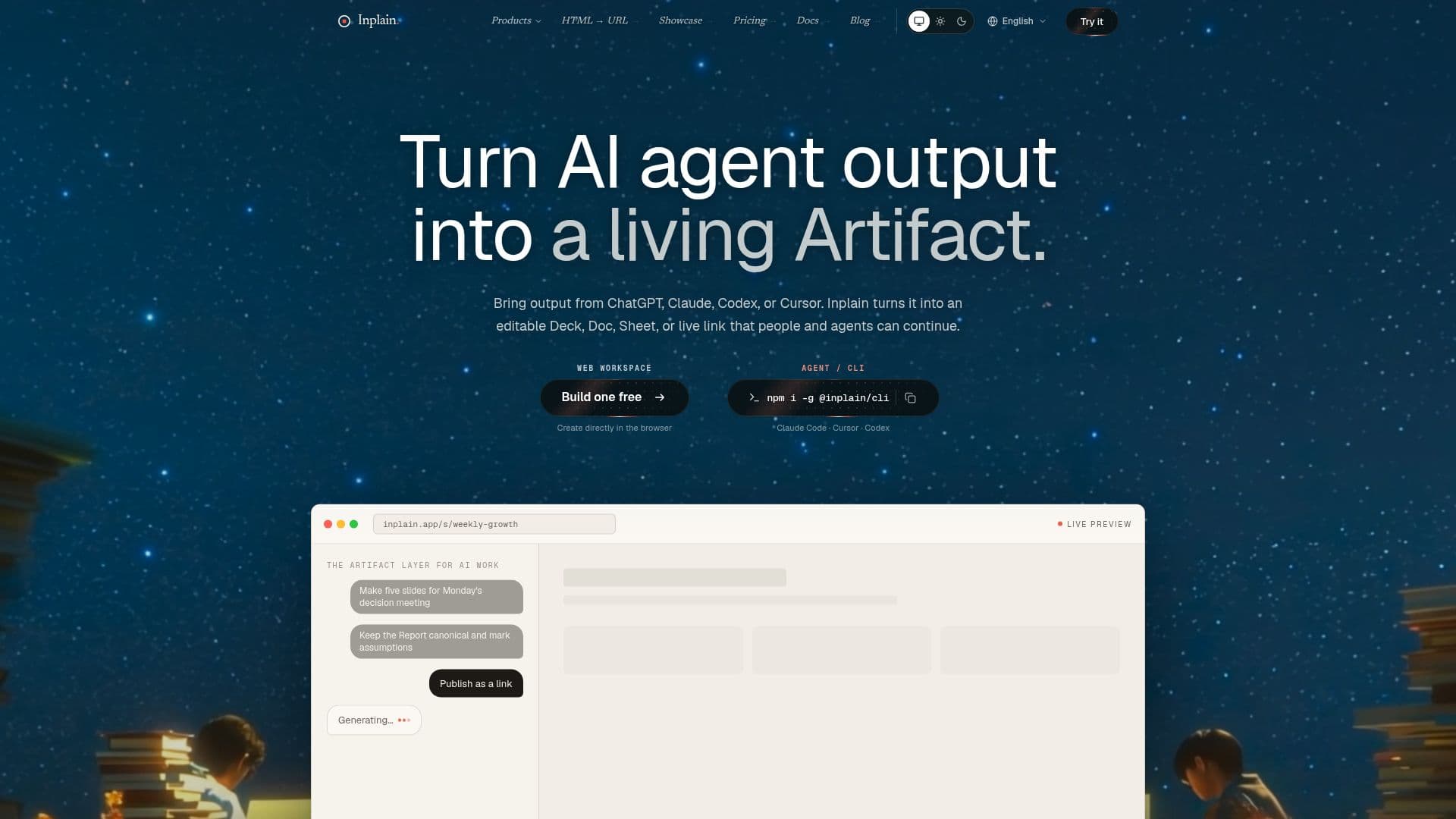
Inplain is a versatile platform designed to convert raw AI agent output into polished, editable, and shareable work artifacts. It seamlessly integrates with popular AI models like ChatGPT, Claude, Codex, and Cursor, taking their text-based responses and structuring them into professional formats such as presentations (Decks), long-form documents (Docs), and data-rich dashboards (Sheets).
Read More
The core functionality of Inplain revolves around transforming AI-generated content into durable, structured deliverables. Instead of a wall of text, users receive an artifact that is organized for readability, explicit about sources and assumptions, editable in place, versioned, and ready for client or team sharing. This process eliminates the manual effort typically required to format and refine AI output into a usable business asset.
Inplain supports multiple access methods, including a web interface, a Command Line Interface (CLI) for automation and continuous integration, and an MCP server for direct integration with AI agents like Claude Code, Cursor, and Codex. This flexibility allows users to incorporate Inplain into their existing workflows, whether they prefer a browser-based experience or programmatic control.
Key capabilities include the ability to publish local HTML files or AI output as shareable web links, which can then be edited as decks, documents, or dashboards. The platform offers export options to standard Office formats (.pptx, .docx, .xlsx) and PDF, ensuring compatibility with traditional tools. It also features real-time collaboration, markdown/Inplain DSL as a source format, stable share links with machine-readable source and provenance, and a 10-language user interface.
Inplain addresses the gap between AI's ability to generate answers and the need for those answers to become actionable work. It maintains a single source of truth, presenting content as a Report, Slides, or a Dashboard depending on the audience's needs. This means a report can be turned into a paced argument for a meeting without creating a separate, drifting copy, and dashboards can expose the numbers behind a report with KPIs and charts, all while maintaining context.
For pricing, Inplain offers a Free plan with 50 credits per month. The Pro plan is available for $20/month, providing 1,200 credits. The Max plan costs $100/month for 7,500 credits, and the Team plan is priced at $25/seat/month, including 1,500 credits per seat with a minimum of 3 seats. Credits are used for AI operations like link generation and editing, with top-up credits available that never expire. The platform also offers a Tauri-based desktop application for macOS and Windows, supporting offline editing and local archiving while sharing the same UI and data with the web version.
- CategoryProductivity
- Pricing ModelFreemium
- DeploymentCloud, Desktop
- PlatformsWeb, macOS, Windows
Inplain's Core Features
Transform AI output into editable decks, documents, spreadsheets, and dashboards
Generate shareable web links from AI output or local HTML files
Export to .pptx, .docx, .xlsx, .png, .pdf formats
Real-time collaboration with multiple editors, comments, and rollback
Markdown / Inplain DSL as source format for content
MCP server for Claude Code, Cursor, and Codex integration
CLI for automation and continuous integration workflows
Stable share links with machine-readable source and provenance
10-language user interface
Desktop app for macOS / Windows with offline editing
Version history with structured patches for every edit
Project-based organization for shared brand, assets, and chat history
Transparent pricing based on AI token consumption (credits)
Permanent share links and watermark removal on paid plans
Priority access to capable AI models on higher-tier plans
How to use Inplain?
Bring AI Output: Input content from ChatGPT, Claude, Codex, or Cursor into Inplain.
Select Artifact Type: Choose to transform the output into a Deck, Doc, Sheet, or live link.
Edit and Refine: Utilize Inplain's editor to structure, revise, and add evidence to the content.
Collaborate (Optional): Invite team members for real-time collaboration, comments, and version control.
Publish and Share: Generate a shareable web link for the artifact, or export it to Office/PDF formats.
Automate (Optional): Use the CLI or MCP server for automated generation and editing within agent workflows.
Inplain's Use Cases
- AI-Generated Presentations
- Long-Form Document Creation
- Interactive Dashboard Generation
- Automated Content Publishing
- Team Collaboration on AI Artifacts
- Client Deliverable Production
- Internal Reporting
- Agent Workflow Integration