
Description
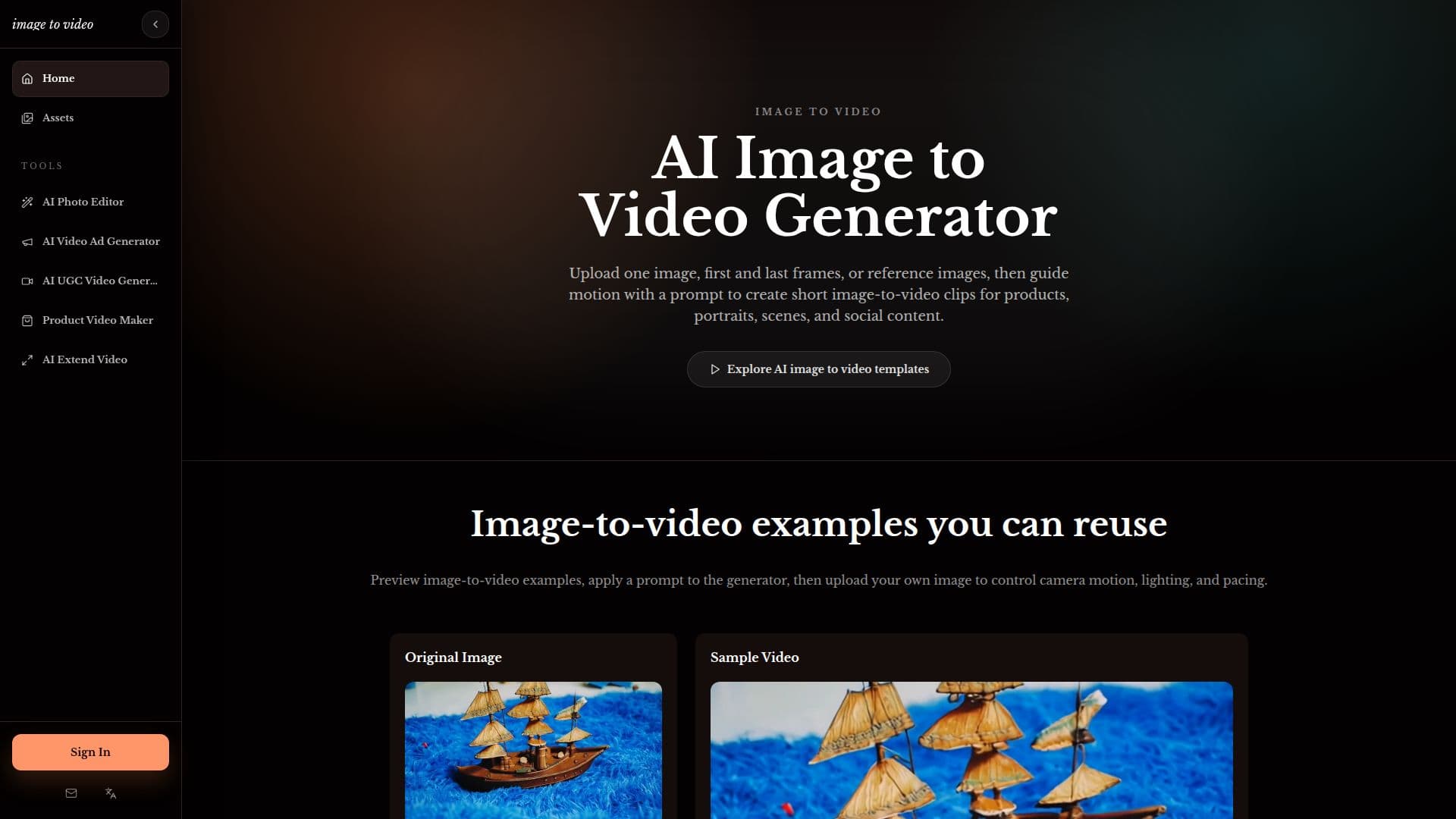
Image to Video 2.0 is an AI generator designed to convert static images into engaging video clips. The platform allows users to upload a single image, such as product photos, portraits, art, screenshots, scene stills, or lifestyle images, and then use text prompts to guide camera motion, lighting, and pacing. This process generates short image-to-video clips suitable for a variety of applications, including social media posts, advertisements, product pages, and creative testing.
Read More
The tool supports video generations of 4s, 6s, and 8s, enabling users to select the duration that best fits their content needs. Currently, Image to Video 2.0 exports clips at 720p resolution, with plans for higher-resolution upgrades in the future. A key feature is its ability to preserve the first frame of the source image, ensuring that the original composition remains intact while AI adds controlled motion, depth, and light changes around it. Users can also render clean, watermark-free HD exports for publishing, pitching, or editing.
Image to Video 2.0 offers specific workflows for different creative needs. The AI Video Ad Generator helps create product video ad concepts for platforms like TikTok, Reels, Meta ads, and Shorts, allowing for fast creative testing of hooks, offers, and CTAs. Similarly, the AI UGC Video Generator assists in producing creator-style UGC video concepts from product images, focusing on hooks, demos, proof points, and calls to action for paid social campaigns. For e-commerce and SaaS, the Product Video Maker turns product images and screenshots into AI product demo videos, ideal for landing pages, onboarding stories, and launch announcements.
Another capability is the Extend Video AI feature, which allows users to continue video ideas from a source frame by adding prompt-guided motion, product reveals, or ad endings. This is useful for extending short clips or creating social-ready continuation variants. The platform operates on a credit system, where different generation modes (Lite, Fast, Quality) consume varying amounts of credits. New users receive 30 free credits to try the service, with options to purchase additional credit packs or subscribe to yearly plans for higher-volume work. Commercial use of generated videos is permitted, provided users review model terms and source-image rights.
- CategoryAI Video Generators
- Pricing ModelFreemium
- DeploymentCloud
- PlatformsWeb
Image to Video 2.0's Core Features
Generate video clips from single images
Guide camera motion with text prompts
Support for 4s, 6s, and 8s video lengths
Export 720p resolution clips
Preserve the first frame of the source image
Watermark-free HD exports
AI Video Ad Generator for product ad concepts
AI UGC Video Generator for creator-style ads
Product Video Maker for AI product demo videos
Extend Video AI to continue clips from a source frame
Credit-based generation system
Free credits for new users
Commercial use of generated videos allowed
API access available for teams
Support for horizontal, vertical, and square formats
How to use Image to Video 2.0?
Upload Image: Select a product photo, portrait, art, or scene still as your source image.
Guide Motion: Use a text prompt to describe desired camera motion, mood, or scene behavior.
Choose Length & Mode: Select video length (4s, 6s, or 8s) and generation mode (Lite, Fast, Quality).
Generate Video: Create your image-to-video clip.
Review & Export: Preview the generated video and export it in 720p resolution.
Adapt for Platforms: Prepare horizontal, vertical, or square versions for various social feeds or ad platforms.
Image to Video 2.0's Use Cases
- Social Media Posts
- Digital Advertisements
- Product Pages
- Creative Testing
- UGC Video Concepts
- SaaS Product Demos
- Storytelling
- Video Continuations
- Campaign Landing Pages
- Product Launches