
Description
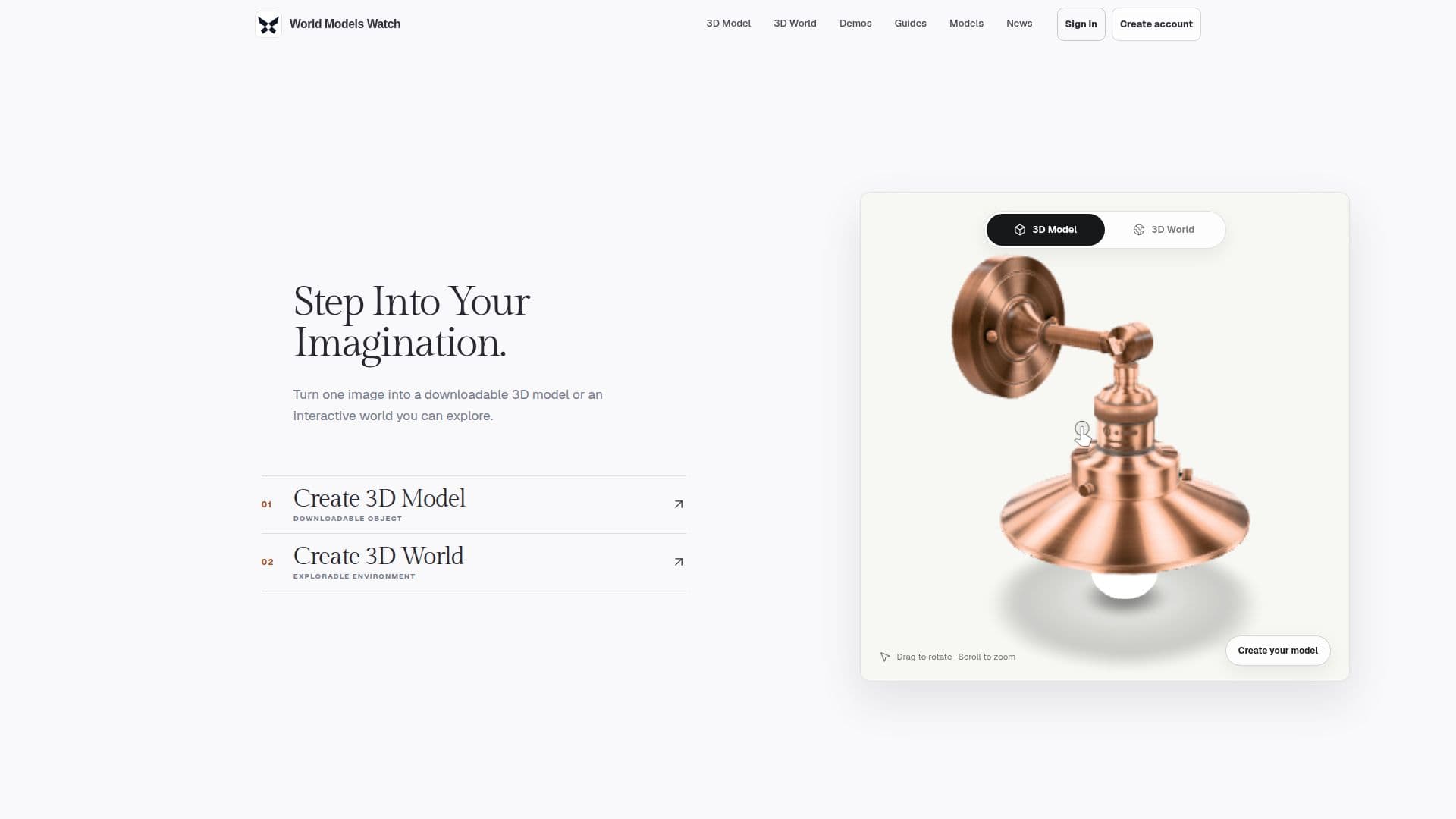
World Models Watch offers a unique tool that allows users to convert a single image into either a downloadable 3D model or an explorable 3D world. This tool is designed for a variety of applications, from game development to product visualization and film production. Users can choose to create a 3D model for a single object or a 3D world for a more immersive environment. The tool supports flexible input options, including images, text, or multiple consistent views, depending on the selected engine.
Read More
The platform provides multiple generation engines, allowing users to compare object and world engines without needing to learn different submission workflows for each provider. Once the generation task is completed, users can download the results in various formats, including GLB, SPZ, SOG, PLY, and DRC, depending on the engine used.
World Models Watch ensures privacy by keeping generation inputs private and scheduling them for deletion within 24 hours after completion. Successful result downloads expire after seven days. The platform operates on a credit system, with credits reserved at submission and automatically returned if the provider fails or the task times out.
The tool is particularly useful for creating game assets, visualizing products, and developing immersive experiences for XR, exhibitions, and virtual production. It also supports simulation and learning by enabling the creation of spatial scenes to communicate complex systems and environments. World Models Watch is committed to maintaining a high standard of privacy and security, ensuring that all user data is handled with care.
- Category3D Model Generators
- Pricing ModelFreemium
- DeploymentCloud
- PlatformsWeb
Image to 3D Generator's Core Features
Convert image to 3D model or world
Flexible input options
Multiple generation engines
Downloadable in various formats
Privacy-focused data handling
Credit-based system
Supports game asset creation
Useful for product visualization
Ideal for film and VFX
Supports architecture and interiors
Enables immersive experiences
Facilitates simulation and learning
High priority queue for paid tasks
No watermarks on outputs
Full privacy for user data
How to use Image to 3D Generator?
Choose outcome: Select 3D Model or 3D World
Add reference: Upload image or start from text
Pick engine: Choose model and settings
Generate and download: Start task and download results
Image to 3D Generator's Use Cases
- Game assets
- Product visualization
- Film and VFX
- Architecture
- Immersive experiences
- Simulation
- Learning
- Interactive storytelling
- 3D printing
- AR and VR