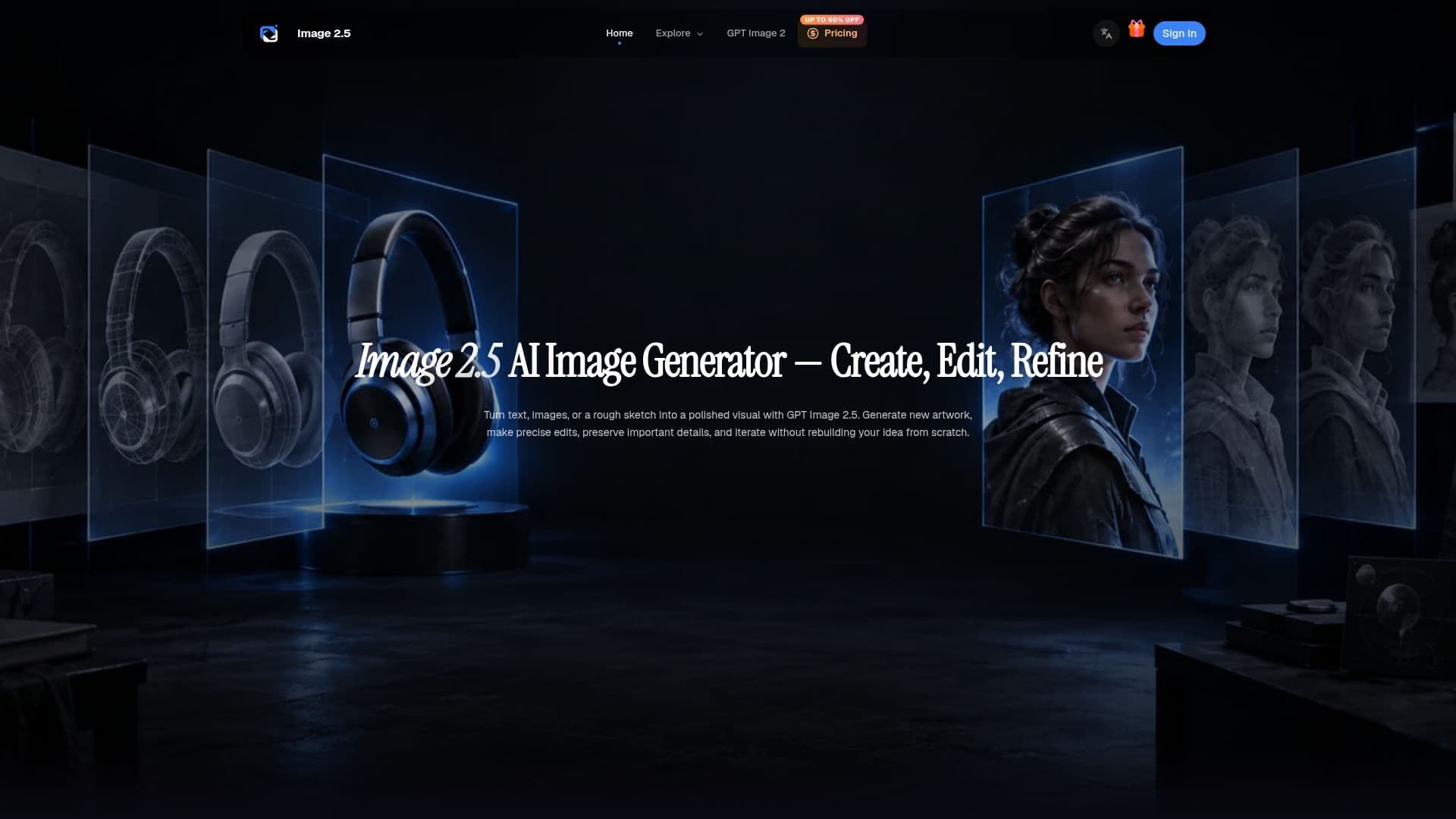
Description
Image 2.5 is a comprehensive AI image generation and editing tool that leverages OpenAI's GPT Image 2.5 technology. Released on September 8, 2026, it provides users with two distinct models: Sunburst and Flare. Sunburst focuses on high-quality image editing where precision is paramount, while Flare is optimized for speed, making it suitable for everyday image generation tasks.
The platform allows users to create new images from text prompts, edit existing images, and use multiple images as references. It supports a variety of sizes, including square, landscape, and portrait, with custom dimensions available up to 4K. Output formats include PNG, JPEG, and WebP, with options for transparent backgrounds in PNG and WebP formats.
Image 2.5 offers six quality settings ranging from low to max, including an auto mode for optimal balance between quality and performance. This flexibility makes it suitable for quick drafts as well as detailed final outputs. The tool is designed for creators, marketers, and teams working on product campaigns, structured layouts, characters, storyboards, and more.
Pricing is structured around monthly, yearly, or one-time credit plans, with options like Starter, Pro, and Premium tiers. Each plan offers a different number of credits per month, with the Premium plan providing the most credits and priority access for high-volume creative testing and asset production.
Image 2.5 is ideal for those looking to create coordinated product shots, launch concepts, ad variations, and social media visuals while maintaining a consistent visual identity. It also supports the creation of infographics, structured layouts, and storyboards, making it a versatile tool for various creative projects.
Image 2.5: Free AI Image Generator & Editor's Core Features
Sunburst model for precision editing
Flare model for fast generation
Custom dimensions up to 4K
Supports PNG, JPEG, WebP formats
Six quality settings from low to max
Multi-turn workflows for iterative refinement
Commercial use supported with paid plans
Priority queue in Pro and Premium plans
Reference image support for consistency
Transparent background options for PNG and WebP
Partial-image streaming for progress previews
Flexible credit plans for different needs
Detailed control over image size and quality
Visual hierarchy creation for infographics
Iterative design process for continuous improvement
How to use Image 2.5: Free AI Image Generator & Editor?
Configure: Choose model, size, and quality
Use: Generate or edit images with prompts
Inspect: Review and refine generated images
Optimize: Use reference images for consistency
Image 2.5: Free AI Image Generator & Editor's Use Cases
- Product Campaigns
- Infographics
- Storyboards
- Photo Edits
- Social Media
- Character Design
- Commercial Projects
- Creative Testing
- Visual Hierarchy
- Targeted Edits